Operation
When commanded to begin tracking the target, the system will move the antenna
to the target's position and maintain that position. The name of the target remains
on the display under the antenna name.
5.8.2.3 Modify Current Target Menu
From this menu, the user can modify the target currently being tracked. The items
under this menu vary according to the tracking mode of the current target.
• Tracking receiver parameters... is available in all tracking modes and is the only
item displayed when the system is in Standby.
• Manually bias target is available in all tracking modes, but not in Standby.
• Edit current target... is available for all tracking modes, allowing the user to edit
the Target name, Tracking mode, and target parameters.
• Reset OPT target is only available when a target's tracking mode is OPT.
• Set star time bias... is only available for targets configured for the Star tracking
mode.
5.8.2.3.1 Manually Bias Target Function
NOTE: The Manually bias target function is not available when the
system is in Standby mode.
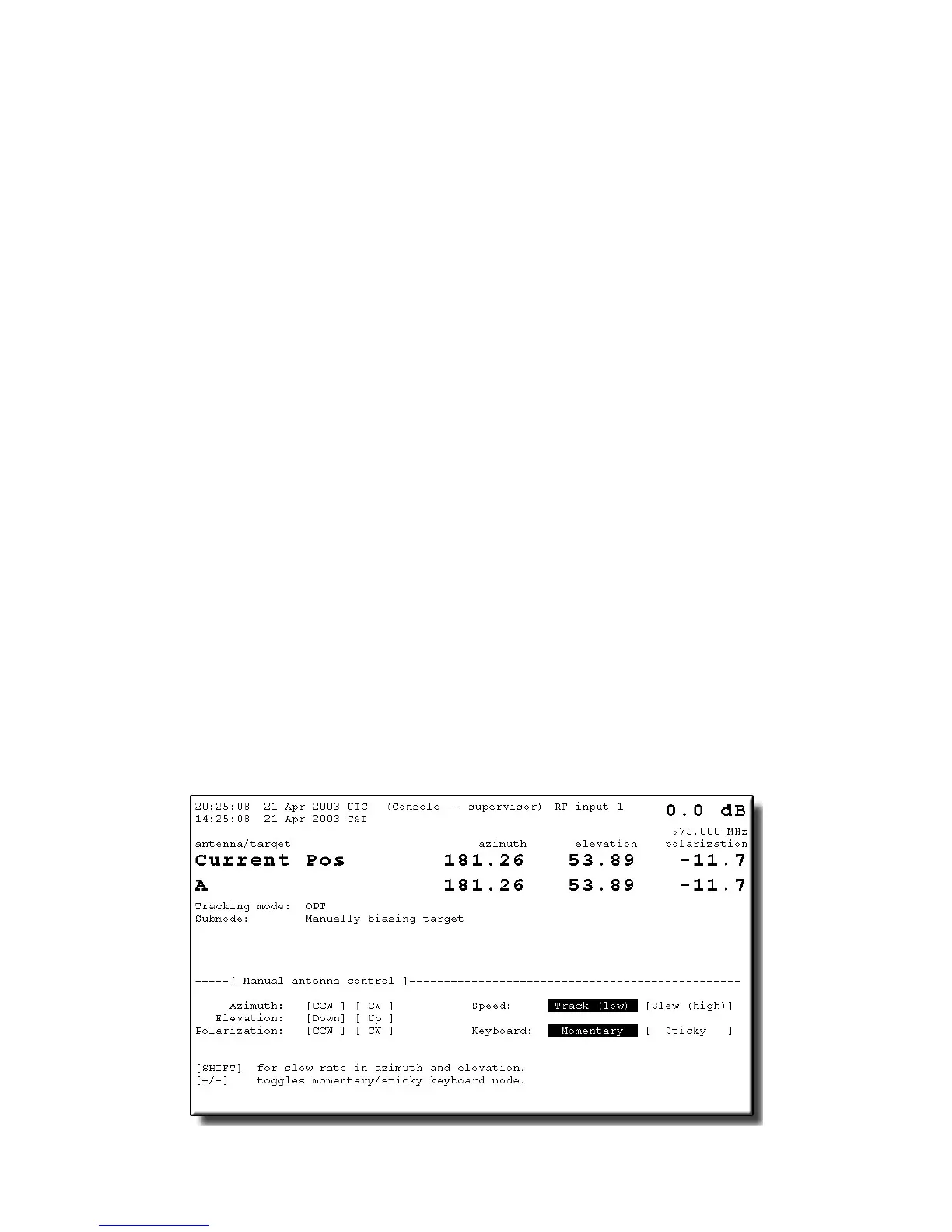
The Manually bias target function allows the user to create a bias for a target
preconfigured with any tracking mode (except OPT); the functionality varies
according to the selected tracking mode of the target. This function is used to
peak polarization on targets with OPT tracking modes -- i.e., OPT's polarization
predictions are "calibrated" by adjusting polarization as the target moves along its
orbit. Figure 5-9 is an example of how the front panel display looks when manual
biasing is being performed on a target preconfigured for the OPT mode.
Figure 5-9 Manually Bias Target Screen
5-11



 To Next Page