Operation
5.8.2.2 Track a Target Menu
The Track a target menu allows selection of a preconfigured target to track. When
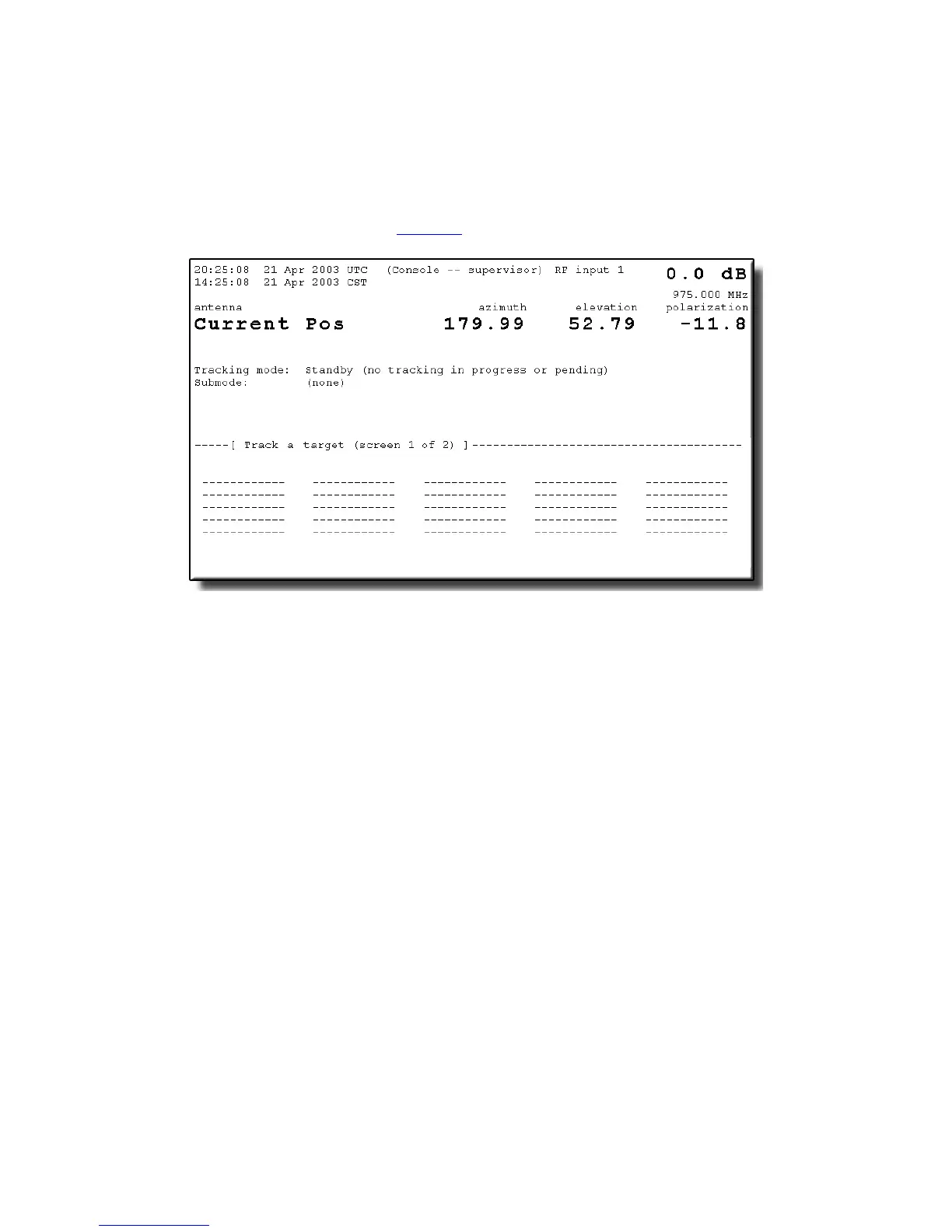
this menu is selected, if there are no previously configured targets, the screen will
appear as shown in Figure 5-8. For instructions on entering targets into the target
selection menu, refer to Section 5.8.2.6.
Figure 5-8 Track a Target Screen
Although individual tracking modes are directly accessible through the Immediate
tracking... menu, primary 7200 ACS operation is through the Track a target...
menu. This target-oriented environment consists of preconfigured targets that
include the desired tracking mode. Multiple, unique data bases are simultaneously
maintained for all targets. The user simply selects the name associated with the
desired target and the ACU automatically invokes the mode, or series of modes,
and the predictive tracking data base(s) established for that target.
To track a target in the target selection menu, use the following procedures:
1. From the Main menu, select Tracking functions..., and Track a target....
2. Using the arrow keys on the 7200 ACU keypad, move the cursor to the desired
target and press [ENTER].
3. A prompt will appear to confirm that tracking should begin at the preconfigured
position. To begin tracking the target, toggle the [YES/NO] key to [YES]. To
cancel the tracking function, answer [NO], and the ACU will return to the Track
a target... screen.
5-10



 To Next Page