32
_____________________________________________________________________________________________
3.3 "SETTING" State
______________________________________________________________________________________________
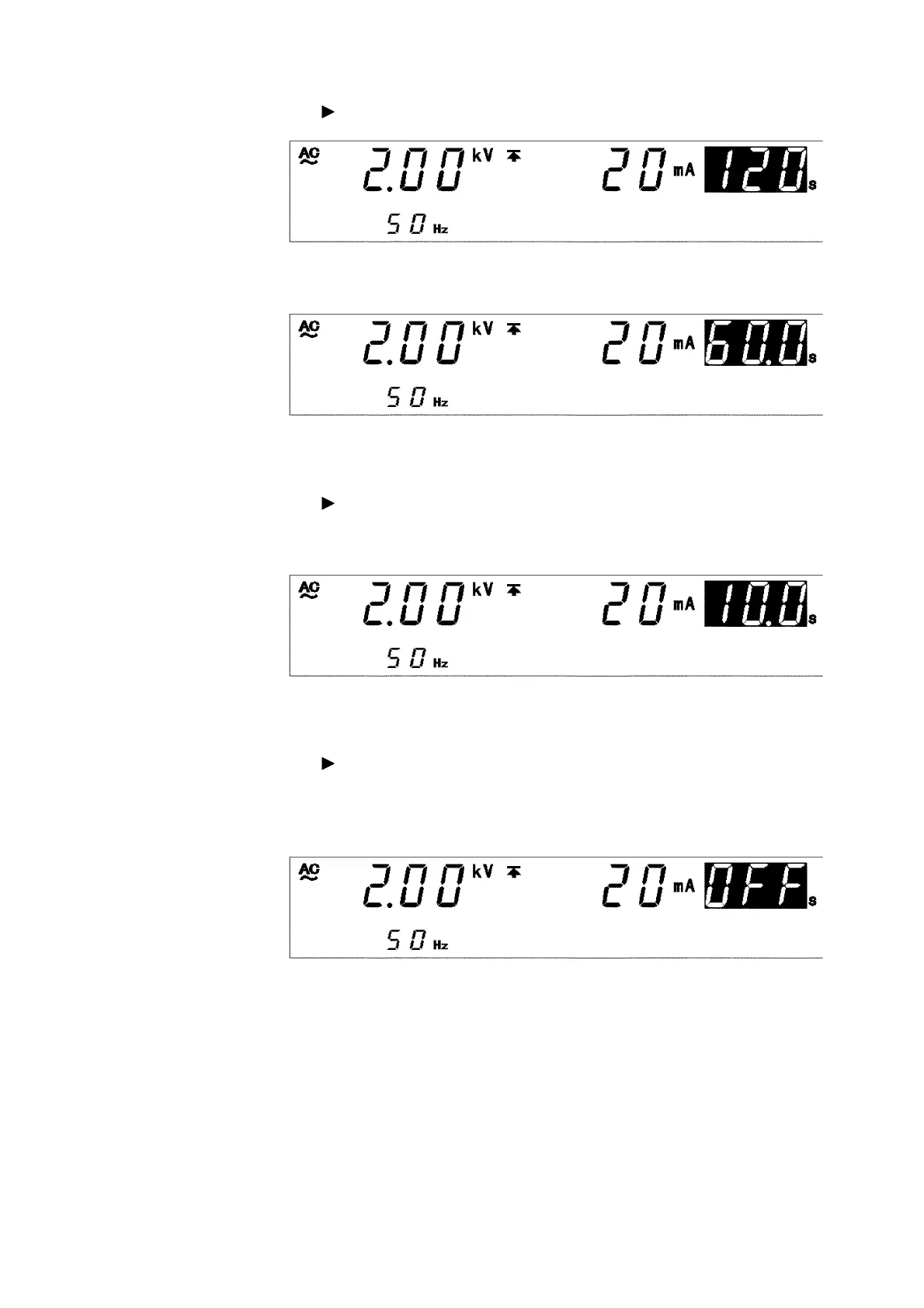
(5) Setting the test time
Using the key, move the flashing cursor to the test time.
In this example, change the test time from
120 s
to
60.0 s
.
(6) Setting the ramp-up time
Using the key, move the flashing cursor to the ramp-up time.
(
UP/DELAY
lamp is lit.
)
In this example, change the test time from
30 s
to
10 s
.
(7) Setting the ramp-down time
Using the key, move the flashing cursor to the ramp-down time.
(
DOWN
lamp is lit.
)
The ramp-down time is set at
20 s
. Turn it OFF, as it is not needed. To
change to
OFF
, press the
ON/OFF
key.



 To Next Page