WinMax Lathe Conversational Part Programming v546CO Conversational Part Programming 2-111
• X/Z’ BOTTOM—defines the bottom coordinate and the location where the
Plunge Feedrate ends. With Linear Coordinates, the Z’ axis will move in the
physical X direction.
• LINEAR Y MOTION checkbox—select this checkbox to cause Y-Axis Motion
using the X and X’ axes. When this checkbox is clear, Y-Axis Motion occurs
using the X and C axes. Please refer to Programming Coordinates and Linear
Y Motion, on page 2 - 68 for examples. This field is available with TMX MY and
TMX MYS series machines.
• C—defines the angle to position the C-Axis. This field appears when Linear Y
Motion checkbox is selected. This field is available with TMX MY and TMX MYS
series machines.
• SPACE BETWEEN CHARS—adds space between characters in addition to the
space used with the selected font.
• HEIGHT REF LOCATION—specifies BOTTOM, CENTER, or TOP for the
character.
• HEIGHT—defines the height of the text. When the Width field contains 0, the
font and Height field calculate width.
• WIDTH REF LOCATION—specifies START, CENTER, or END of the character.
The default is Start.
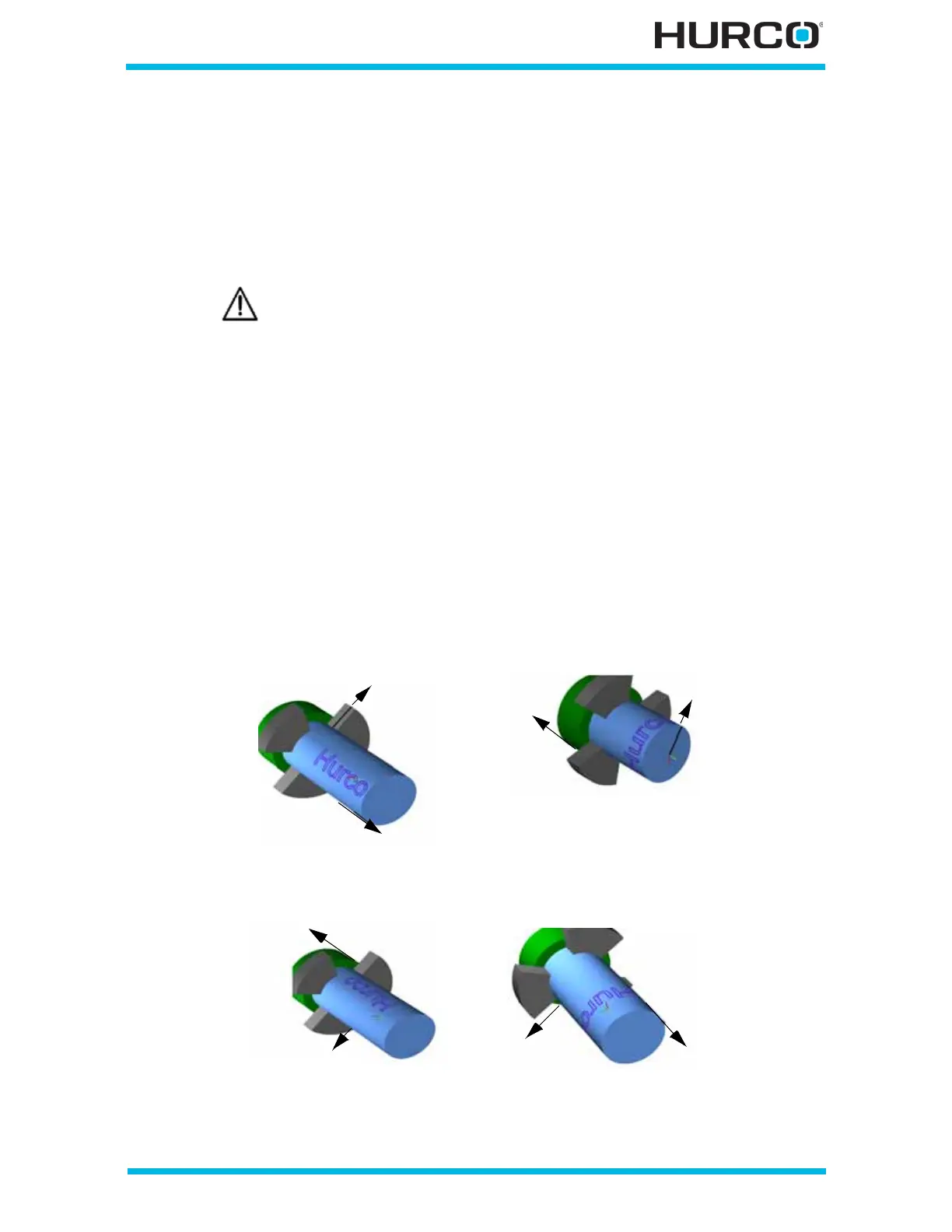
• ORIENTATION—defines the start angle of the direction for the lettering on
the stock.
• TEXT—contains the text for the lettering block.
Linear Y-Axis Motion is limited. The amount of Y travel is affected by
the X position and by any X-Axis tool length offset.
Orientation 0° Orientation 90°
Orientation 180° Orientation 270°



 To Next Page