2 - 144 Conversational Part Programming v546CO WinMax Lathe Conversational Part Programming
• R CENTER—contains the starting distance from the centerline. This read-only
field is carried forward from the previous segment and can only be edited in
that screen.
• C CENTER (DEG)—defines the angle of the blend arc segment center point,
measured counterclockwise from the home position. This read-only field is
carried forward from the previous segment and can only be edited in that
screen.
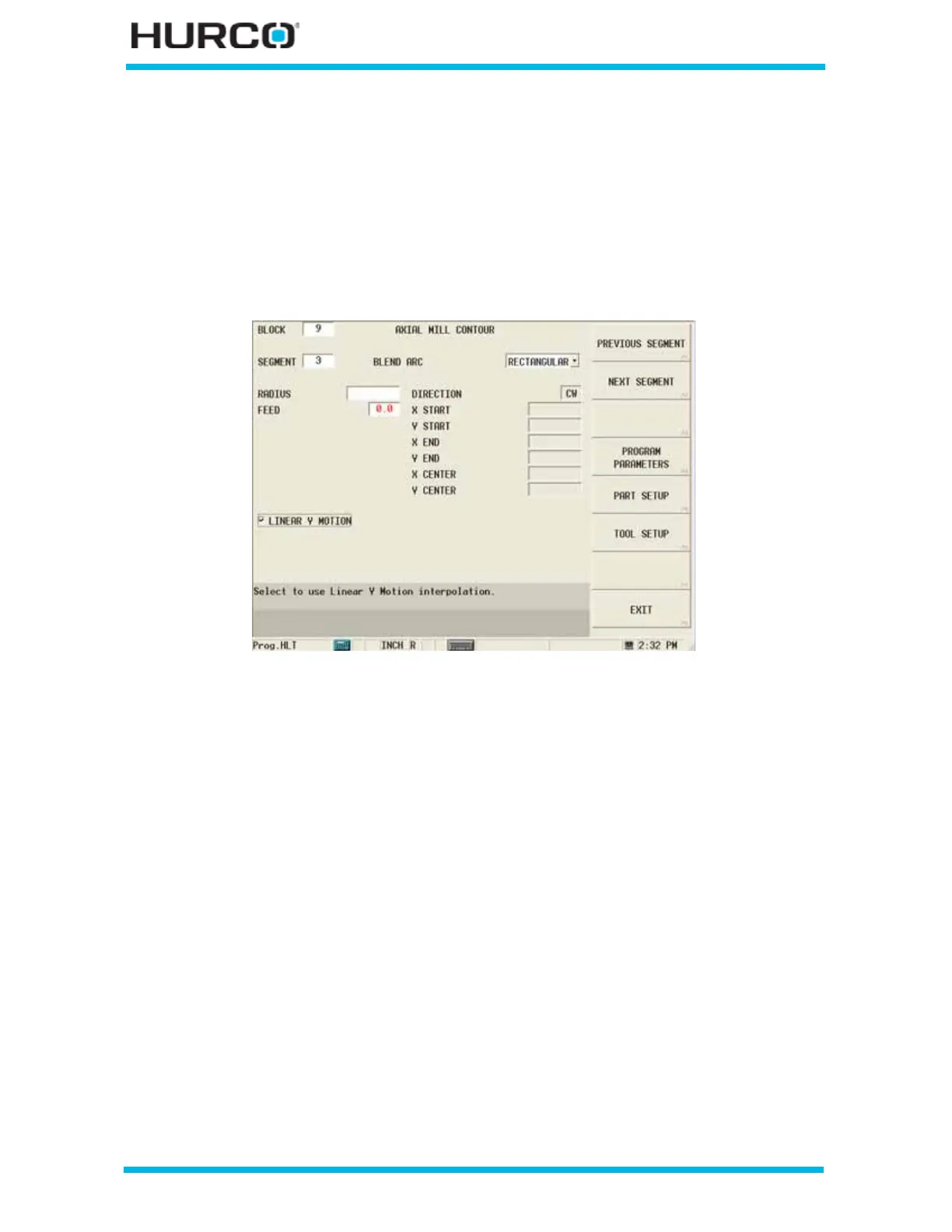
When Rectangular is selected in the COORDINATES field, these fields appear:
Figure 2–121. Live-Tooling Axial Mill Contour Blend Arc Segment screen: Rectangular
Coordinates
• RADIUS—defines the radius of the blend arc.
• FEED—contains the feed rate from the previous segment. This value can be
accepted or changed.
• DIRECTION—defines the direction, clockwise or counterclockwise, of the
blend arc from the start point. This read-only field is carried forward from a
previous arc segment and can only be edited in that screen.
• X START—contains the X start point for the segment. This read-only field is
carried forward from the previous segment and can only be edited in that
screen.
• Y START—contains the Y start point for the segment. The Y axis will be
wrapped on the cylinder diameter. This read-only field is carried forward from
the previous segment and can only be edited in that screen.
• X END—defines the X coordinate on an XY plane with origin at the center of
the face. This read-only field is carried forward from the previous segment
and can only be edited in that screen.
• Y END—defines the Y coordinate on an XY plane with origin at the center of
the face. This read-only field is carried forward from the previous segment
and can only be edited in that screen.



 To Next Page