2 - 18 Conversational Part Programming v546CO WinMax Lathe Conversational Part Programming
• STRATEGY—select either ALONG PROFILE or ALL FACES FIRST for the
turn finish strategy. This field appears under the Operation field when Turn
Finish is selected for the Operation.
• CUTTING SIDE—select cutter compensation side of the profile for the tool to
cut. This field appears when Turn Finish is selected for the Operation.
• NONE—the tool tip follows the programmed geometry.
• RIGHT—OD Profiles typically cut on the Right side.
• LEFT—ID Profiles typically cut on the Left side. OD tools cutting the face
toward the centerline typically cut on the Left side. Boring Bars also
typically cut on the Left side.
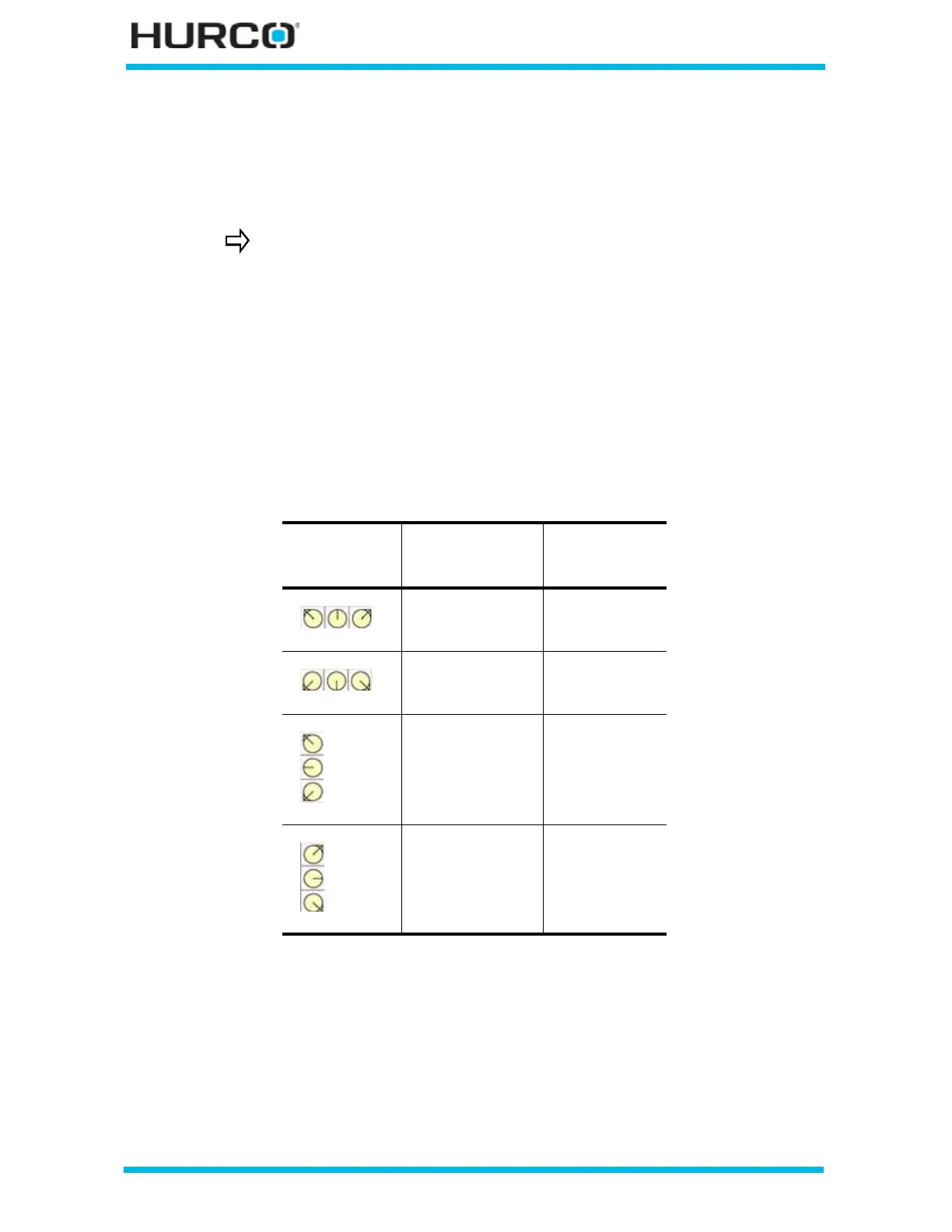
The control assigns a default Cutting Side for a Finish Profile following a
Roughing Profile based on the selected Direction. When the orientation and
roughing direction are identified as shown in the following table, the
corresponding cutting side value is automatically entered in the Cutting Side
field of the Finish Operation block:
Figure 2–9. Finish Tool Cutting Side default values based on Roughing Direction
To determine which side is the cutting side, look in the direction the
tool is heading and see which side of the line the cutter should be on.
Roughing
Tool
Orientation
Roughing
Direction
Finish Tool
Cutting Side
Z-
Z+
Left
Right
Z-
Z+
Right
Left
X-
X+
Left
Right
X-
X+
Right
Left



 To Next Page