Model 831 Manual View Spectrum Normalized 5-31
Highlight View Normalized and press 5 to make the
selection. This will display the spectrum in the normalized
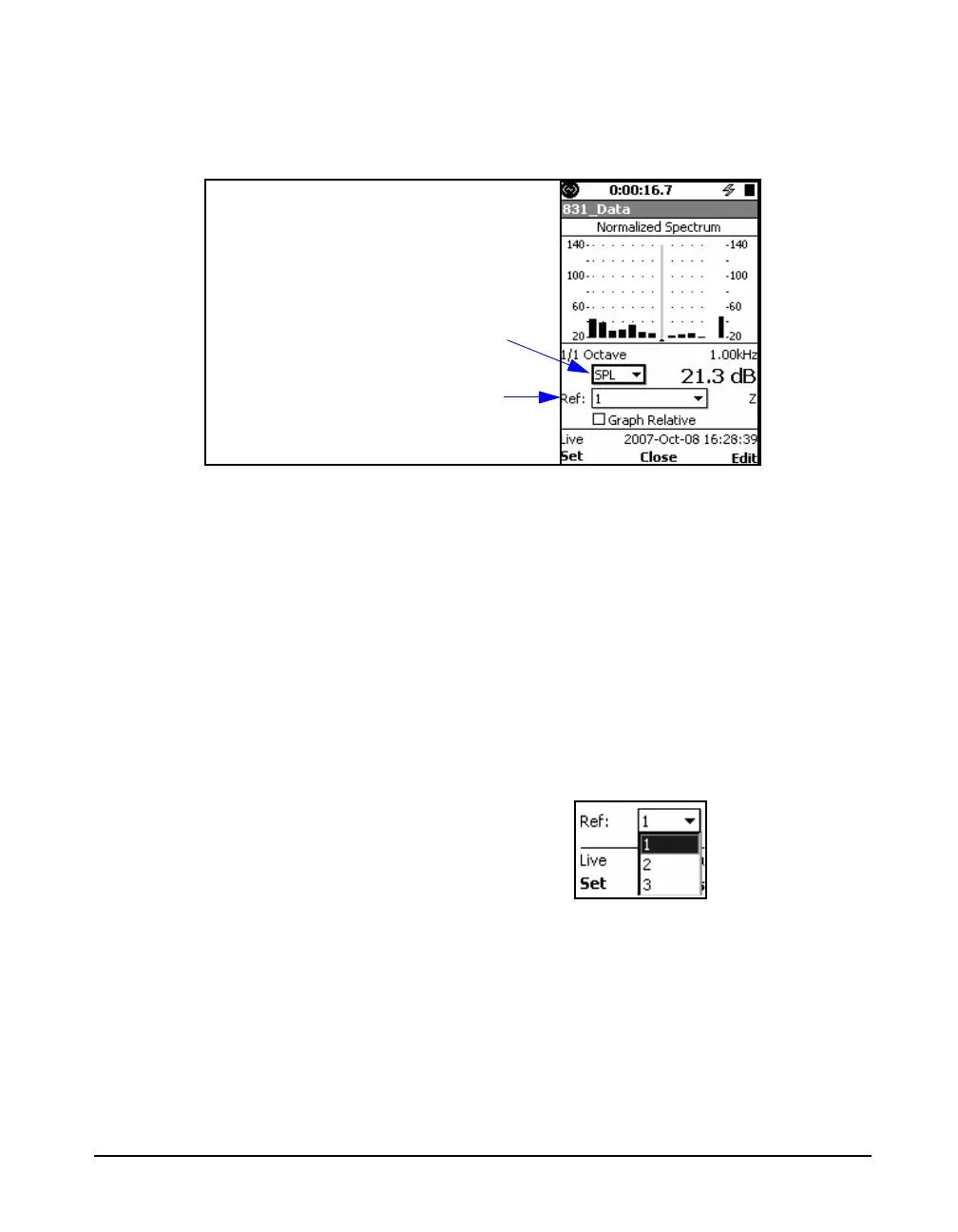
view, as shown in FIGURE 5-35.
FIGURE 5-35 Normalized Live Spectrum Display: No Reference Selected
Since a reference spectrum has not yet been defined, the
spectrum shown will be the same as the Live Spectrum. If it
does not, there has probably been a reference spectrum
defined previously.
Selecting the Spectrum Type
Since only the SPL spectrum is displayed in the Live
Spectrum view, it is not necessary to select a spectrum type
since only SPL will appear if that menu is opened.
Selecting the Reference Spectrum
Highlight the Ref: data field and press
5 to open the
Reference Menu, shown in FIGURE 5-36.
FIGURE 5-36 View Normalized Reference Menu
Selected Spectrum Type (only SPL
for Live Spectrum)
Selected Reference



 To Next Page