7-6 Performing the Measurement Model 831 Manual
• 7 key LED is Red
When performing a measurement, the state of the Model 831
is indicated by the illumination of these two keys indicated
in Table 7-7-1.
1
The state of waiting for valid data will occur when the instrument is first switched On, and also following a filter
reset (performed by pressing the 1 (Reset) key when the Model 831 has already been reset).
To conserve power usage, when no key has been pressed for
a period equal to ten times the Backlight Time, the state of
the Model 831 is indicated in Table 7-7-2.
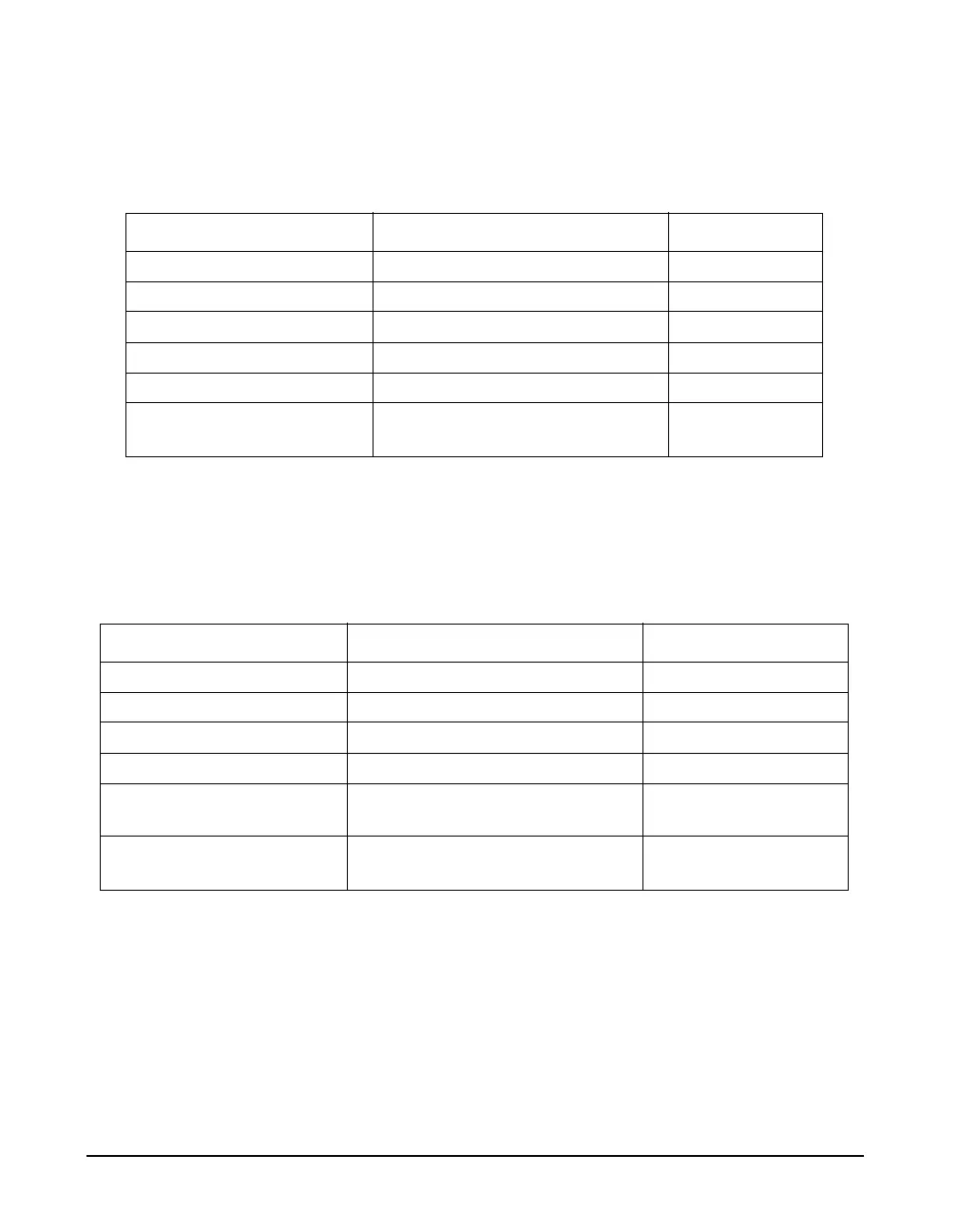
Measurement State Red Green
Stopped, Reset ON, flashing twice every 3.2 sec Off
Stopped, with unstored data ON Off
Stopped, data stored ON, flashing twice every 3.2 sec Off
Paused ON, flashing Off
Running Off ON
Waiting for valid data to begin
running
1
ON ON, flashing
Table 7-1 Measurement State as Indicated by Green/Red LEDs
Measurement State Red Green
Stopped, Reset ON, flashing once every 3.2 sec Off
Stopped, with unstored data ON, flashing twice every 3.2 sec Off
Stopped, data stored ON, flashing once every 3.2 sec Off
Paused ON, flashing Off
Running Off ON, flashing twice every
3.2 sec
Waiting for valid data to begin
running
ON ON, flashing rapidly
Table 7-2 Measurement State (after period without key presses)



 To Next Page