Model 831 Manual Performing the Measurement 7-9
While the overload is present, the icon will flash on and off.
If an overload occurs while running the overload icon will
latch on and will not be removed from the display. A reset
will clear the icon.
Under Range Indication
When the signal from the preamplifier drops to the point
where the noise level of the instrument and the preamplifier
influence the measurement, an under range condition exists.
When this happens the Under Range Icon will appear.
As long as the under range condition exists, the icon will
flash. When the measured level no longer produces an under
range condition, the icon will be removed from the display.
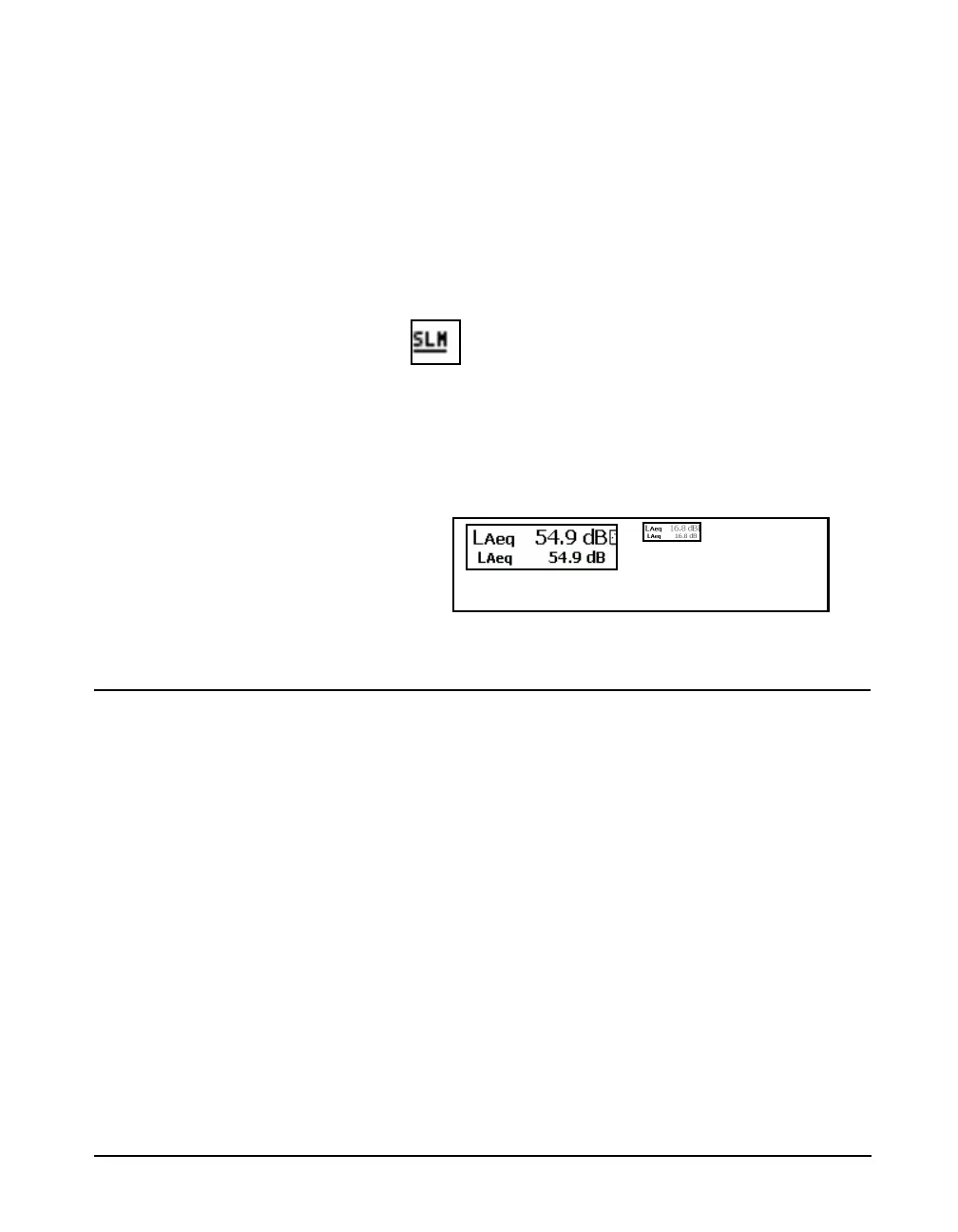
At any time when a measured parameter is in an under range
condition, it’s numeric display will appear in grey rather
than the usual black, as shown FIGURE 7-7.
FIGURE 7-7 Normal vs Under Range Data Display
Pausing the Measurement
At any time the measurement of overall data can be
temporarily suspended by pressing the
9 key. Note that
the run clock will not pause. However, instantaneous data
will continue to be displayed in the Live View.
When paused, the
7 key will produce a flashing red light.
Note that a measurement may be
paused and then run again multiple
times.
Pressing
9 key one more time will cause the measurement
to begin again. The
9 key will produce a steady green
light, and overall data will continue to be accumulated. The
overall data will not be affected by any acoustic events
occurring during the time period that the Model 831 was
paused.



 To Next Page