7-12 Performing the Measurement Model 831 Manual
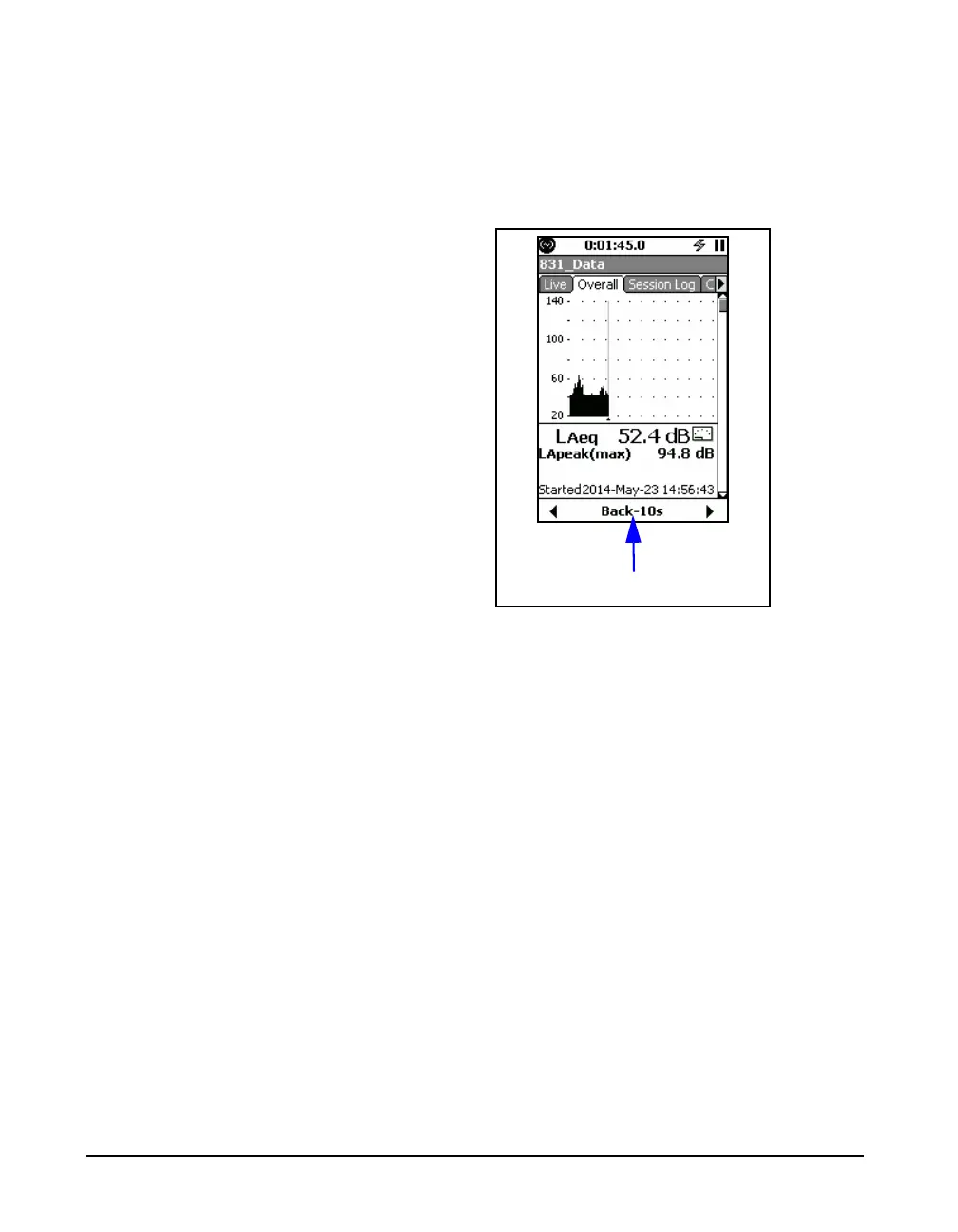
> Ten Seconds Since Last Stop or Pause
After pressing the center softkey to implement a five second
back erase, if the measurement duration since the last Stop
or Pause has been more then ten seconds, the center softkey
will then be labeled Back-10s, as shown in FIGURE 7-9.
FIGURE 7-10 Ten Second Back Erase Label
The Back-5s label does not appear
until the measurement duration is of
least 5 seconds or more since the last
Stop or Pause.
Now the user can take one of the following actions:
•Press the
9 key to accept the five second back erase
and continue the measurement.
• Press the center softkey to extend the back erase to ten
seconds. The center softkey will then be labeled Undo as
shown in FIGURE 7-9.
The user can then take one of the following actions:
•Press the
9 key to accept the ten second back erase
and continue the measurement.
• Press the center softkey to implement the undo action
and the press the
9 key to continue the measurement
without removing the previous ten second time segment.
Ten Second Back Erase Label



 To Next Page