8-8 Acoustic Calibration Model 831 Manual
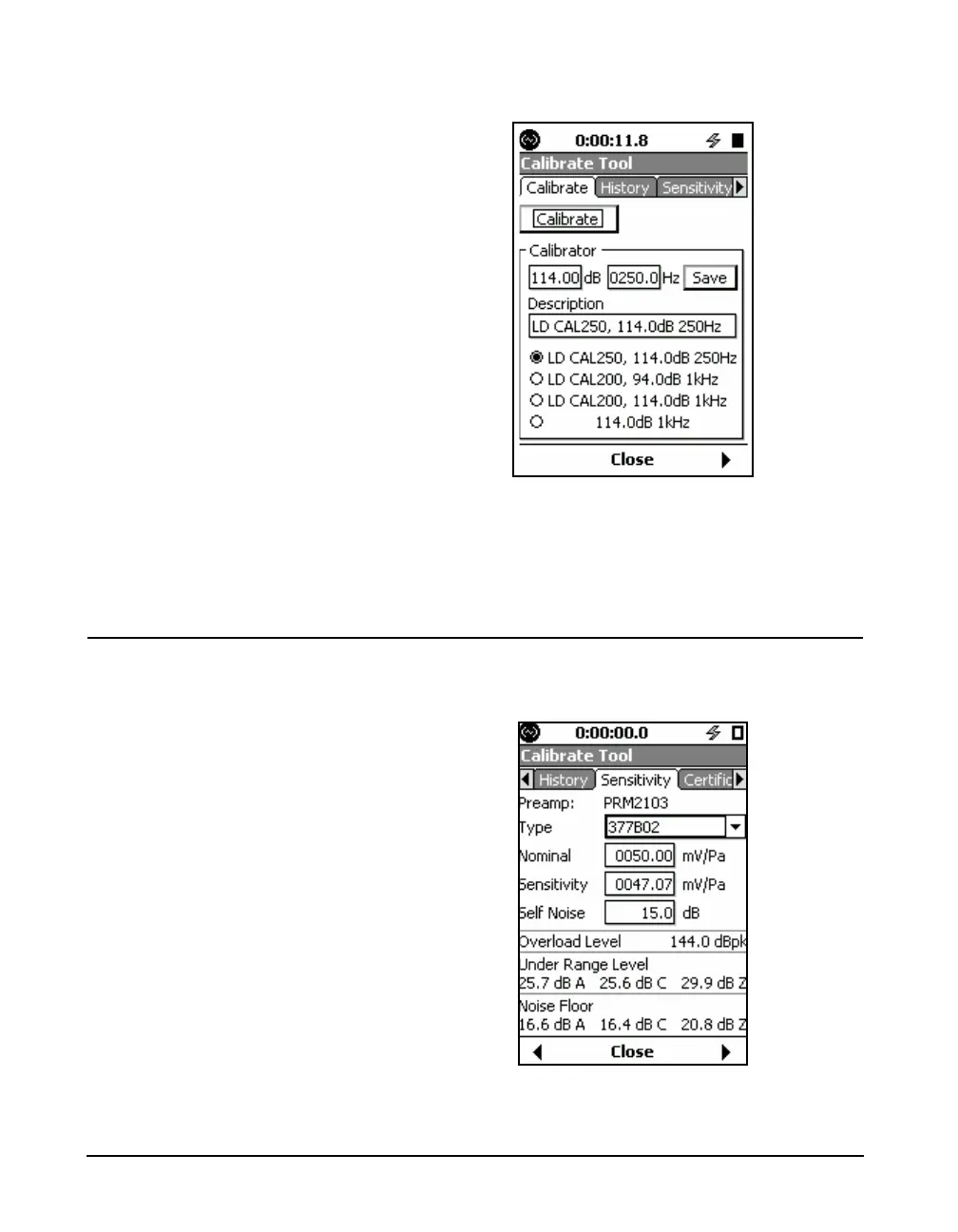
FIGURE 8-3 New Calibrator
If the desired calibrator is already in the list, select the
calibrator and press
5. The calibration information will
appear above.
Microphone Selection
Select the microphone to be used from the Sensitivity tab, as
shown in FIGURE 8-2.
FIGURE 8-4 Sensitivity Tab



 To Next Page