Model 831 Manual Acoustic Calibration 8-9
Larson Davis Microphone
The left side of the Type field is a text
box, where manual text entries can
be entered when it is selected (as
shown in Figure 8-4).
In the Type field, highlight the down arrow and press
5. If
using one of the Larson Davis microphones most frequently
used with the Model 831, highlight the microphone listed
and press
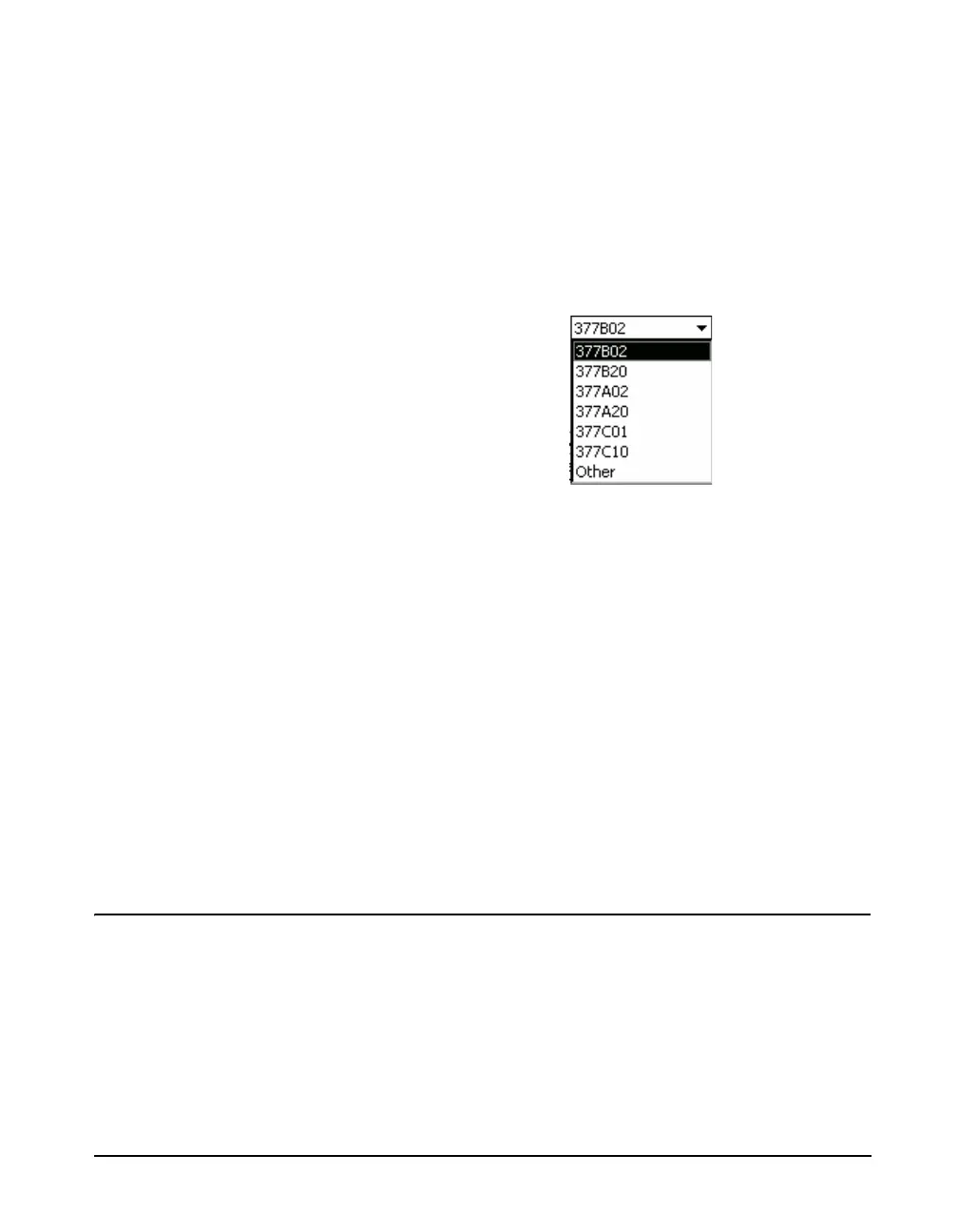
5, as shown in FIGURE 8-5
FIGURE 8-5 Microphone Selection List
The nominal value of sensitivity for that type of microphone
will now appear in the Published data field. The Self Noise
for that microphone and preamplifier combination will also
appear in the Self Noise data field.
Other Microphone
In order for the Noise Floor and
Under Range Levels to be
determined when the microphone is
not selected from the drop down list
as described in ‘Direct Data Input”
on page 8-14, the user must
manually enter a value into the Self
Noise data field.
If using a microphone from another manufacturer, or if the
Larson Davis microphone type being used does not appear
in this list, highlight the left portion of the Type field and
press
5 to bring up the cursor. Enter descriptive text to
define the microphone and press
5 to accept the input.
Performing the Calibration
Refer to the calibrators operating
instruction for more information.
Carefully insert the microphone into the microphone
opening in the top of the calibrator. Turn on the calibrator.



 To Next Page