8-10 Acoustic Calibration Model 831 Manual
Highlight the Calibrate button on the Model 831 and press
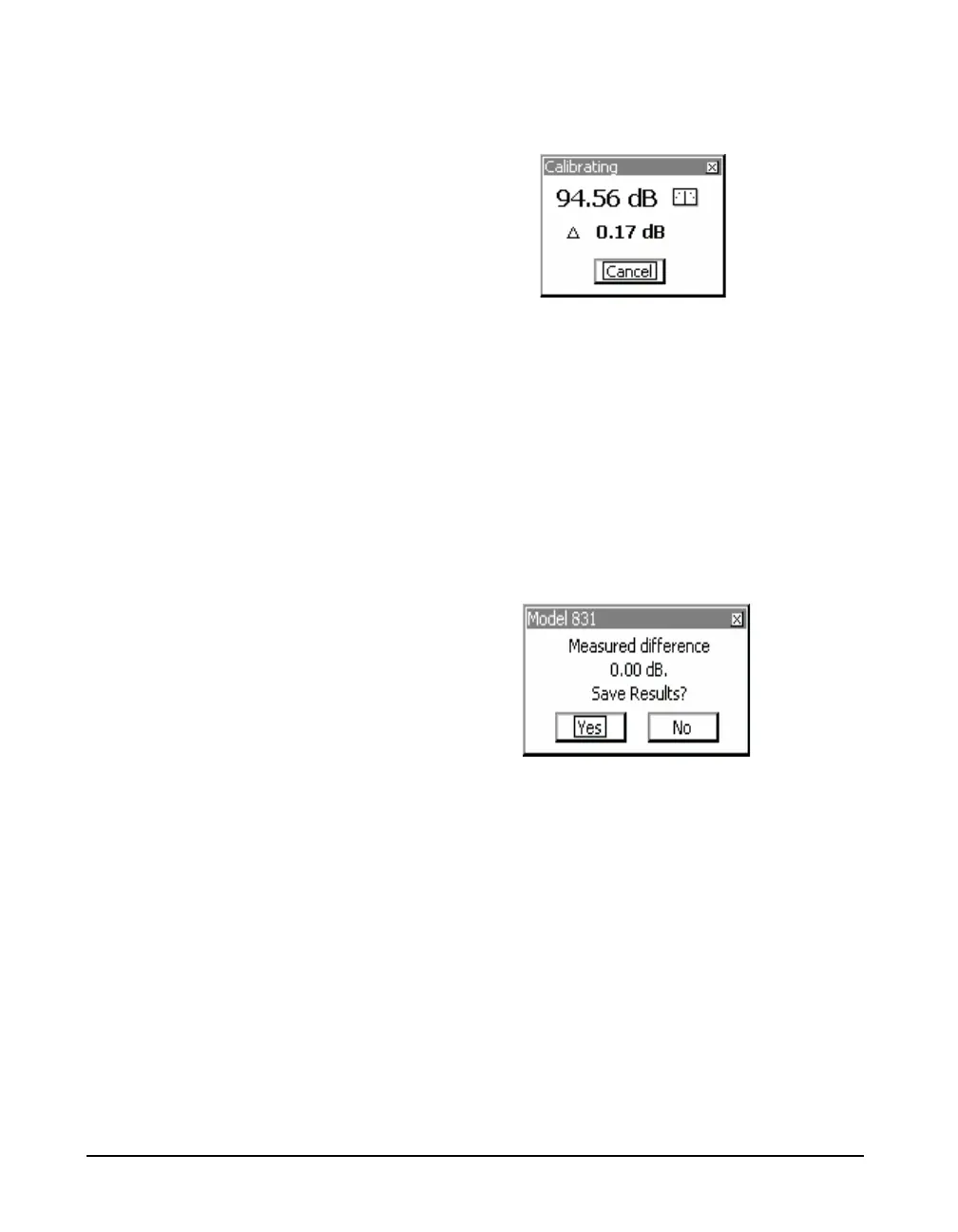
5, opening the calibrating display shown in FIGURE 8-6.
FIGURE 8-6 Calibrating
The present sound level (94.56 dB), the difference between
the calibration level and the present sound level (
and an
indication of stability are displayed in this message box.
When the pointer in the stability indicator is vertical, the
sound level is stable.
The Cancel button is highlighted. Pressing
5 will abort the
calibration.
FIGURE 8-7 Save Calibration
Calibrations must be saved if you
plan to export post-calibration data
or store them in history records.
Alternatively, you can simply verify
the calibration by selecting No.
When the calibration is completed, a message box appears.
Selecting Ye s will save the results of the calibration and No
will cancel the results of the calibration. Highlight the
desired button and press
5.
Warning Messages
After selecting Yes to save the results of the calibration,
there are two warning messages which may appear.



 To Next Page