Model 831 Manual E.A. Check 8-19
Check and press 5 to initiate a calibration. which will
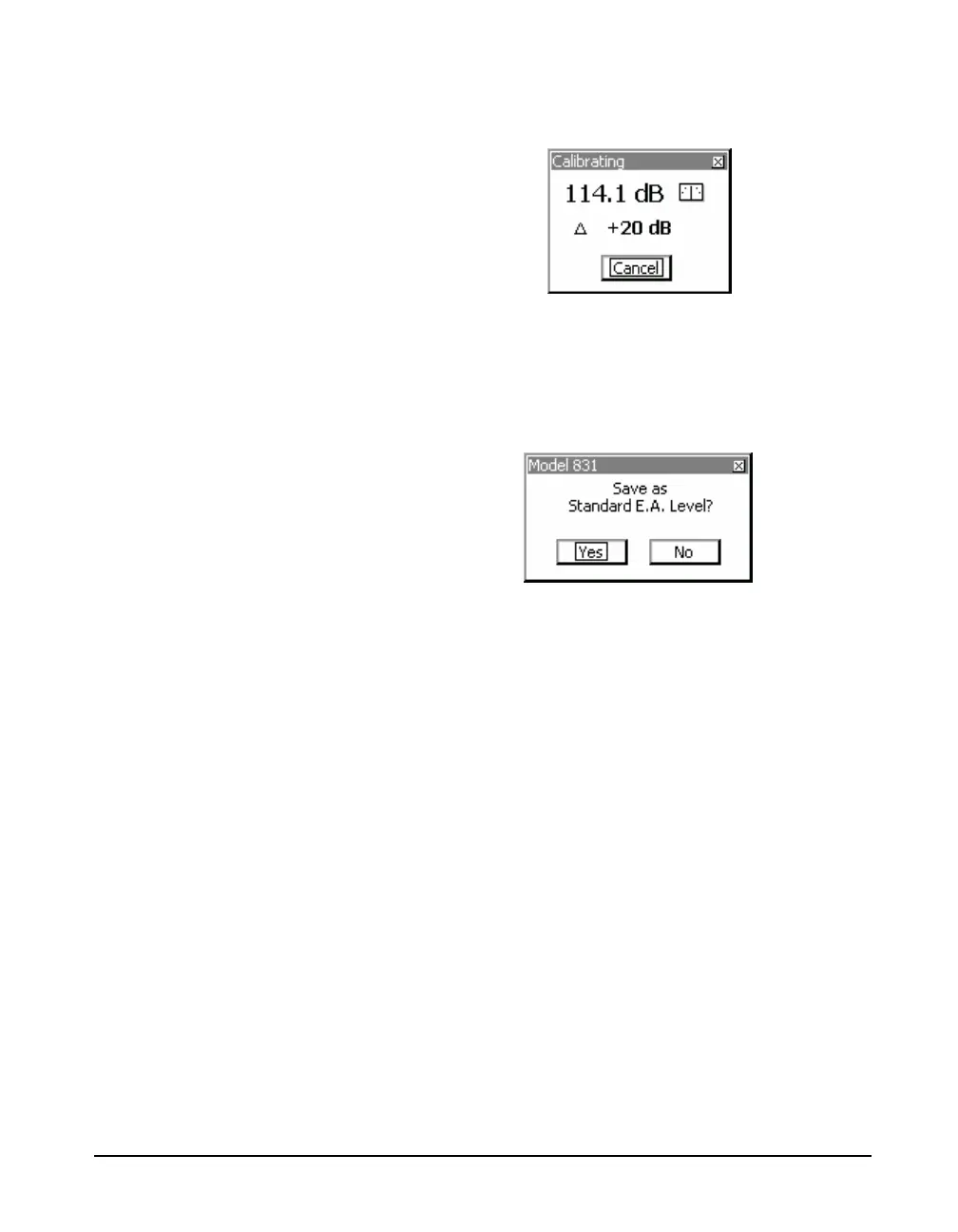
produce the display shown in FIGURE 8-19.
FIGURE 8-19 Calibrating In Progress Display
This display will indicate the difference between the present
level and the previously measured level. When the
measurement is complete, the display will be as shown in
FIGURE 8-20
FIGURE 8-20 Save as Standard E.A. Display
For an initial calibration after replacing the rain hat,
highlight Ye s and pres
5, which will establish the level
produced by this measurement as the Standard E.A. Level.
This level will then appear in the E.A. Level box in the
lower portion of the screen.
Calibration
Once the Standard E.A. Level has been established, as long
as no changes have been made to the rain hat, follow the
same procedure as for initial calibration. As long as the
difference between the measured level and the Standard E.A.
Level is acceptably small, this indicates the system is
performing well. However, following a satisfactory
calibration check, it is up to the individual user whether to
select Ye s or No to the Save as Standard E.A. Level inquiry.
By selecting Yes , the Standard E.A. Level will change to
follow the most recent calibration whereas selecting No will
maintain the original Standard E.A. Level as the standard for
comparison. All manual E.A.Checks that do not time-out
will be stored in the calibration history, meaning that even if



 To Next Page