Model 831 Manual Time History Setup 11-5
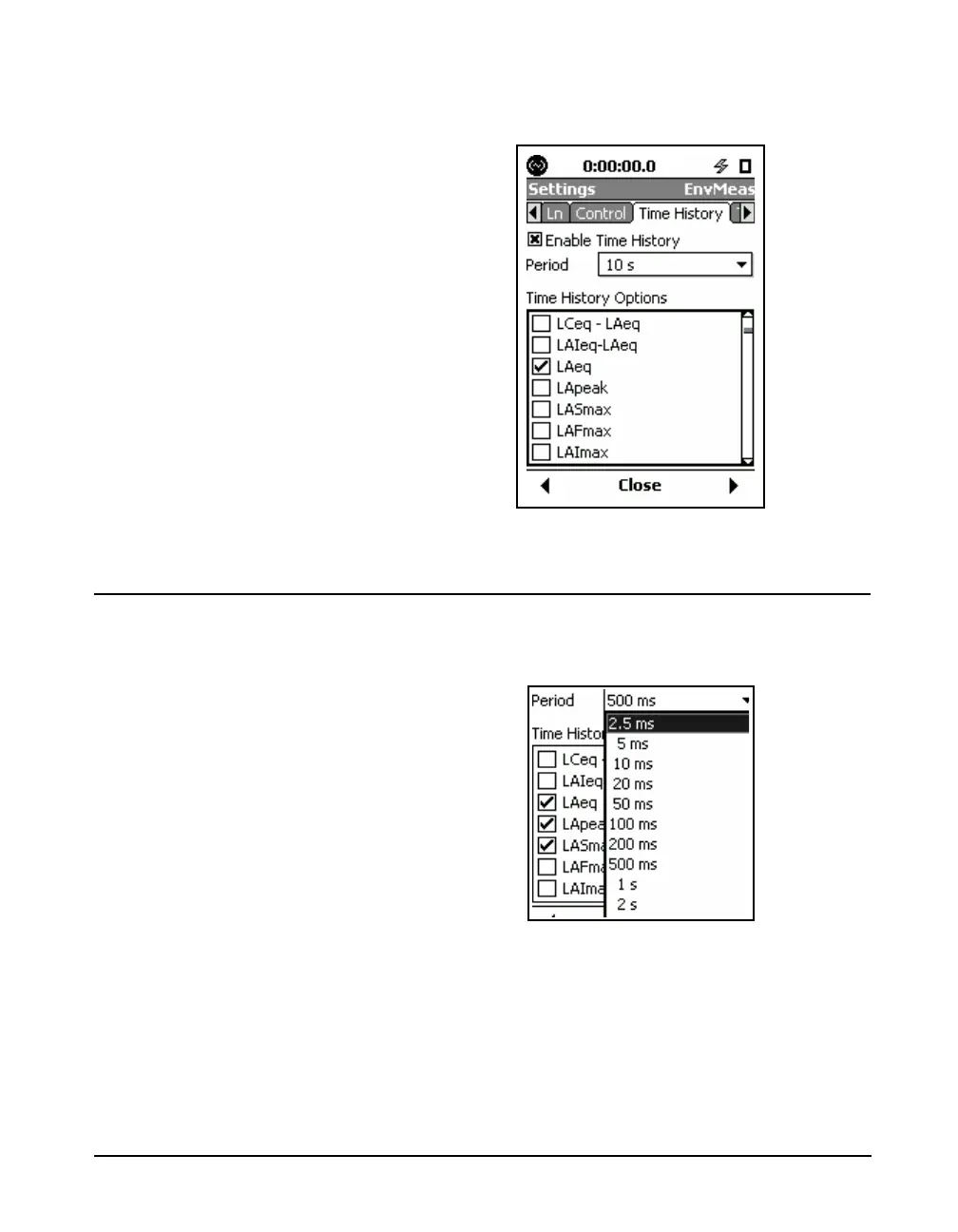
menu, as shown in FIGURE 11-2. Note that the default
values for these parameters are as shown in FIGURE 11-2.
FIGURE 11-2 Time History Setup Menu: Enabled
Set Time History Period
To set the Time History Period, use the 2 key to highlight
the Period data field and press
5 to list all the available
values of time, as shown (partially) in Figure 11-3.
FIGURE 11-3 Time History Period Menu
The following values are available for selection as time
increment for the Time History:



 To Next Page