Model 831 Manual Powering the Model 831 2-7
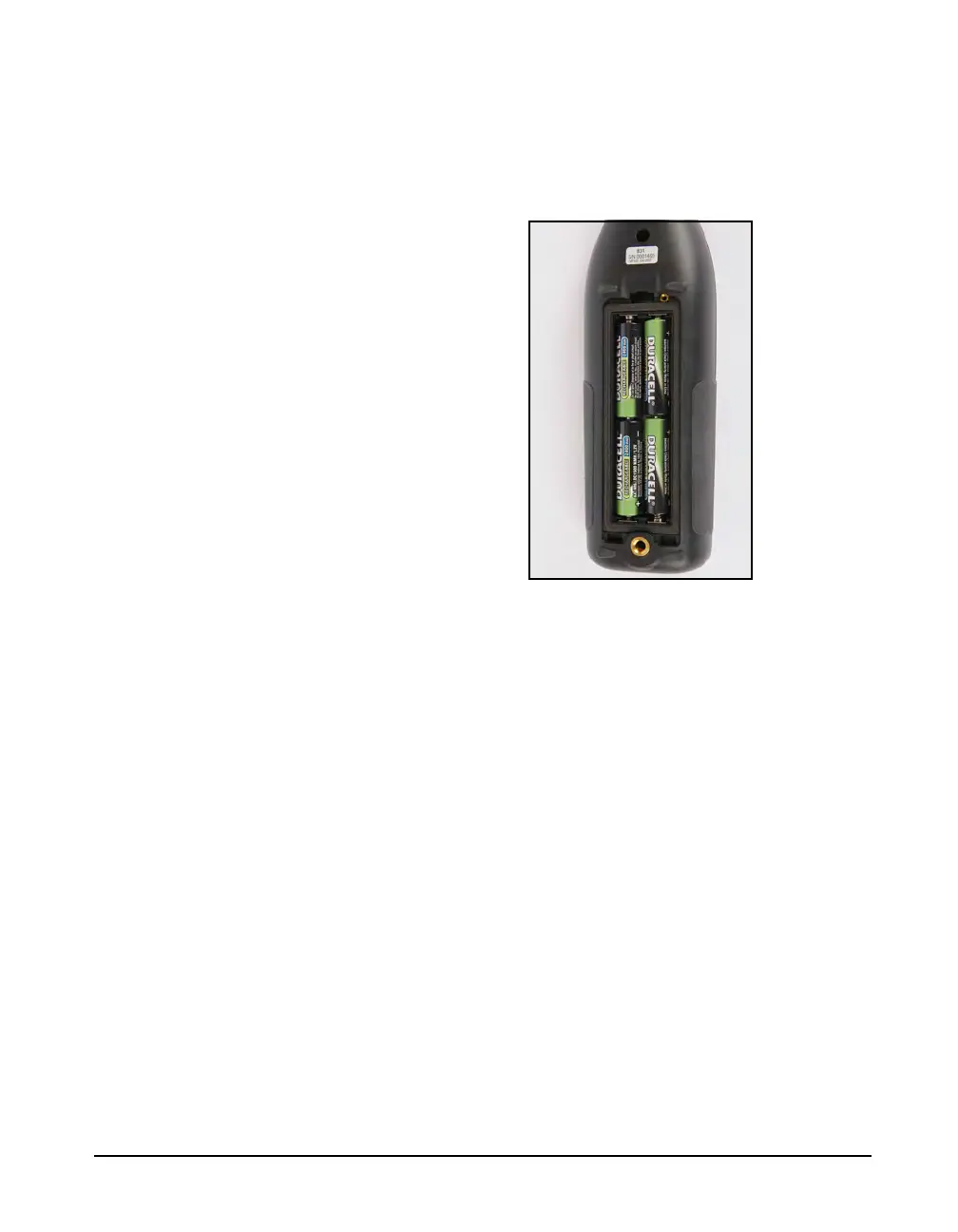
Insert 4 fresh AA batteries as shown in FIGURE 2-8. Ensure
correct alignment of the batteries + and - terminals as
indicated by diagrams on the bottom of the battery
compartment.
FIGURE 2-8 Insert Batteries
After the batteries are installed, insert the two tabs on the
bottom edge of the battery door into the mating slots in the
case. Close the battery door, allowing the clip to snap in
place on the case.
Selecting Battery Type
The battery type is selected from the Power tab in System
Properties, as described in the section “Battery Type” on
page 18-5.
Charging Batteries On-board
When using NiMH batteries and powering the Model 831
from either the computer (via USB port) or from the
PSA029 power supply, or from another external source, the
batteries will be charged inside the instrument. The charge
time to completely recharge the cells is about sixteen hours
when the instrument is powered off. The batteries will be
charged while the instrument is powered on at a reduced rate
as long as the backlight and USB Host features are off.



 To Next Page