Model 831 Manual Sound Recording Playback 16-23
The Model 831 must be stopped in
order to perform a playback in this
manner. If the instrument is running
when the playback is attempted, a
screen will be displayed to permit
the user to stop the instrument.
Select Yes and the playback will
begin immediately.
Highlight Playback and press
5 to playback this sound
recording.
Measurement Recordings
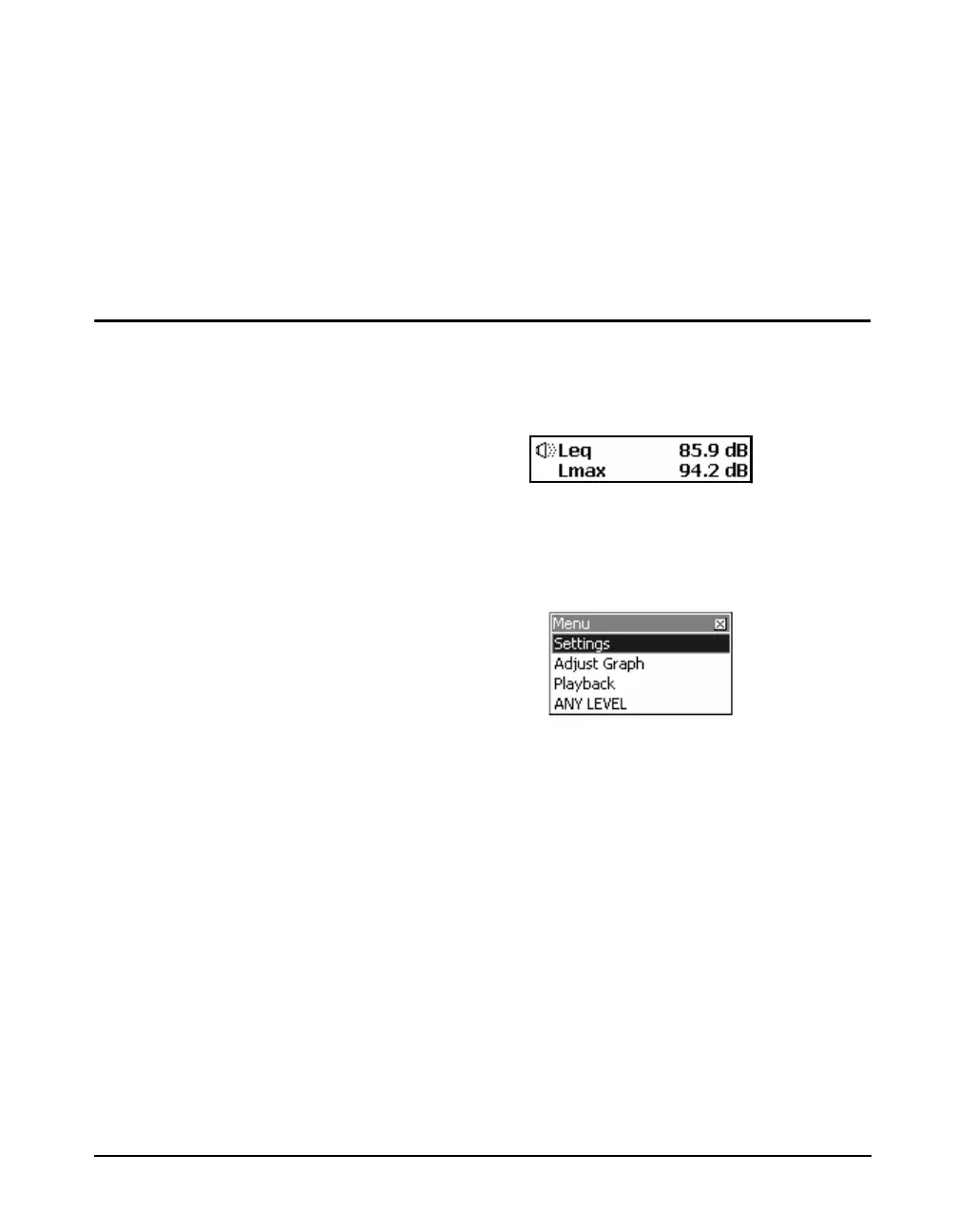
When Measurement Sound Recording had been enabled
during the measurement period, a sound recording icon will
appear along with the Leq data for each measurement
history event record, as shown in FIGURE 16-33.
FIGURE 16-33 Sound Recording Playback;
Measurement Recordings
To play back the recording for the displayed record, press
the Menu key to obtain the menu shown in FIGURE 16-34
FIGURE 16-34 Menu
The Model 831 must be stopped in
order to perform a playback in this
manner. If the instrument is running
when the playback is attempted, a
screen will be displayed to permit
the user to stop the instrument.
Select Yes and the playback will
begin immediately.
Highlight Playback and press
5 to play back this sound
recording.



 To Next Page