18-4 Time Model 831 Manual
Highlight the desired month and press 5 to accept the
selection and exit the field.
Setting the Time
Highlight the System Time data field and press 8
or 2
to specify the desired time.
Sync Date/Time with PC
Selecting the "Sync Date/Time with PC" check box enables
the Model 831 time to be set to the PC time when the unit is
connected to G4 LD Utility. Highlight the box and press
5
to either enable or disable this option.
Setting the Clock
Note: When setting the date and
time, allow a two second pause
before beginning a measurement.
This allows the Model 831 clocks to
synchronize.
Highlight the Set Time button and press
5 to activate the
System Date and System Time. The new settings for the
Model 831 clock take effect immediately upon pressing
5.
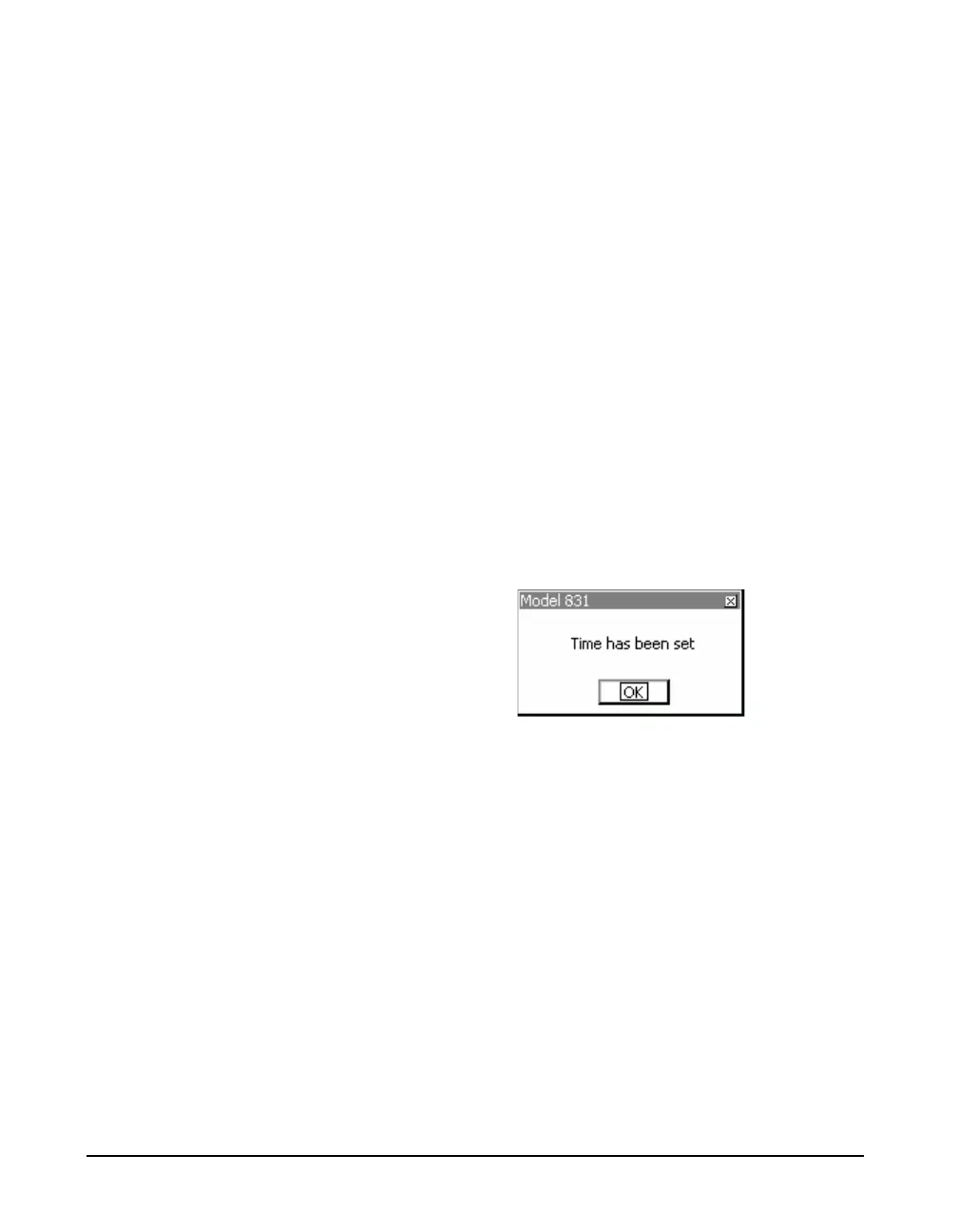
Figure 18-18-5 shows the message confirming the activation
of the new settings.
FIGURE 18-5 Confirmation of New Settings



 To Next Page