18-16 Preferences Model 831 Manual
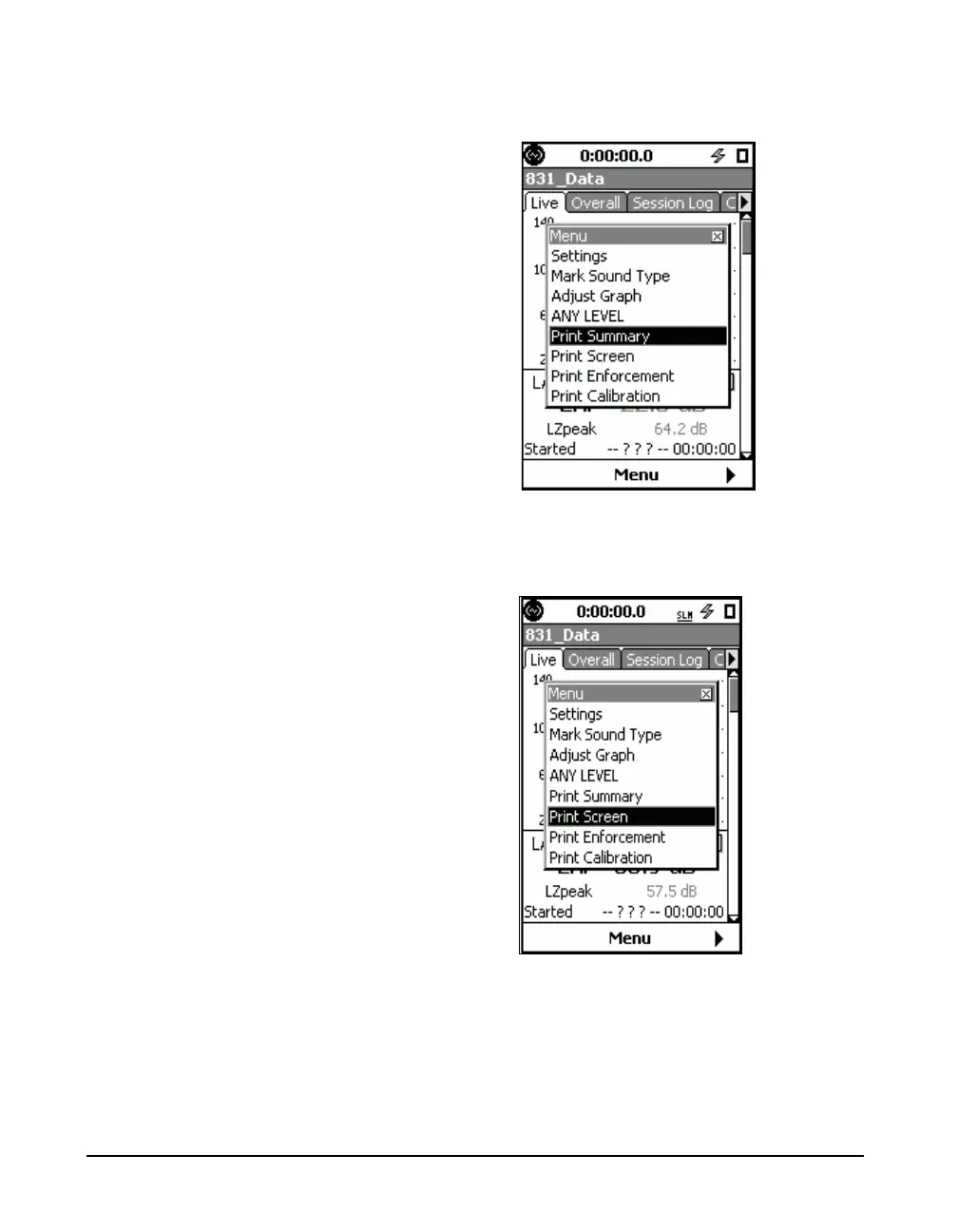
FIGURE 18-21 Print Summary Menu Item
FIGURE 18-22 Print Screen Menu Item
Highlighting either one and pressing
5 will initiate the
corresponding print. When the print has been successfully
completed, the message shown in FIGURE 18-23 will
appear to confirm this.



 To Next Page