Model 831 Manual Preferences 18-15
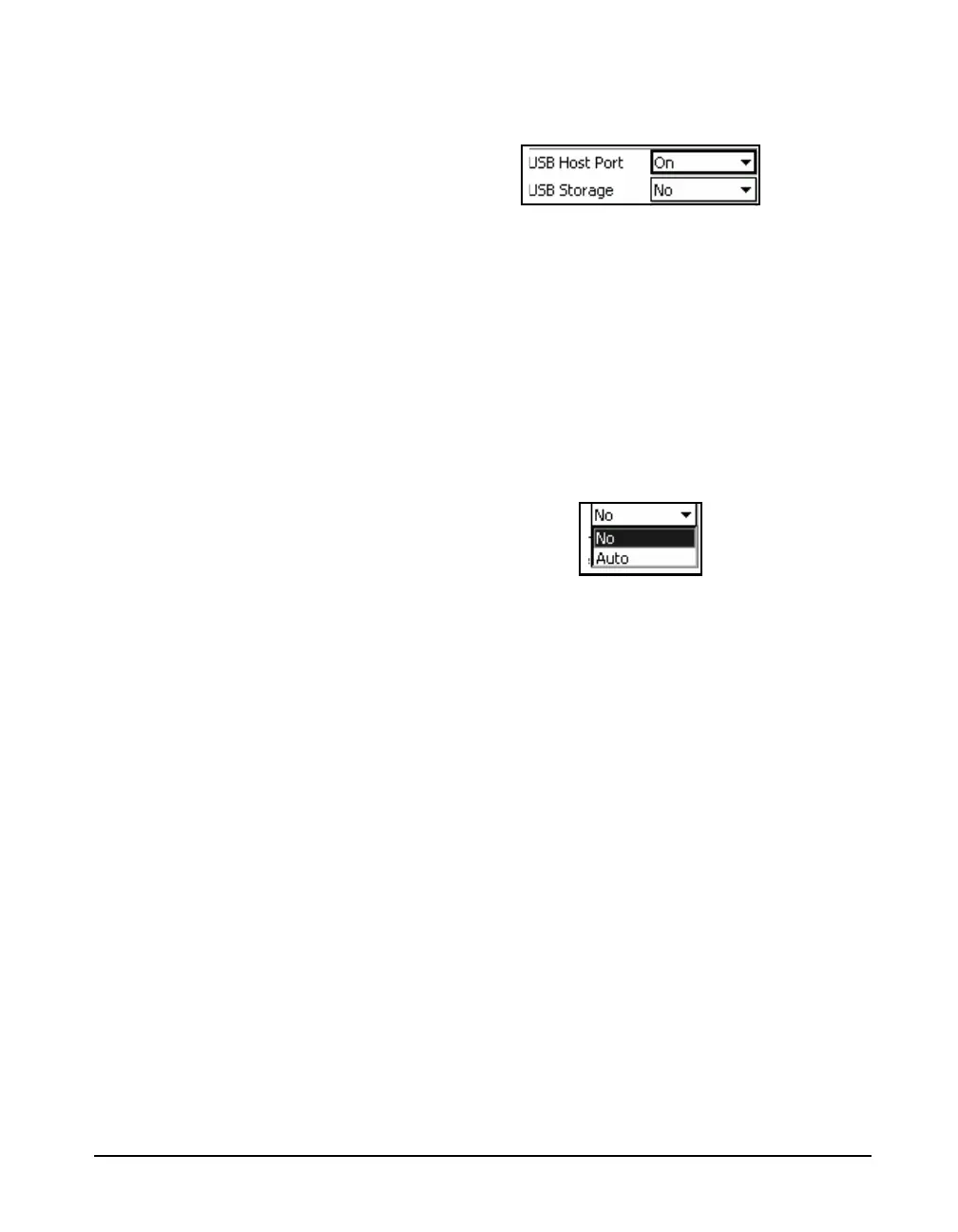
additional data fields associated with the use of the USB
Host port will appear as shown in
FIGURE 18-19 USB Host Port Parameters
USB Storage
Data might not be copied correctly if
the USB drive has not been properly
formatted. As a result, it is
recommended that the drive be
formatted before using it.
Data can be stored to internal memory or to an external
memory device connected to the USB Port. The options are:
• No: Store only to internal memory
• Auto: Store data to USB memory if available; otherwise,
store to internal memory.
Highlight the USB Storage field and press
5 to obtain a
listing of the choices as shown in FIGURE 18-17.
FIGURE 18-20 USB Storage Preferences
Highlight the desired USB Storage and press
5 to make the
selection.
When data is stored to USB memory, it is first stored to
internal flash memory, a process which is much more rapid
than storing directly to USB memory. Following that, the
data is then copied to USB memory without interfering with
the operation of the instrument. When the data file has been
successfully copied, the original data file in internal memory
is deleted.
USB Serial Printer (PRN003)
It is possible to print an Overall Summary and a screenshot
of the Model 831 screen using a USB Serial Printer
(MCP8770). To do this, plug the USB printer into the USB
port and turn it on. Then, turn on the USB Port as described
in ‘USB Host Port” on page 18-14. This will add two items
to the Menu display, as shown in FIGURE 18-21 and
FIGURE 18-22.



 To Next Page