Model 831 Manual Location Measurement Using 831-INT 19-11
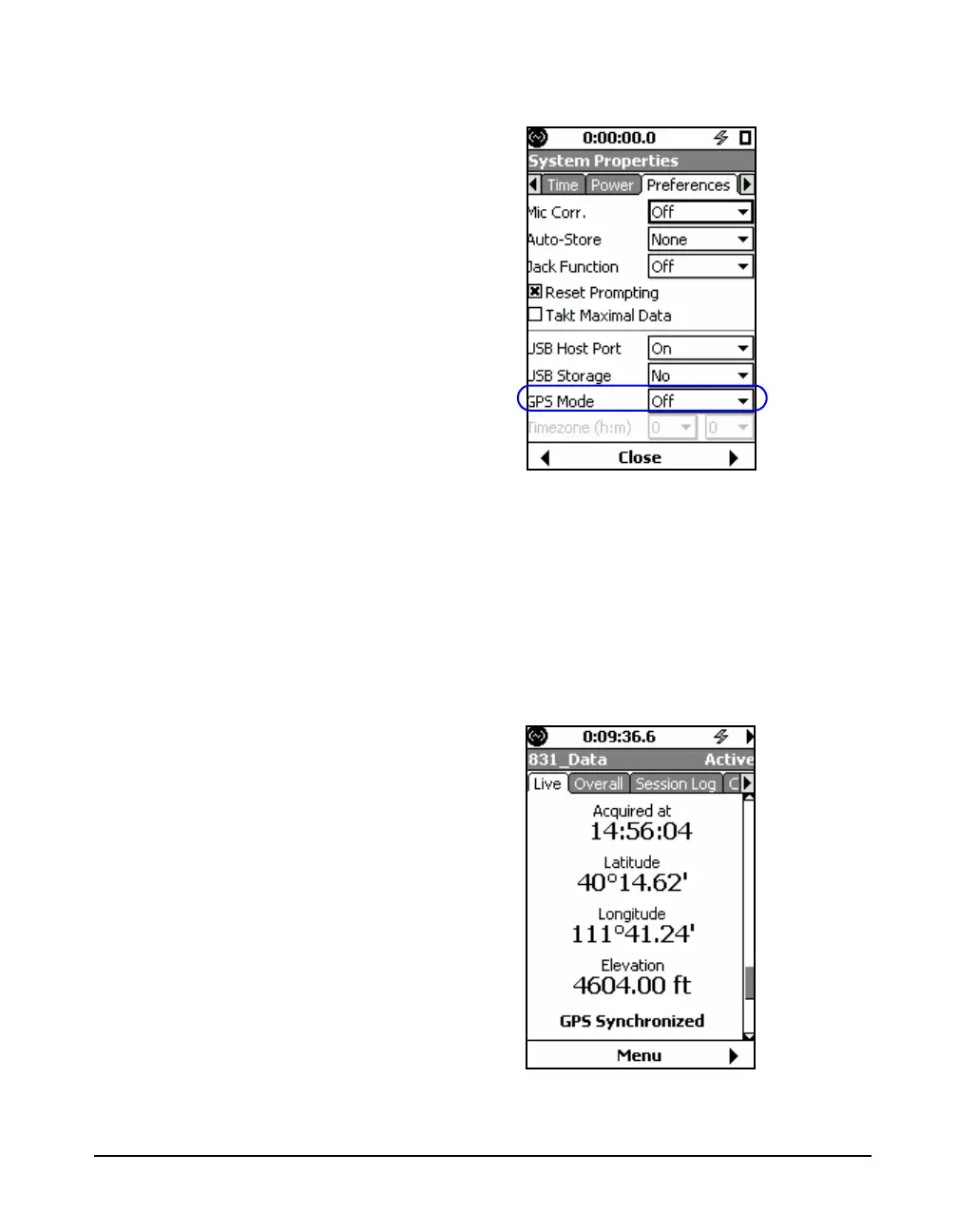
FIGURE 19-13 Preferences Tab
For a detailed description of the GPS setup procedure, see
"GPS Mode" on page 18-18.
GPS Data Display
When the GPS feature is enabled by the user, the display
shown in FIGURE 19-14 will appear on the Live tab, just
above the “Time, Battery Voltage and Memory” display
shown in Figure 5-11 on page -5-11.
FIGURE 19-14 GPS Display



 To Next Page