Model 831 Manual Summary of Displays and Icons 3-11
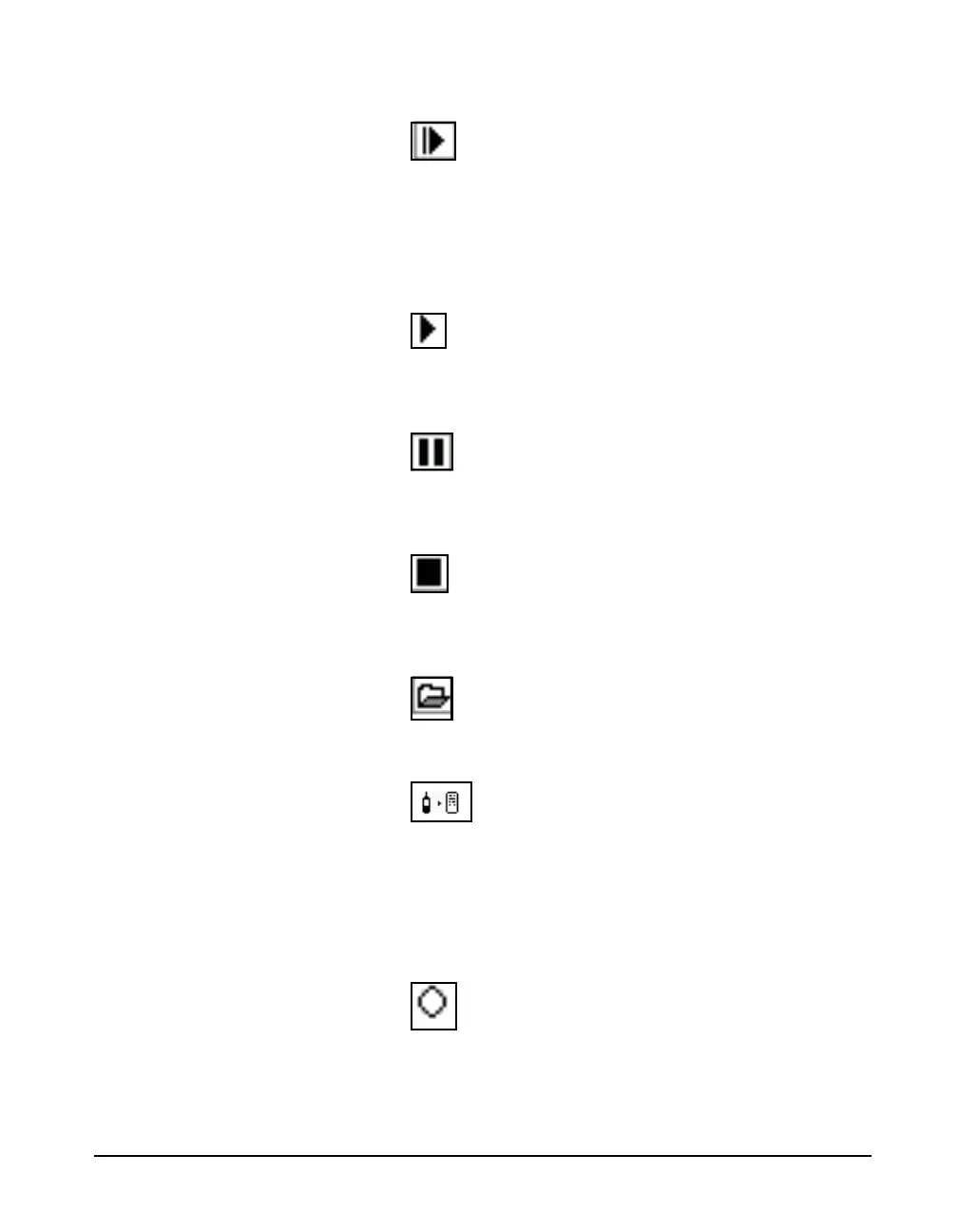
Run Pending Icon
The Run Pending icon appears when the
9 (RUN/
PAUSE) key is pressed and the Model 831 is waiting for
filters and detector initialization to complete. The Model
831 will automatically start the run after the wait or warm-
up state is completed (less than 10 seconds)
Run Icon
The Run Icon moves from left to right to indicate that a
measurement is running.
Pause Icon
The Pause Icon indicates that the present run has been
paused.
Stop Icon
A Stop Icon is displayed when a measurement has been
stopped.
Store Icon
When a data file has been stored, the Store Icon is displayed.
USB Copy Indicator
When a data file is being copied to the USB port, the USB
Copy Indicator Icon is displayed in the upper left corner in
place of the PCB Piezotronics logo.
Power Save Icon
When the Model 831 is in the power save mode, the power
save icon
will be displayed in the location where the measurement
status icons usually appear. For more detail on power save,
see Power-Save Time on page 18-7.



 To Next Page