90 MI-42-0001 Rev. 19
SCANNING: Typical Scan Sequence: New Scan
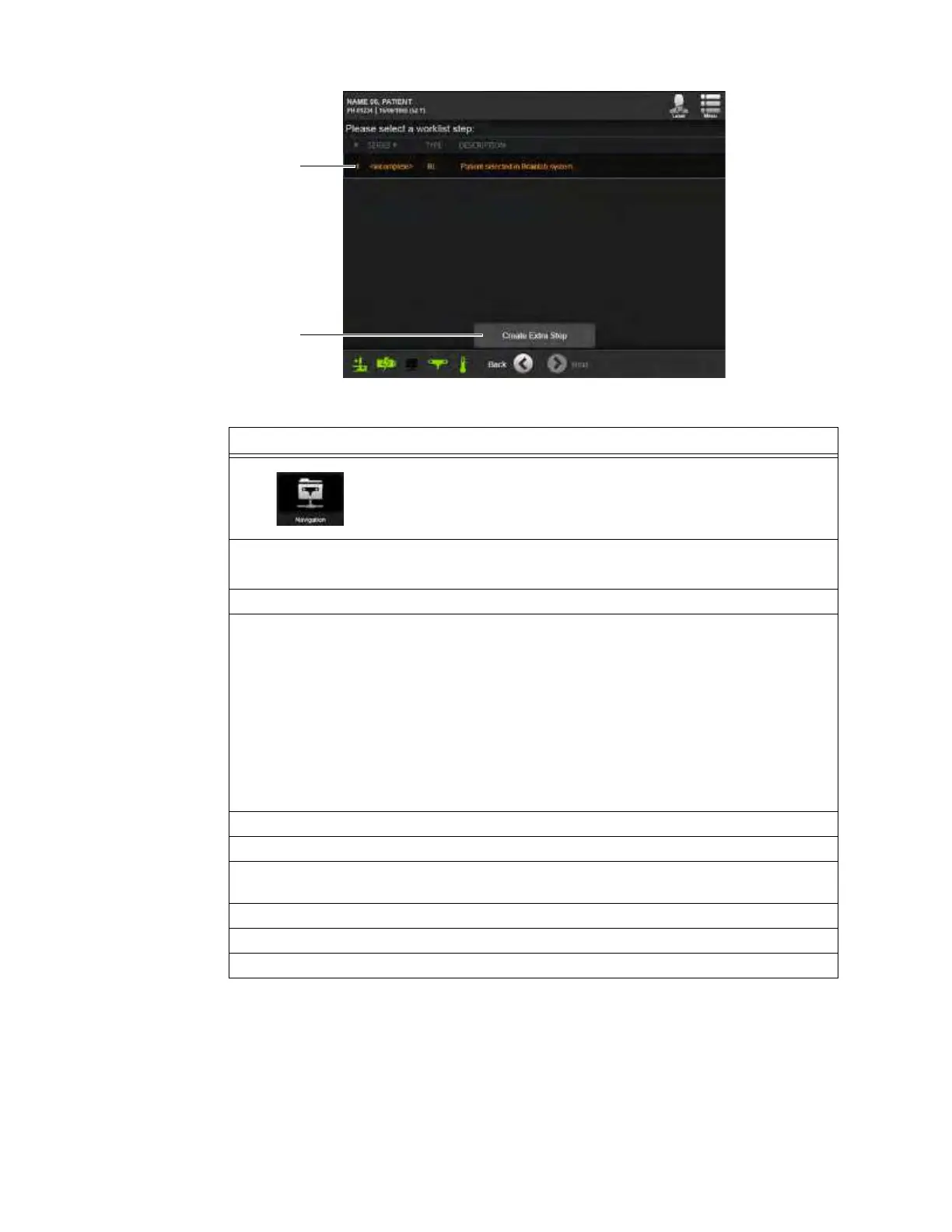
Figure 60
Steps
1. Select Navigation from the Patient Data Screen. See section 6.8.1 New
Scan.
NOTE: The Navigation icon
a must be green before Navigation worklists
will be available.
2. From the screen showing navigation systems, select a system s.
Available systems have green status icons
d.
3. Touch
Next
.
4. Select the listed patient name f.
NOTE: Only the patient record currently selected on the navigation system appears on this
screen.
To simplify verification of the patient record, the screen lists:
• Patient name
• Birth date
• Gender
• Study count
• Patient ID assigned by the hospital
5. From the Worklist Details dialog, review patient and session DICOM data
g.
6. Touch
Select Worklist
h to continue, or
Cancel
j to return to the list.
7. After continuing from the Worklist Details dialog for a patient, fill in the patient’s height and
weight. See Figure 51.
8. Touch Next.
9. Select either a listed worklist step
k and touch
Next
, or select
Create Extra Step
l.
10. Begin the scan setup sequence. See section 6.8.6 Confirming Scan Direction.



 To Next Page