MI-42-0001 Rev. 19 141
MAINTENANCE: Service Functions
7.2.3 Option: Configure
How to Select
Configuration
Options
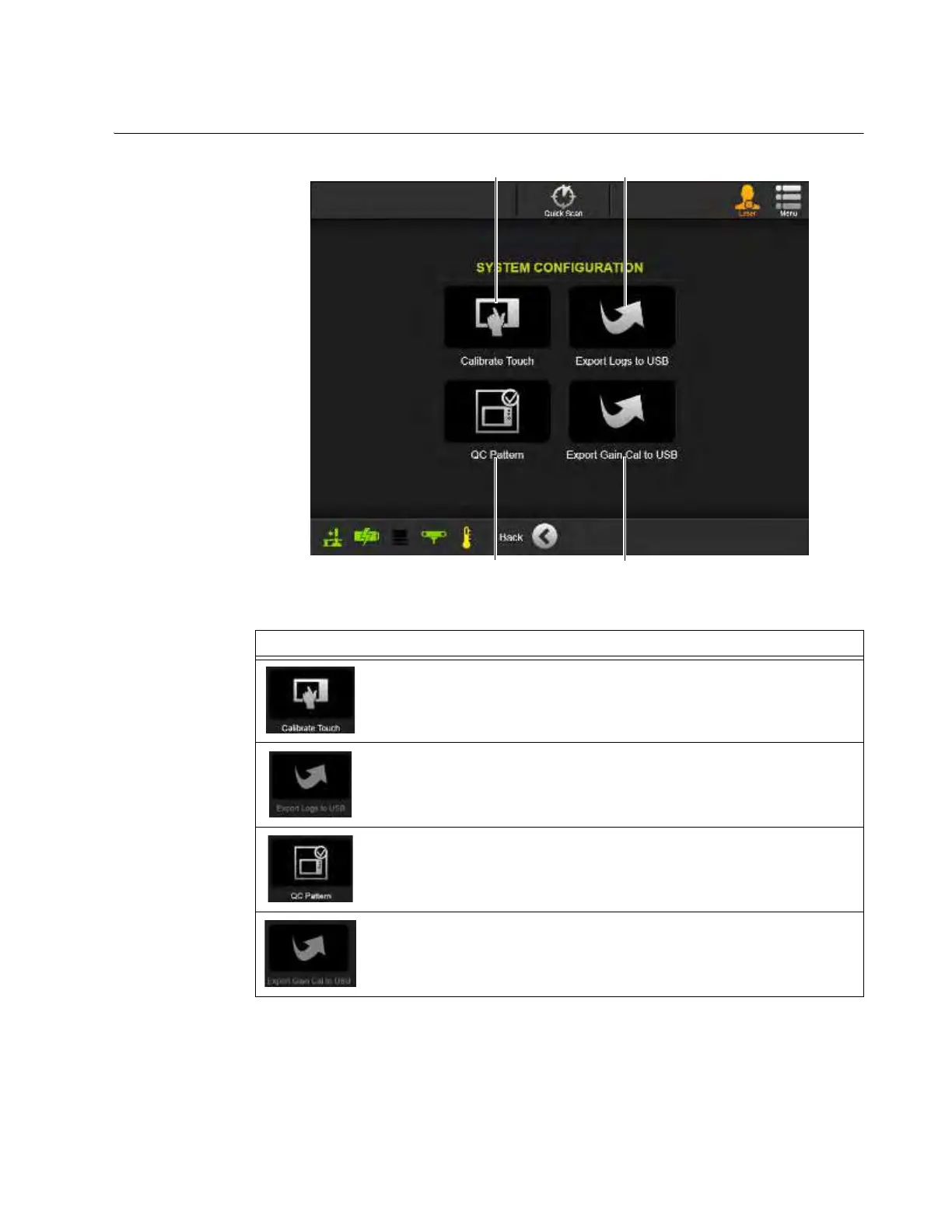
Figure 113
NOTE: Export options are available only when a USB storage device is connected to the USB port
on the Power Panel below the Pendant Holster. See Figure 17.
Options
Select Calibrate Touch
a to run the Pendant/Touchscreen calibration
program. Follow on-screen instructions.
With a USB storage device connected, select Export logs to USB s to copy
log and system configuration files to the USB device.
Select
QC Pattern d to view the Quality Check image pattern.
With a USB storage device connected, select
Export Gail Cal to USB f to
copy Gain Cal files to the USB device.



 To Next Page