142 MI-42-0001 Rev. 19
MAINTENANCE: Service Functions
How to Export Gain
Calibration File
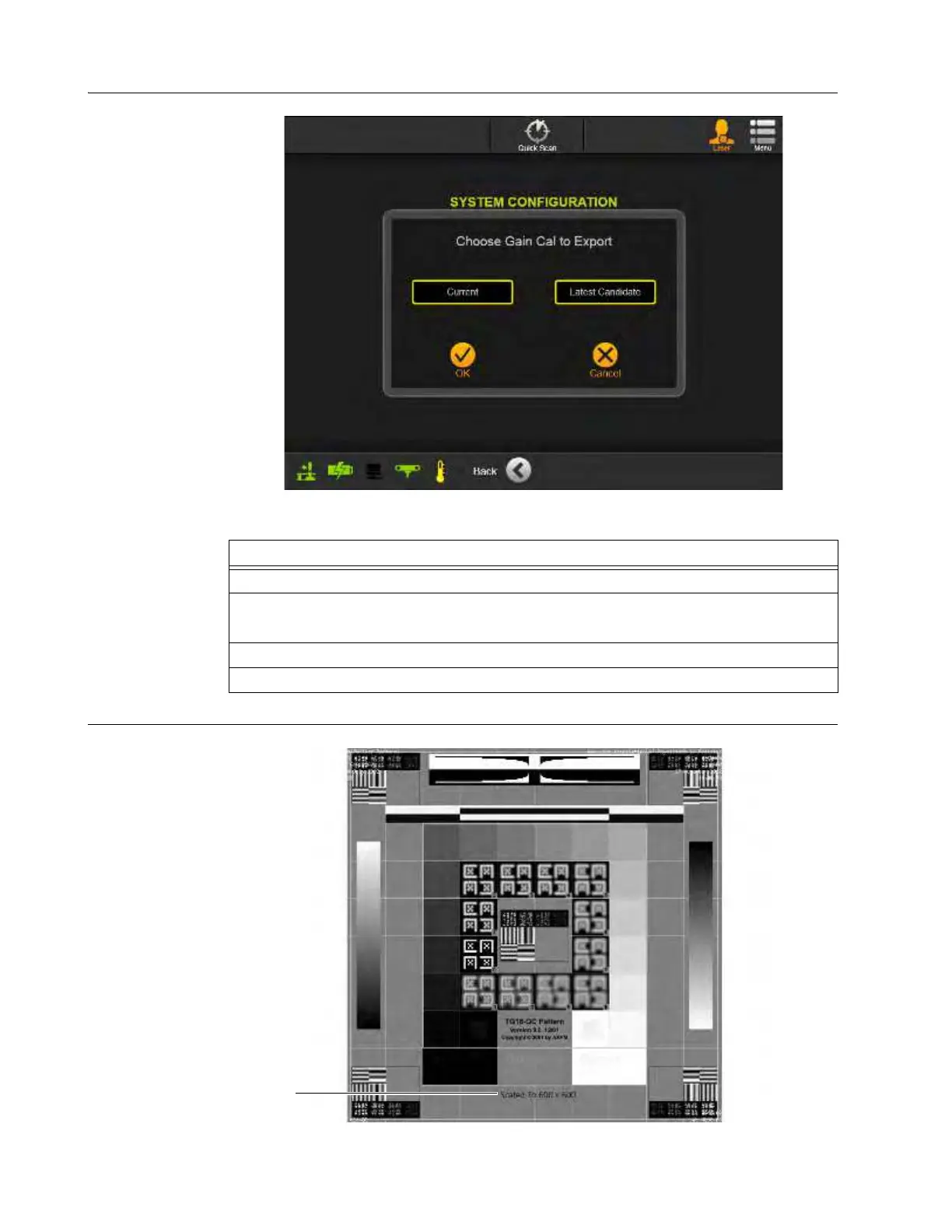
Figure 114
How to View the
Pendant QC Pattern
Figure 115
Steps
1. From the Hospital Service screen, select Configure. See Figure 112.
2. From the System Configuration screen, select Export Gain Cal to USB. See Figure 113.
The Choose Gain Cal to Export dialog appears.
3. Select Current or Latest Candidate. See Figure 114.
4. Touch OK to copy gain calibration files to USB storage device.



 To Next Page