MI-42-0001 Rev. 19 157
MAINTENANCE: Daily Gain Calibration
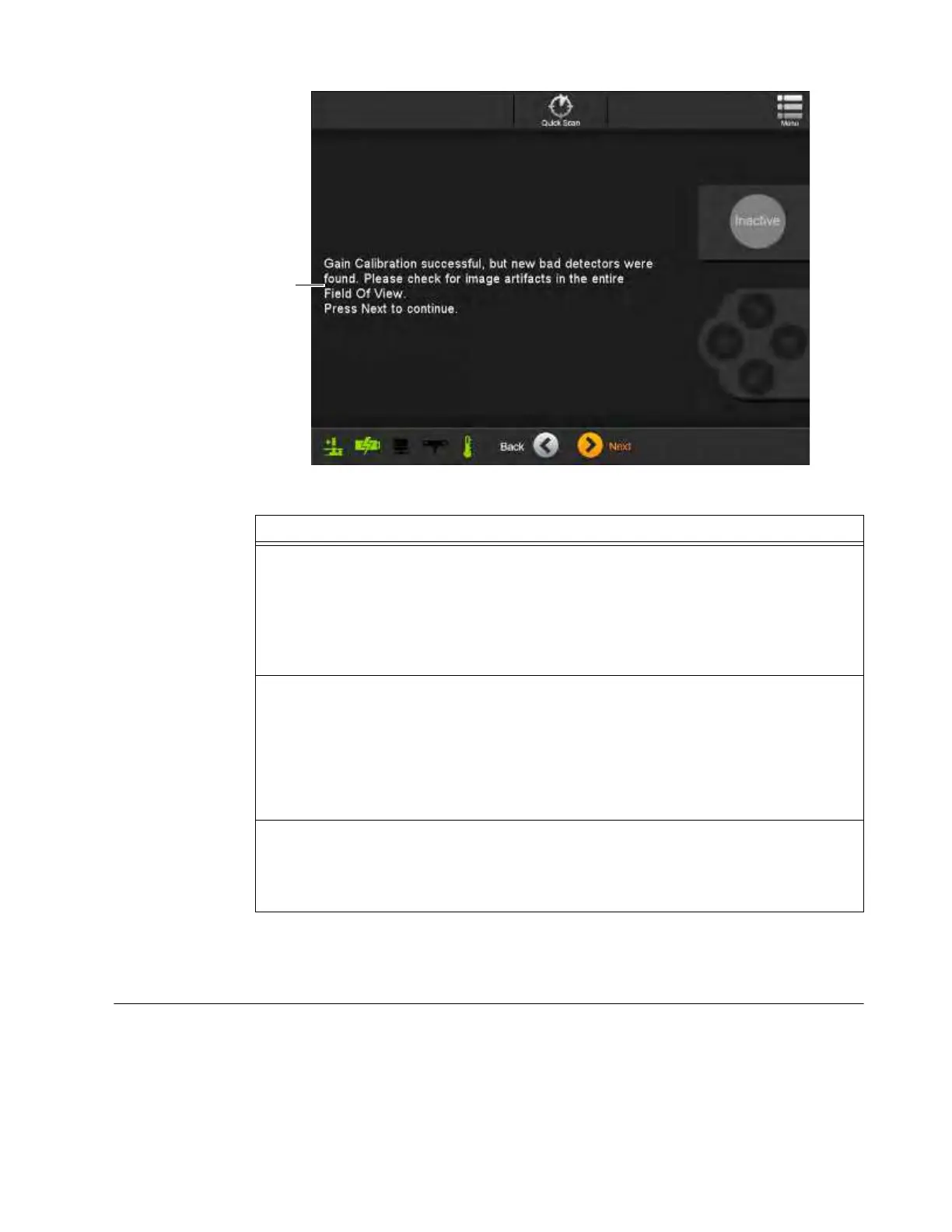
Figure 130
7.3.4 Image Quality Assessment
How to Collect and
Assess Images
after New Bad
Detector Message
When the results screen of a Gain Calibration indicates that it was successful with a new bad
detector, AIRO reconstructs the image compensating for the missing detector data. As a result,
always check that scans retain image quality after a new bad detector is found. See Figure 130.
Options
All performed gain calibrations for 120 kV, 100 kV, and 80 kV are within specified accuracy
a
.
• To proceed touch Next.
NOTES:
• Systems with the Pediatrics feature enabled run a Daily Gain Calibration that includes
120 kV, 100 kV, and 80 kV tests.
• Systems with the Pediatrics feature disabled only run a 120 kV Daily Gain Calibration.
AIRO does not accept gain calibration data.
1. Touch the Show/Hide Details button
s
and note the error message
d
.
2. Evaluate the scan area for objects that might interfere with the scan.
3. Remove any objects and re-scan.
If AIRO still fails gain calibration after several attempts, mark the system as not for use, contact
technical support, and provide the error. See section 1.2 Contact Data.
AIRO indicates that the Gain Calibration is successful with a new bad detector f.
• Verify that the new bad detector does not impair image quality. See section 7.3.4 Image
Quality Assessment.
NOTE: When this result appears, always perform the Image Quality Assessment procedure.



 To Next Page