150 MI-42-0001 Rev. 19
MAINTENANCE: Service Functions
Exporting the Dose
Check Report
In addition to viewing the system Dose Check Report, users with technician-level or higher
passwords can export the report to a USB storage device.
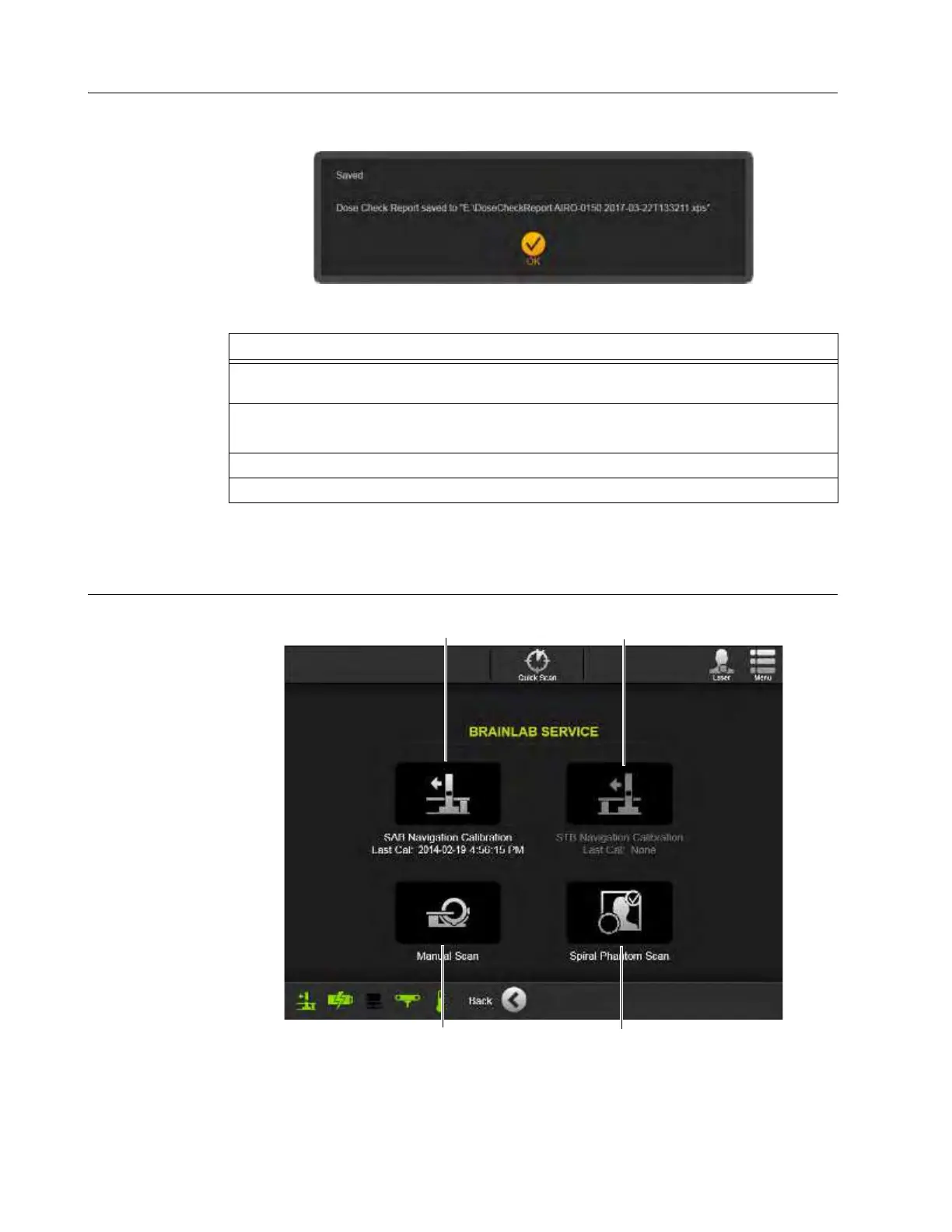
Figure 124
7.2.11 Brainlab Service
Brainlab Service
Main Screen
Figure 125
NOTE: Brainlab Service functions are to be performed by qualified personnel with service-level
passwords.
Steps
1. After viewing the
Dose Check Report
(Figure 123), connect a USB storage device to the
USB port on the Pendant Holster. See Figure 16 on page 40.
2. When the
Export to USB
button d is active, touch it.
The system saves report data to the storage device.
3. Touch
OK
from the Saved dialog. See Figure 124.
4. Touch
Back
to return to the Hospital Service screen.



 To Next Page