MI-42-0001 Rev. 19 79
SCANNING: Daily Warm Up Scan
6.7 Daily Warm Up Scan
6.7.1 Overview
Definition Daily Warm Up scans ensure that the system is configured for current operating conditions. As a
result, the Maintenance Warning icon appears every 18 hours to indicate that users must run
another Warm Up scan before continuing to scan patients. See Figure 44 on page 77.
6.7.2 Preparing for Warm Up Scan
How to Prepare for
Warm Up Scan
6.7.3 Performing Warm Up Scan
How to Run Warm
Up Scan
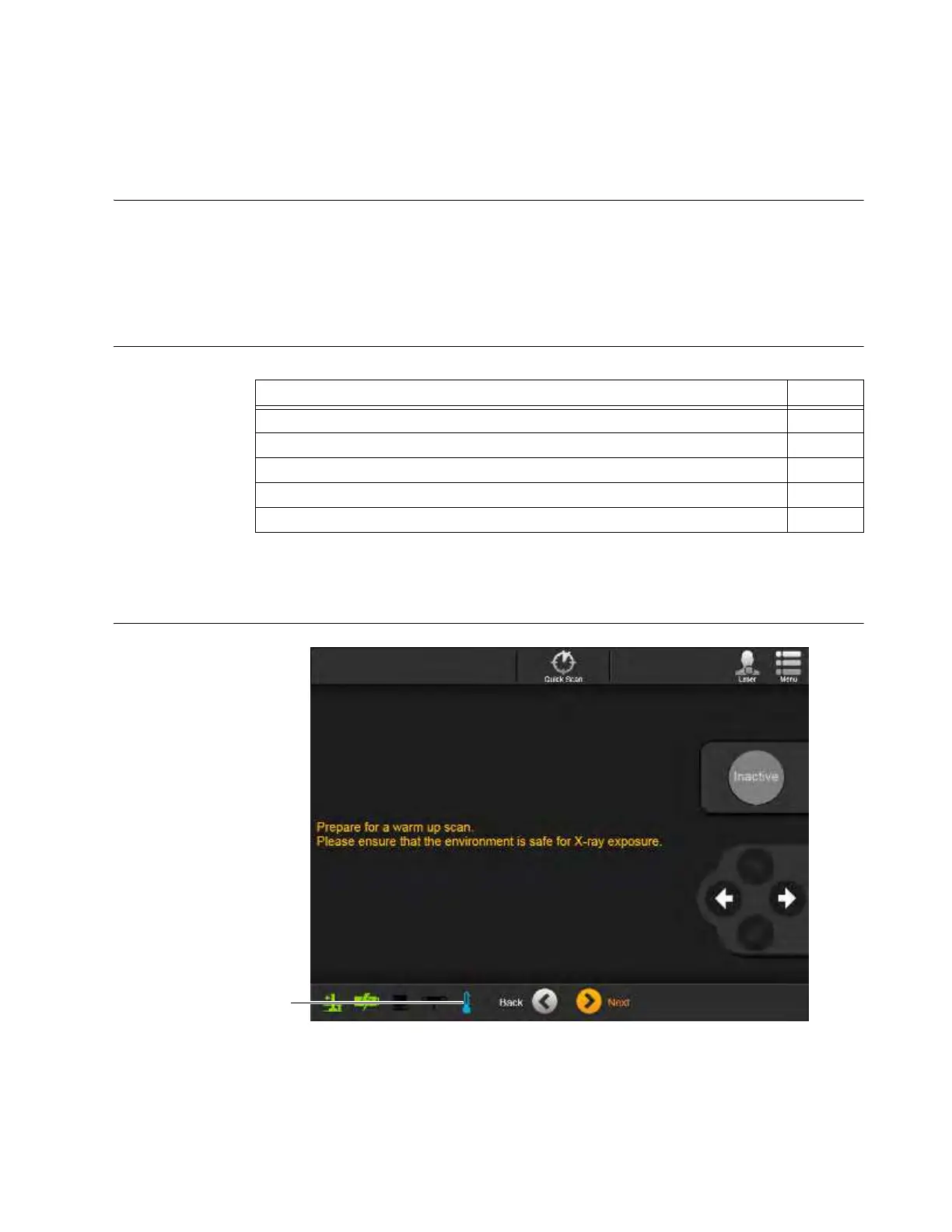
Figure 45
Steps See
1. Log in with a user-level or higher password. 3.3.2
2. Move AIRO to an area suitable for performing CT scans. 3.3.8
3. Place the system into Scan position. 3.3.6
4. Display the main Menu in Scan Mode. 6.7.4
5. Select the Warm Up icon. See Figure 47 on page 81.



 To Next Page