MI-42-0001 Rev. 19 59
TRANSPORT MODE: Transportation
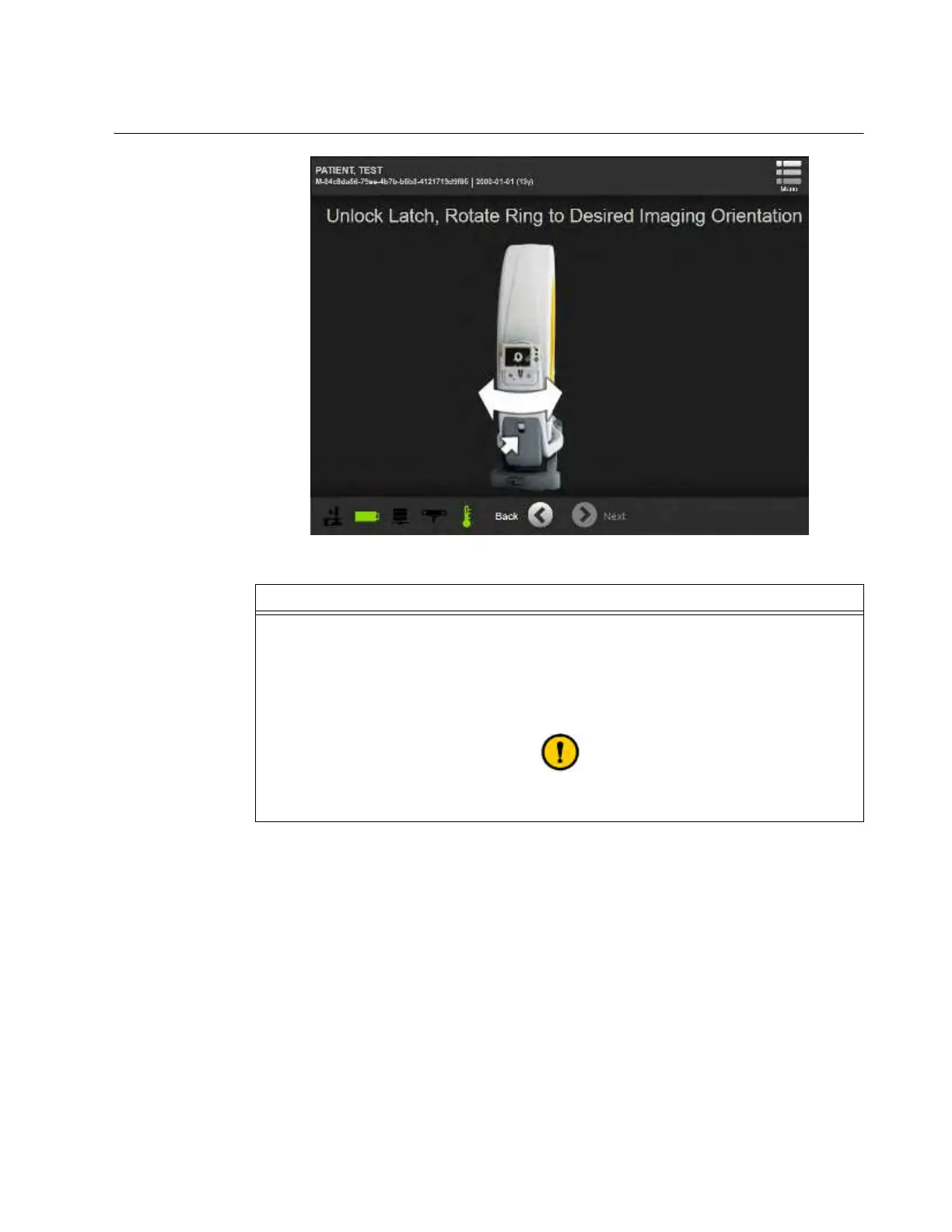
3.3.12 Unlocking and Rotating the Ring
How to Unlock and
Rotate the Ring
Figure 32
Step
Pull the release latch to unlock the Ring and rotate it manually. See section 3.3.6 Rotating and
Latching the Ring in Transport or Scan Position.
The Ring will lock in at +/-90°.
NOTE: Rotate the Ring so that the Mobius AIRO logo faces opposite the direction of the scan.
The scan will either be conducted toward the column or away from the column.
See cautions about rotating the Ring in section
3.3.6 Rotating and Latching the Ring in Transport or Scan Position.



 To Next Page