144 MI-42-0001 Rev. 19
MAINTENANCE: Service Functions
7.2.5 E-Stop Test
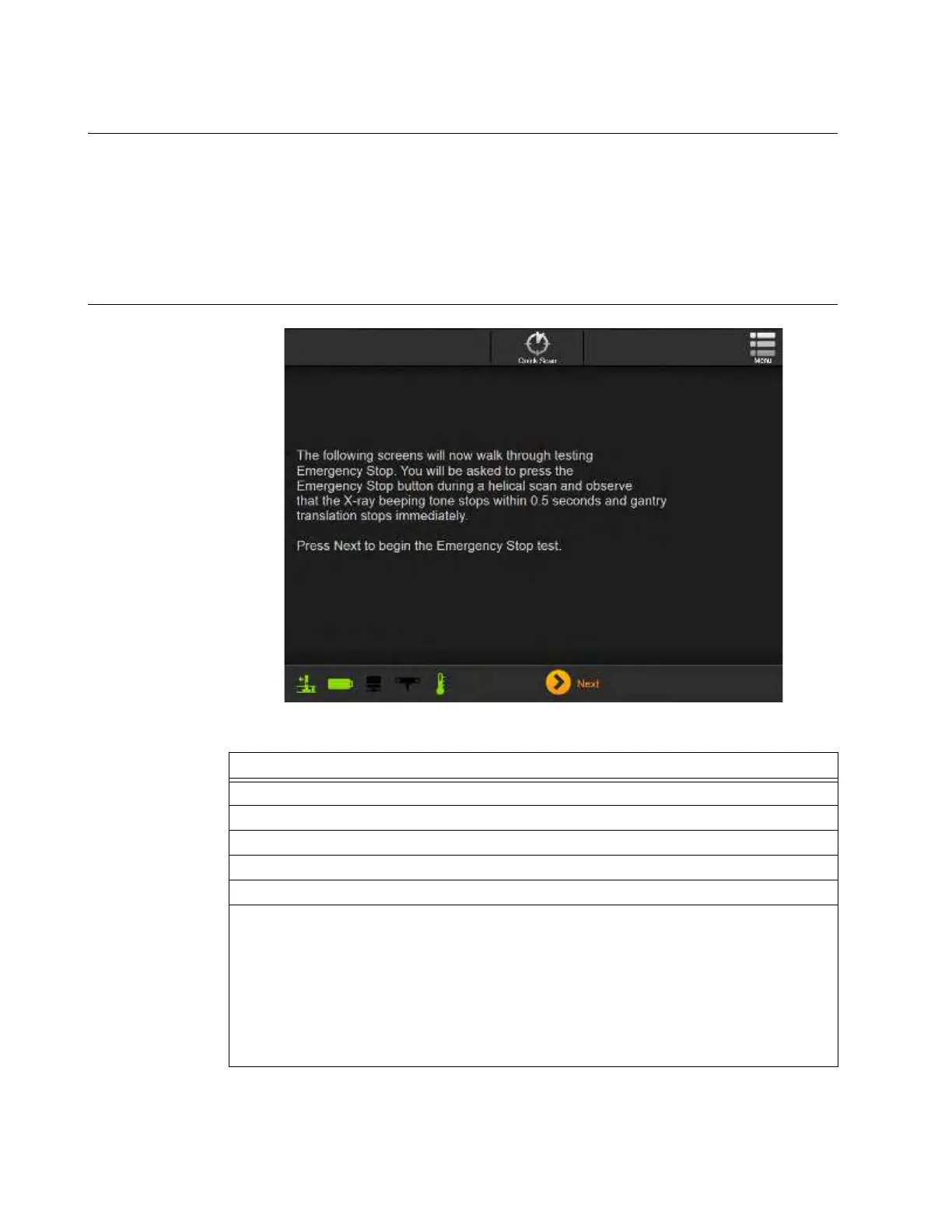
Overview An E-Stop, or Emergency Stop, test verifies that the scanner stops moving over the scan area and
ceases emitting x-rays in case of an emergency during a scan. Ring rotation does not stop
immediately. Always perform the test daily before setting up for procedures.
AIRO requires the E-Stop test to be run daily. To simplify the process, the system provides on-
screen, step-by-step instructions to walk operators and technicians through a “simulated use” test.
NOTE: In the event of an E-Stop failure discontinue use of the system and contact Technical
Support.
How to prepare for
a daily Emergency
Stop Test
Figure 117
Steps
1. Set up system for scanning. See sections 6.3 through 6.7.
2. Access
Hospital Service
. See sections 7.2.1 and 7.2.2.
3. Select E-Stop Test. See Figure 112.
4. Follow on-screen instructions.
5. Touch Next.
6. Set Start and End points for the scan.
NOTES:
• Scan length minimum is 7.9cm (3.11 in,).
• Set Start and End points for a scan length no longer than needed to press E-Stop
shortly after Z-axis translation starts and before the scan ends – approximately 10 to
15cm (4 to 6 in.).
• Pressing the E-Stop button at the end of a long scan can result in a cool down wait
period.



 To Next Page