108 MI-42-0001 Rev. 19
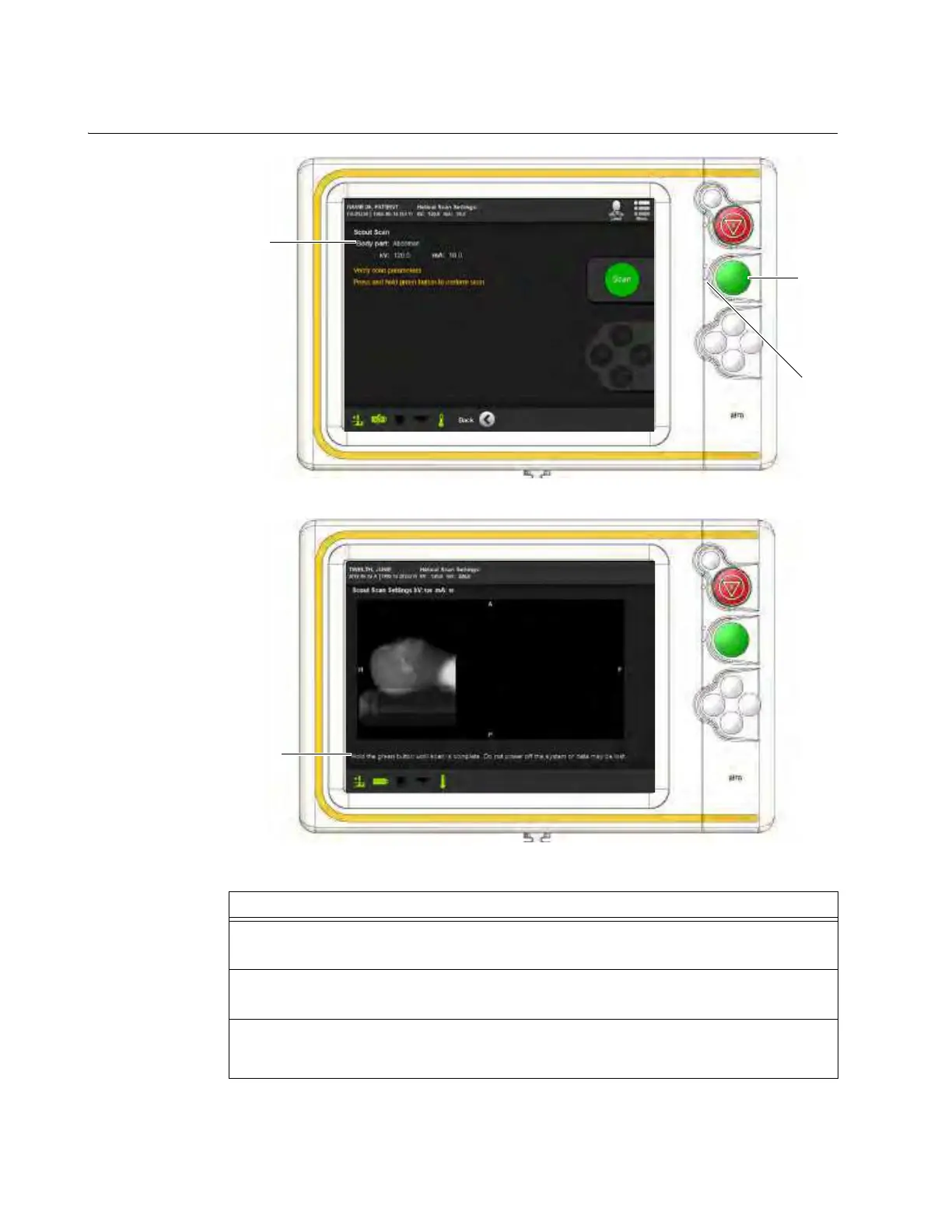
SCANNING: Typical Scan Sequence: New Scan
6.8.14 Verifying 2D Parameters and Scanning
How to Verify
Parameters and
Scan
Figure 79
Figure 80
Steps
1. Review the displayed scan parameters
a.
NOTE: When the Green LED is illuminated the system is ready to scan. See Figure 36.
2. Carry the Pendant Display behind a protective barrier.
The CT operator moves behind a protective barrier.
3. Essential personnel move behind a protective barrier. Non-essential personnel exit the
room before the scan is conducted and do not re-enter until the ionizing radiation alerts
have stopped.



 To Next Page