100 MI-42-0001 Rev. 19
SCANNING: Typical Scan Sequence: New Scan
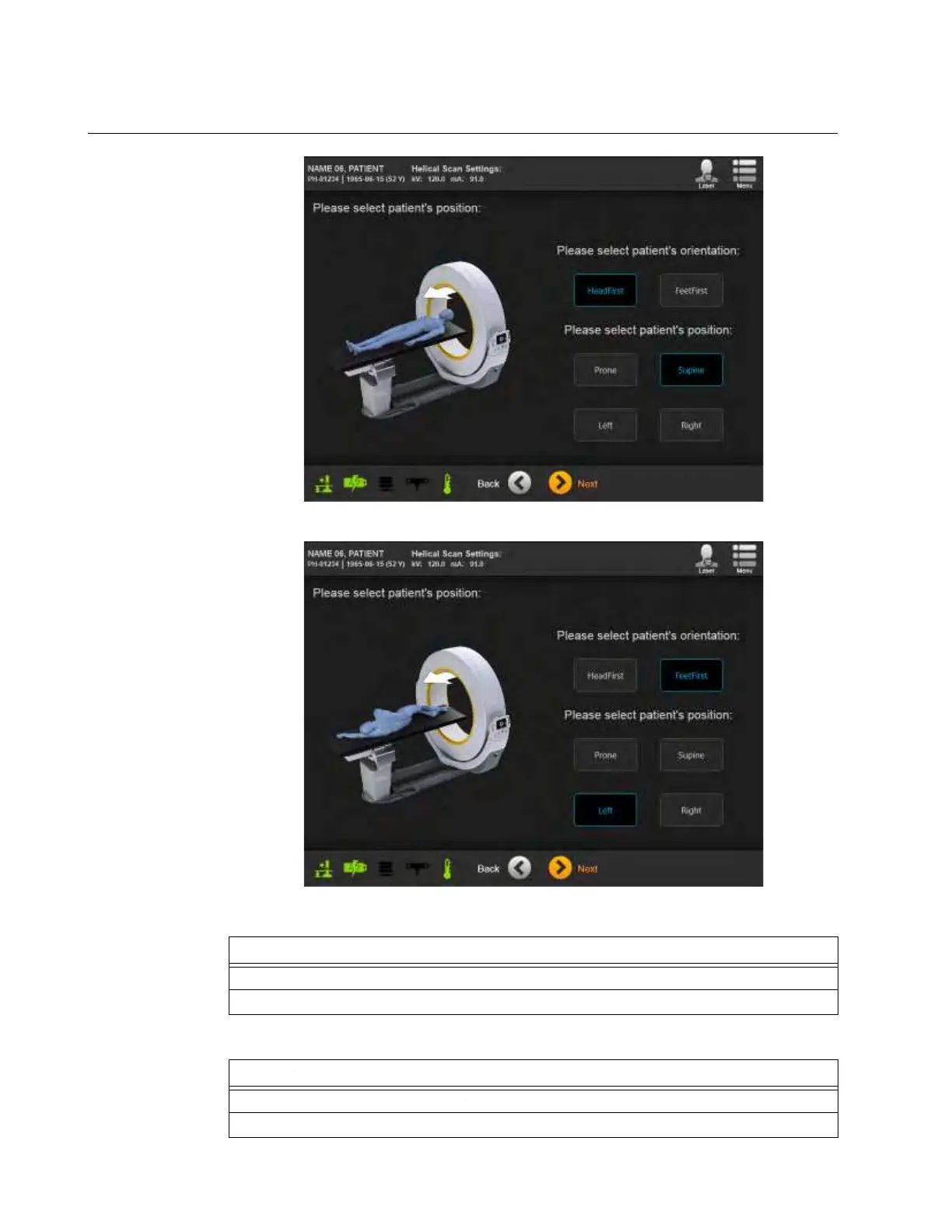
6.8.9 Selecting Patient Orientation and Position
How to Select
Orientation and
Position
Figure 70
Figure 71
NOTE: Display also shows direction of scan.
Steps
1. From the default screen, select patient orientation. See Figure 70.
2. Select patient position. See Figure 71.
Options
To change parameters, touch Back.
To proceed, touch Next.



 To Next Page