114 MI-42-0001 Rev. 19
SCANNING: Typical Scan Sequence: New Scan
6.8.16 Selecting a Constant or Modulated Scan
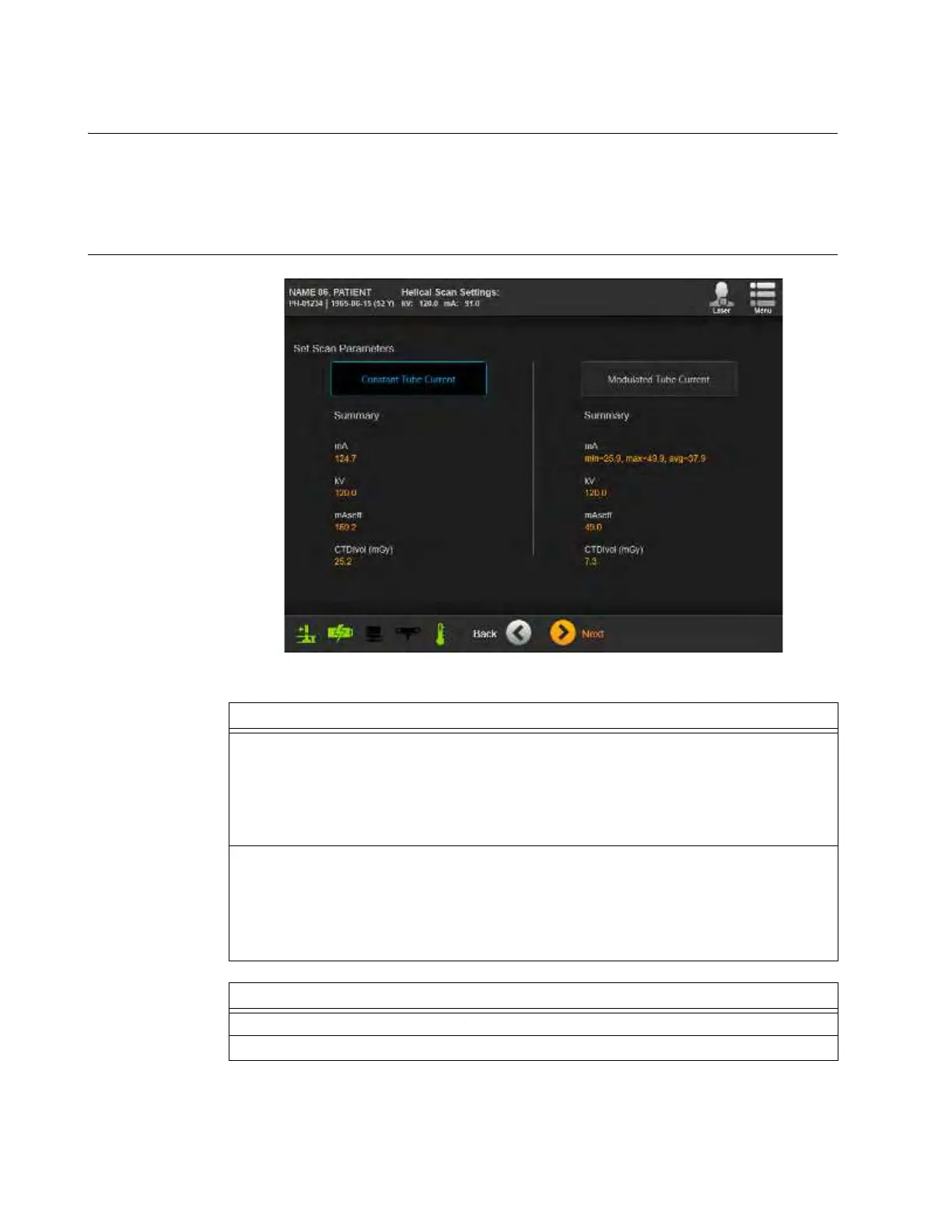
Overview After setting the Scan Area on the Scout Scan image (see section 6.8.15 Selecting 3D Scan
Region), select either Constant Tube Current or Modulated Tube Current. The summaries list the
key parameters for the dosages of each option. While the Constant scan parameters match the
standard dosages based on the patient’s current settings, the Modulated parameters are optimized
with data from the Scout Scan.
How to Select a
Cons
tant or
Modulated Scan
Figure 86
Steps
1. Select Constant Tube Current or Modulated Tube Current.
NOTE: The constant/modulated mA parameter is not available for:
• Axial scans
• Scout scans
• Scans of the extremities exam region.
2. If a
Dose Notification
or
Dose Alert
appears:
• Provide requested information.
• If required, provide a password for manager-level or higher users,
• Touch
Next
.
See section 2.7.3 Dose Notifications and Alerts.
Options
To change parameters, touch Back.
To proceed, touch Next.



 To Next Page