MI-42-0001 Rev. 19 113
SCANNING: Typical Scan Sequence: New Scan
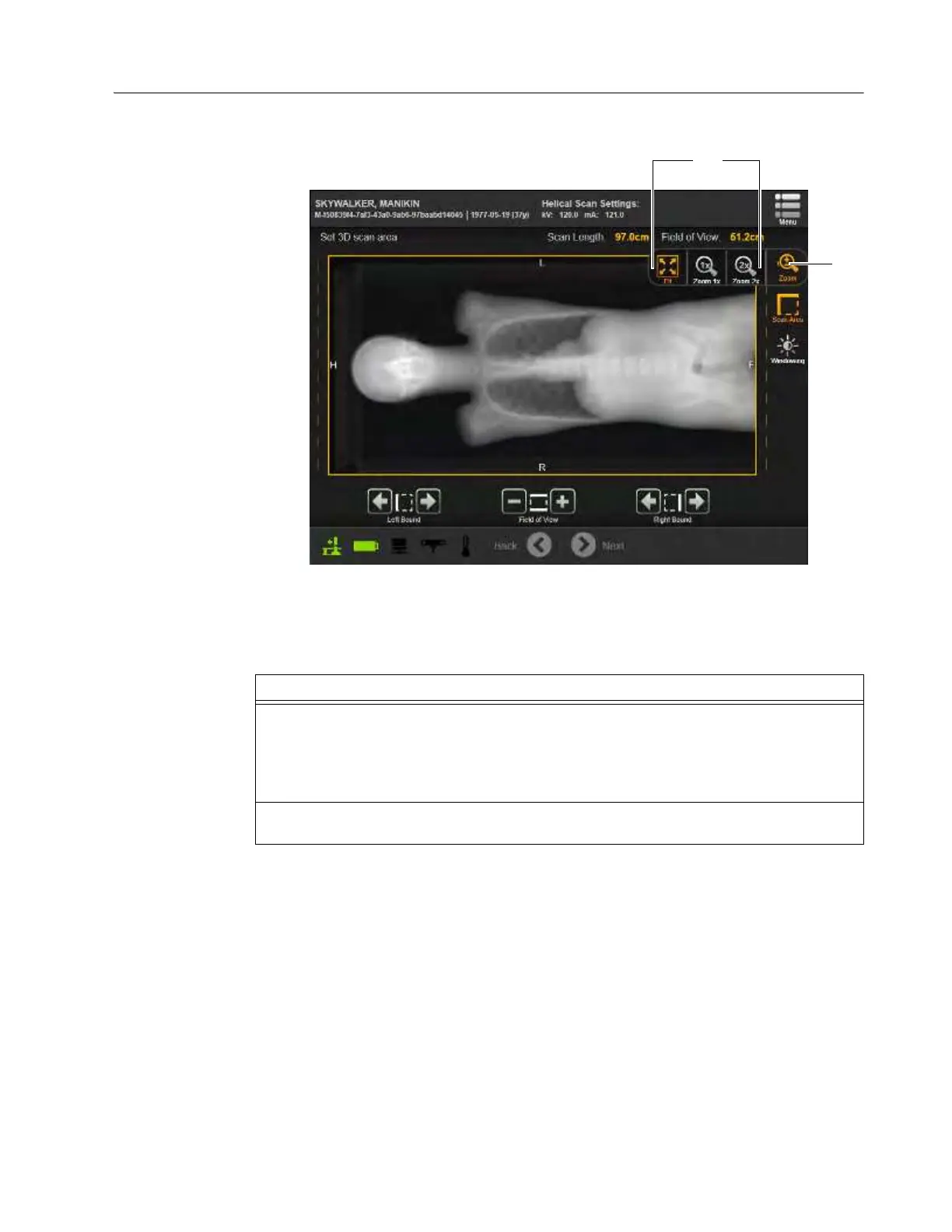
How to Zoom Zoom settings allow users to focus close-up on the details of specific sections of the image or return
to the overall full screen view.
Figure 85
Helical scanning is a continuous volume imaging mode. The data acquisition and Ring movement
are performed simultaneously for the entire scan duration. A typical range can be acquired in a
single breath hold.
Steps
1. Select the Zoom icon
a to expand the menu s and choose different zoom levels:
Fit
- Fits the entire scout scan to the window.
Zoom 1x
- Shows scout scan un-scaled.
Zoom 2x
- Shows scout scan double size.
2. At Zoom 1x and 2x, press and drag on the touchscreen to pan within the view. Other
controls operate normally when zoomed.



 To Next Page