MI-42-0001 Rev. 19 101
SCANNING: Typical Scan Sequence: New Scan
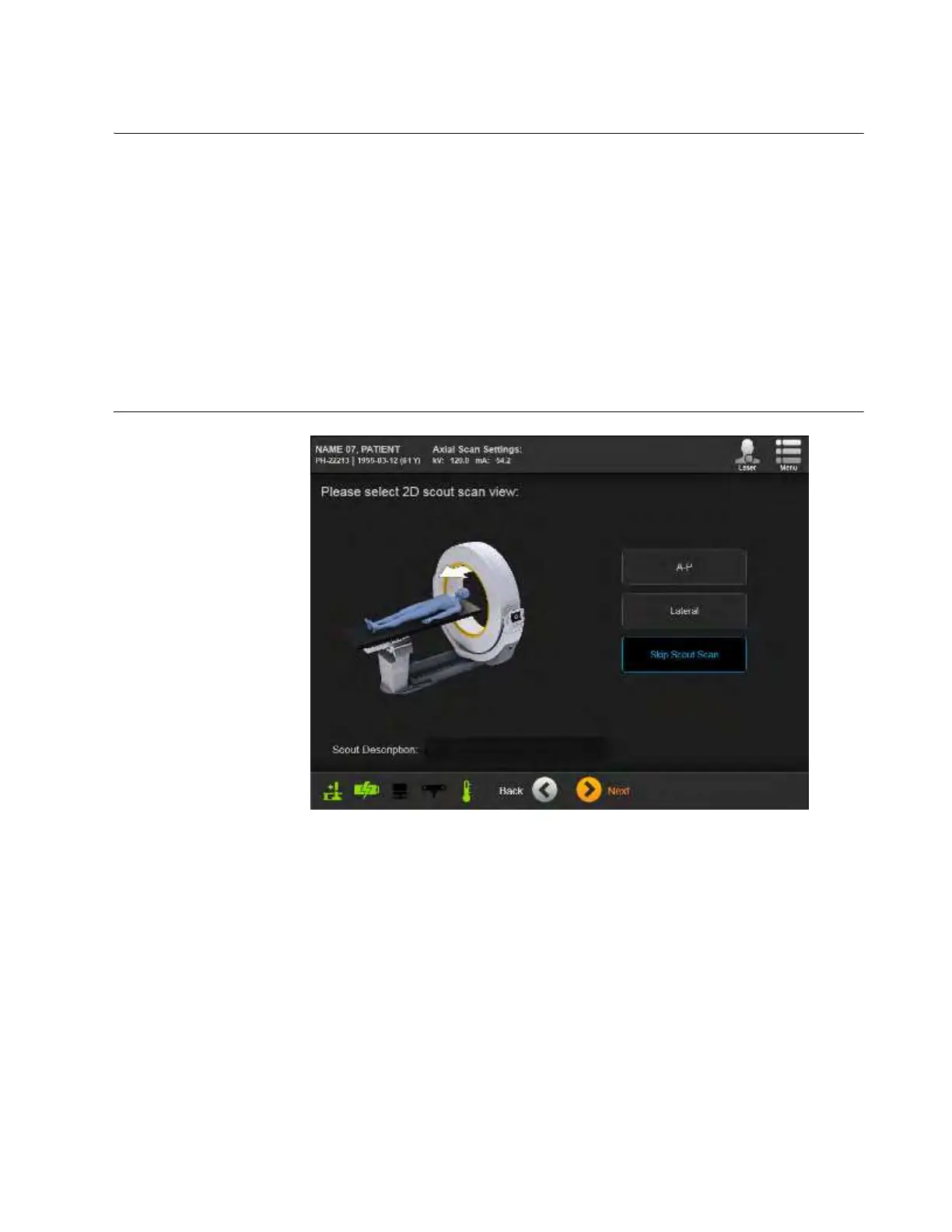
6.8.10 Selecting 2D Scout Scan View
Overview After setting the patient position, you can verify that the region of interest appears in the center of
the field of view by selecting an optional low-intensity Scout Scan. The three available options are:
•
A-P
: Provides a low-intensity vertical scan from above the table or patient support.
•
Lateral
: Provides a low-intensity horizontal scan from the side of the table or patient support.
•
Skip Scout Scan
: Makes the main 3D scan use start and end points set with positioning lasers.
See section 6.8.11 Positioning With Lasers.
While scout scans allow field of view optimization for both Axial (see Figure 72) and Helical scans,
AIRO can also use scout-scan data to modulate the scan-intensity of Helical scans for each
individual patient. This feature can significantly reduce dosage while maintaining image quality.
As a result, a Modulated Scan icon appears for Helical scans and is checked when the feature is
available for current scan settings. See Figure 73.
NOTE: Minimum Scout Scan length is 7.9cm (3.11 in.).
How to Select the
Scout Scan View
Figure 72



 To Next Page