MI-42-0001 Rev. 19 129
SCANNING: Emergency Scanning
6.10 Emergency Scanning
6.10.1 Taking Emergency Scans
How to Take
Emergency Scans
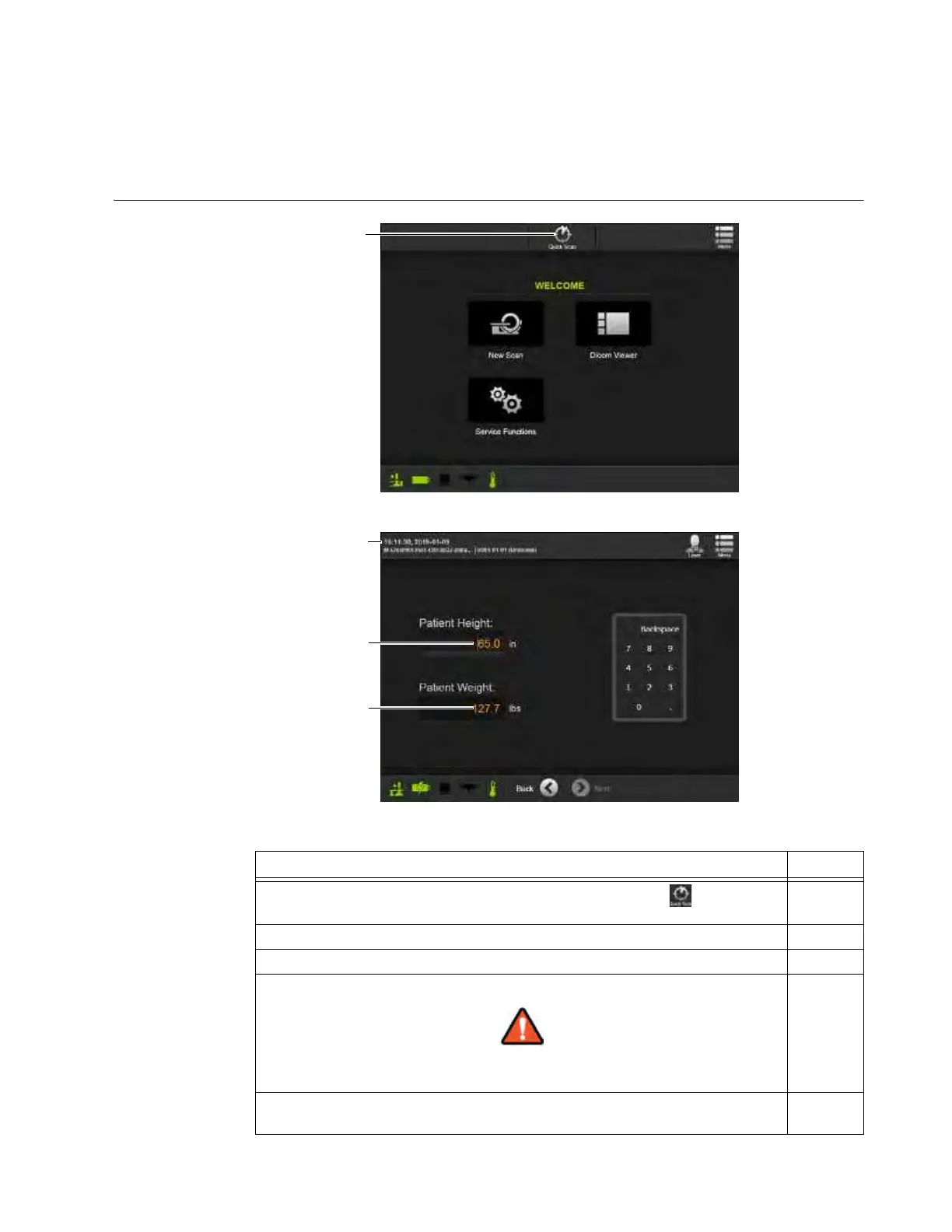
Figure 103
Figure 104
Steps See
1.
From the Welcome screen, or any other screen showing the icon, touch
Quick Scan
a.
2. Fill in the patient’s height
s and weight d.
3. Touch
Next
.
4. Continue scan steps.
6.8.6
to
6.8.25
Keep continuous visual contact with the system and the patient
when system components are in motion.
5. After the scan, use the
Edit
feature of the patient record under
DICOM Viewer
to replace the default name and time stamp
f with the patient’s name.
6.11



 To Next Page