60 MI-42-0001 Rev. 19
TRANSPORT MODE: Transportation
3.3.13 Setting the Orientation for Scanning
How to Set the
Orientation for
Scanning
The Ring rotates +/- 90°. This allows users to scan toward either end of the patient support.
Next Step
3.3.14 Temporary Storage
How to Park Leave AIRO on its wheels when you are not scanning. Only lower the base to the floor for scanning.
NOTE: Park on level surfaces only. Never store on a ramp.
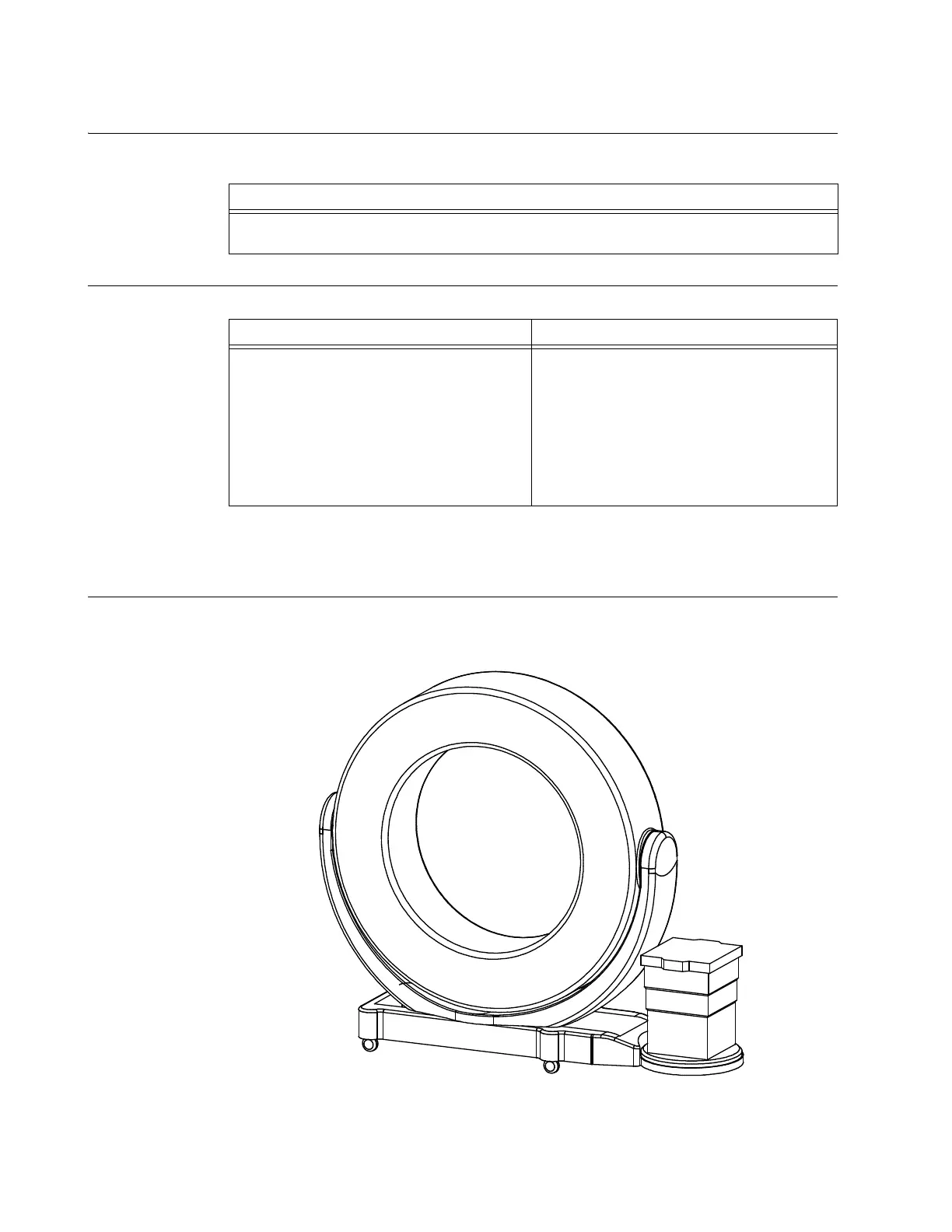
Figure 33
Step
Turn the Ring manually so that the Mobius AIRO logo faces opposite the direction of the scan.
See section 3.3.6 Rotating and Latching the Ring in Transport or Scan Position.
Step See
Transfer patient using Column, Table, and
Shuttle.
• MI-42-0167 AIRO Original Trumpf Column
Supplement chapters 2 and 3
Or
:
• MI-42-0165 AIRO Updated Trumpf Column
Supplement chapters 2 and 3
For information about which integrated column
your AIRO features, see chapter 4 COLUMN
AND TABLE.



 To Next Page