MI-42-0001 Rev. 19 153
MAINTENANCE: Daily Gain Calibration
7.3.3 Perform Gain Calibration
Start Up and Enter
Scan Mode
Select Service
Functions from the
Welcome Screen
Select Gain
Calibration from the
Hospital Service
Screen
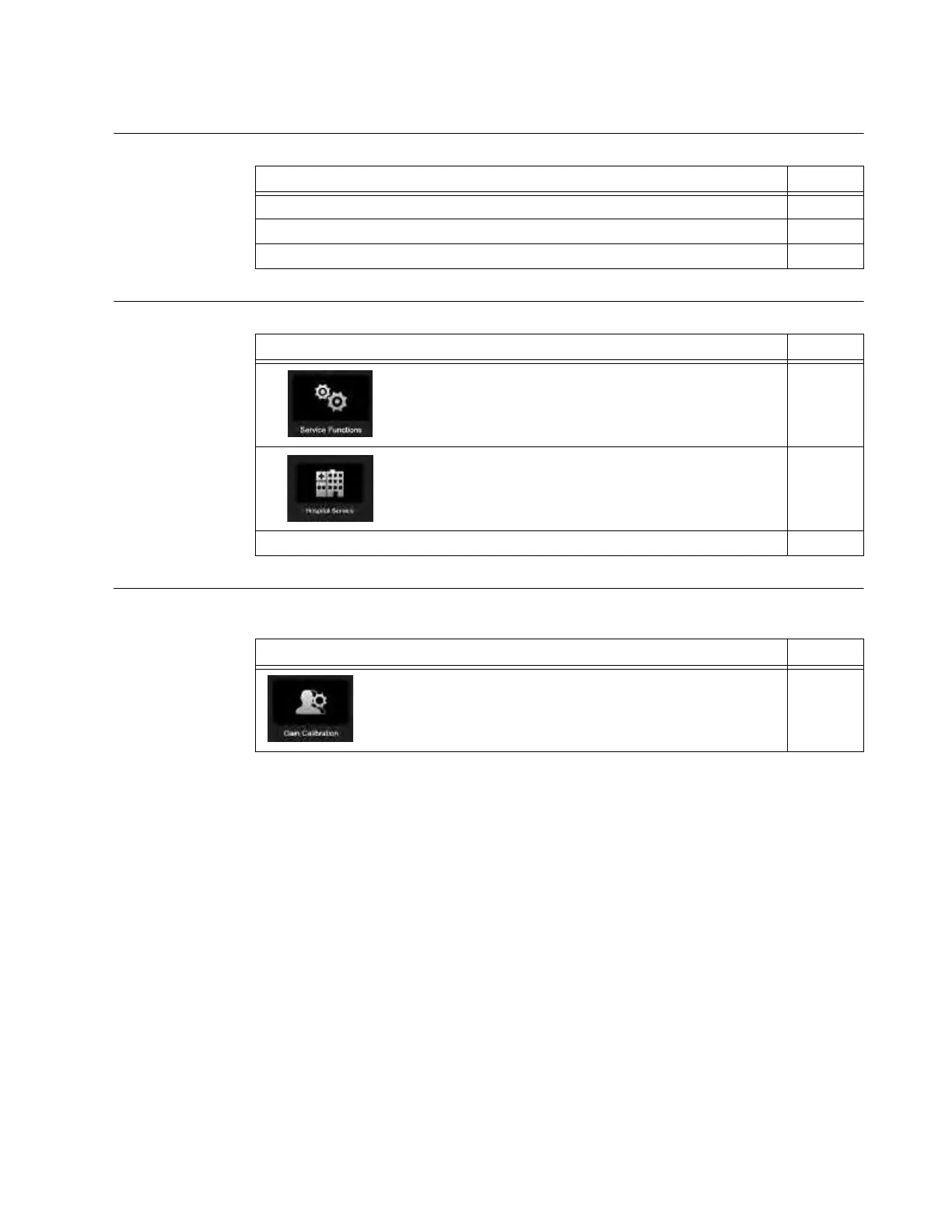
From the Hospital Service screen, access the Gain Calibration feature.
Steps See
1. If necessary, transport and set up for scan. 3
2. Log in with a user-level or higher password. 3.3.2
3. Choose
Scan
mode. 6.3.2
Steps See
1. Select Service Functions on the Welcome Screen. 6.6
2. Select Hospital Service on the Service Functions screen. 7.2.1
3. Log in with a technician-level or higher password. 3.3.2
Step See
Select Gain Calibration on the Hospital Service screen. See
Figure 112.
7.2.2



 To Next Page