MI-42-0001 Rev. 19 31
SAFETY: Mechanical Motion Safety
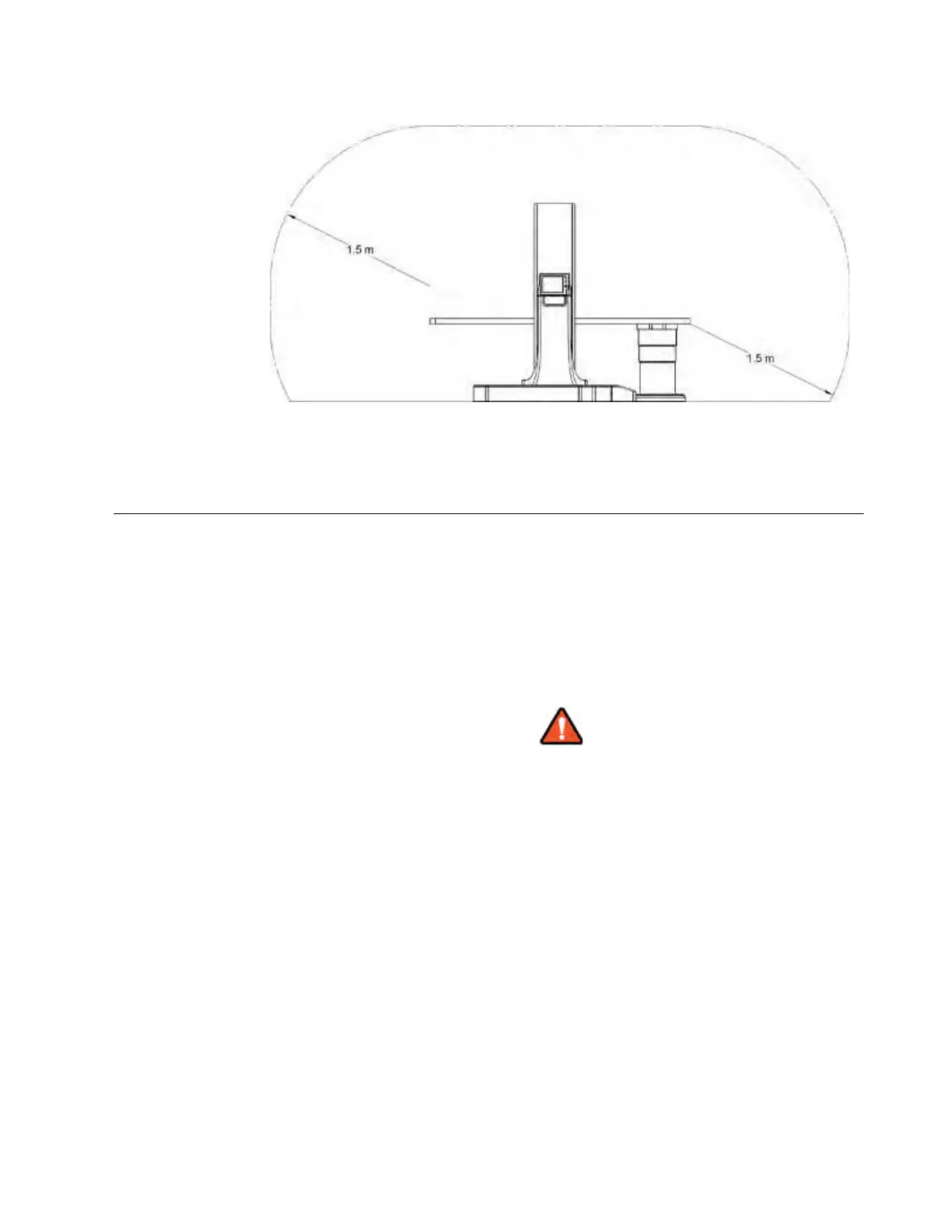
Side View:
Figure 14
2.8.3 Safety Precautions in the Patient Environment
Safety Precautions The system is designed to be operated from a distance with the Pendant when it is in scan mode.
This allows operators to assure patient safety from collisions by observing the motion of the Ring
and table from multiple viewpoints.
The operator should be able to observe any potential collisions while setting start and end points for
the scout scan or with the lasers. The operator can then be confident that the patient will clear the
inner bore of the Ring. The operator should observe the patient during the scan (either wearing lead
apron or standing behind lead barrier) to abort the scan should the patient move/fall during the scan.
Stand back from moving parts and use the long cord on the Pendant display and the wireless
Column remote control to operate the system.
Injuries could result from power driven equipment parts colliding with other moving
or stationary items in the environment. To avoid collisions:
- Be sure the patient is placed according to the instructions.
- Clear the surrounding area of equipment that is within range of the motion of the Ring.
- Place AIRO so that surgical personnel can move easily around it and access all
equipment without collisions.
- Do not place any unnecessary objects on or near AIRO.
- Anticipate the path of movement. Prevent clothing, drapes, IVs, and equipment from
getting caught in moving parts.
- Keep continuous visual contact with the system and the patient.



 To Next Page