MI-42-0001 Rev. 19 77
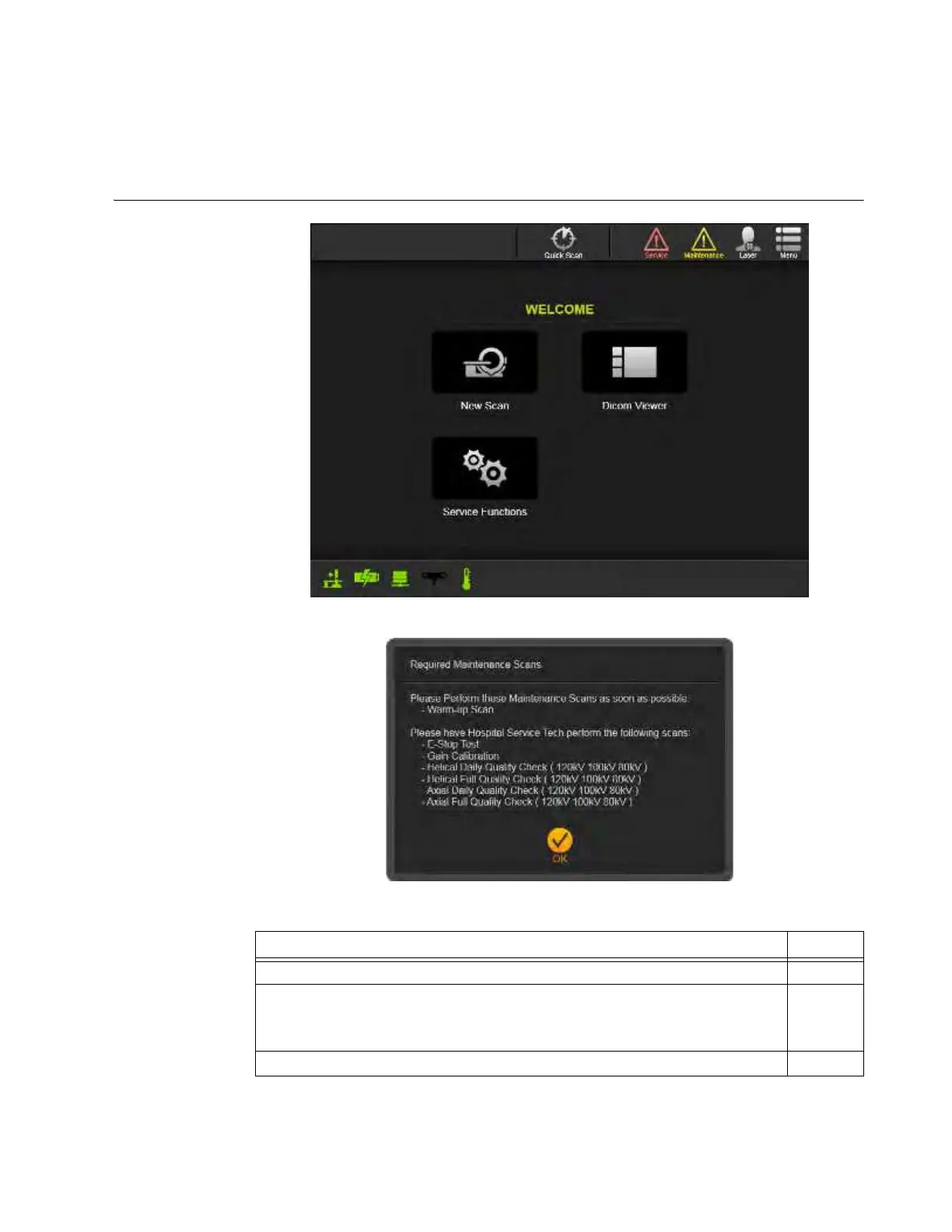
SCANNING: Welcome Screen
6.6 Welcome Screen
6.6.1 Welcome Screen and Functions
Options on the
Welcome Screen
Figure 43
Figure 44
Steps See
1. Select a feature by touching the icon.
2. If displayed, touch OK to clear the Required Maintenance Scans dialog.
NOTE: If a Warm-up Scan is listed in the dialog, touching
OK
launches the
Warm-up Scan sequence.
6.7
3. Perform maintenance activities and scans as required. 7.2–7.3



 To Next Page