130 MI-42-0001 Rev. 19
SCANNING: Editing Patient Data
6.11 Editing Patient Data
6.11.1 Editing or Adding Patient Data
How to Edit or
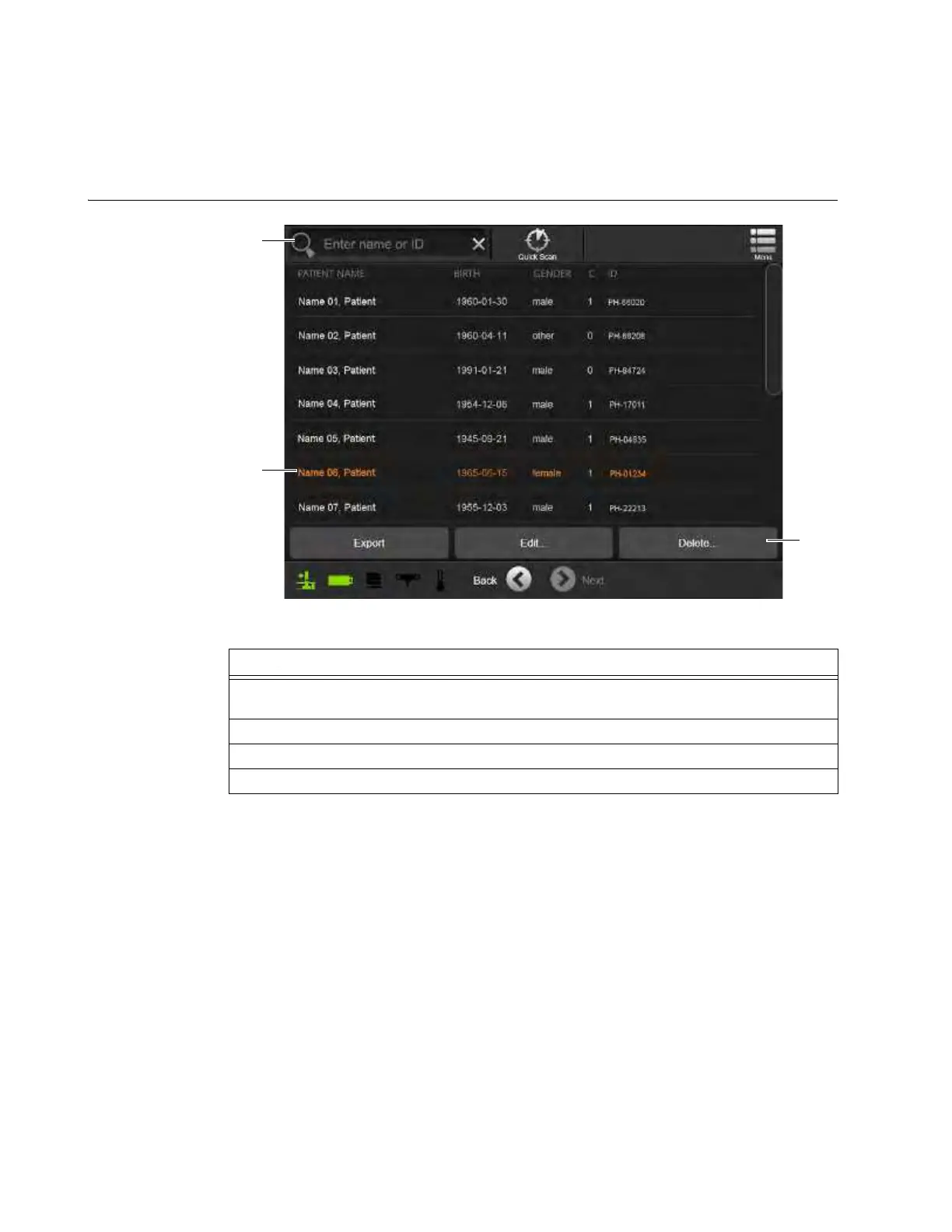
Delete Patient Data
Figure 105
Steps
1. Display the Welcome screen. See section 3.3.4 Menu in Transport Mode or section 6.7.4
Menu in Scan Mode.
2. On the Welcome screen, select DICOM Viewer. See Figure 103.
3. Select a patient name from the list or search by patient name
a or ID s.
4. Select Edit or Delete d for the selected Patient Name.



 To Next Page