MI-42-0001 Rev. 19 139
MAINTENANCE: Service Functions
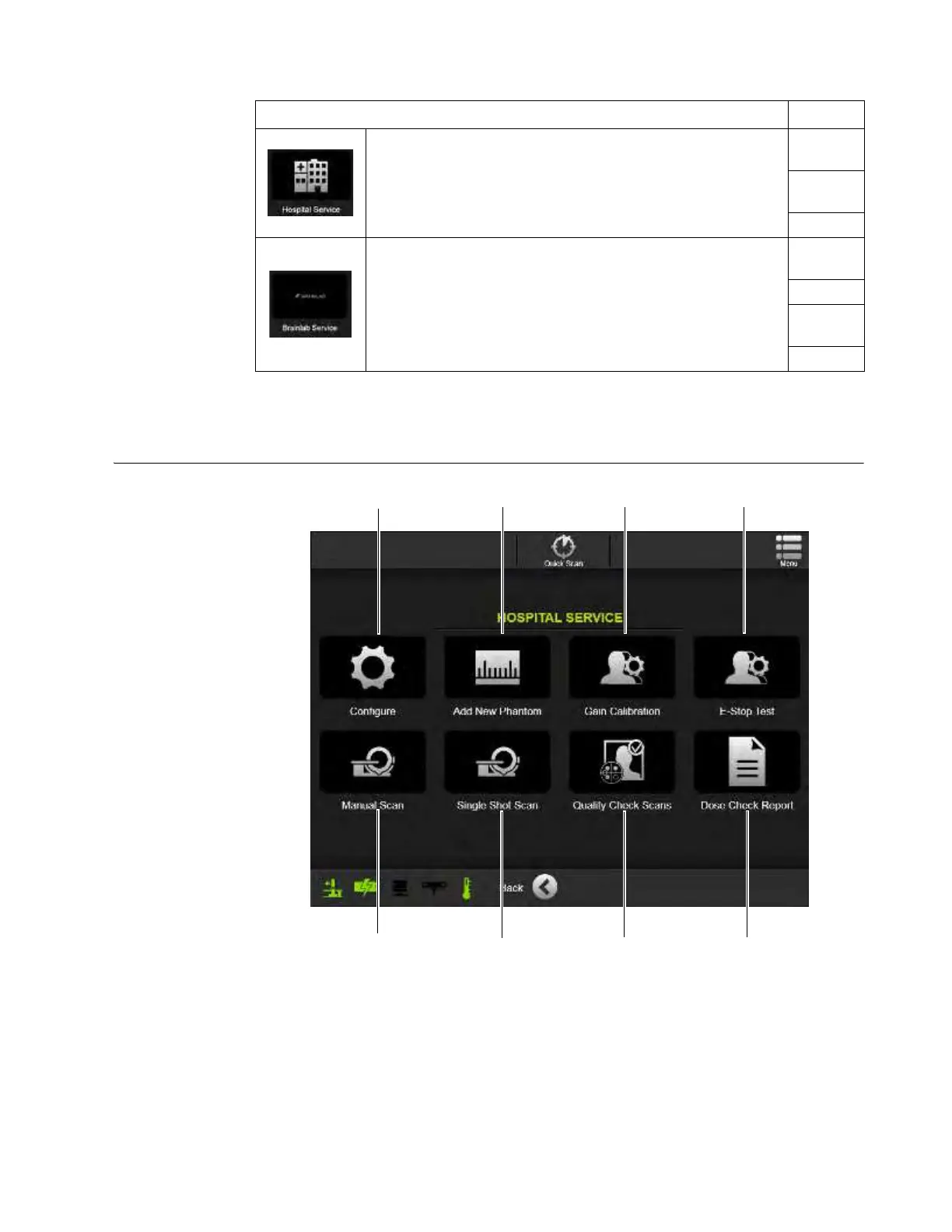
7.2.2 Hospital Service
Hospital Service
Screen
Figure 112
Options See
1. To access the features available to on-site hospital
technicians, select Hospital Service
a.
2. On the Technician log-in screen, enter a technician-level or
higher password.
3.3.2
3. Select the required Hospital Service feature. 7.2.2
1. Contact Support to find out which options are available from
Brainlab.
1.2
2. Select
Brainlab Service s.
3. On the Brainlab log-in screen, enter the Brainlab service-level
password.
4. Configure navigation settings. 7.2.11



 To Next Page