126 MI-42-0001 Rev. 19
SCANNING: View an Existing Scan
6.9 View an Existing Scan
How to View an
Existing Scan
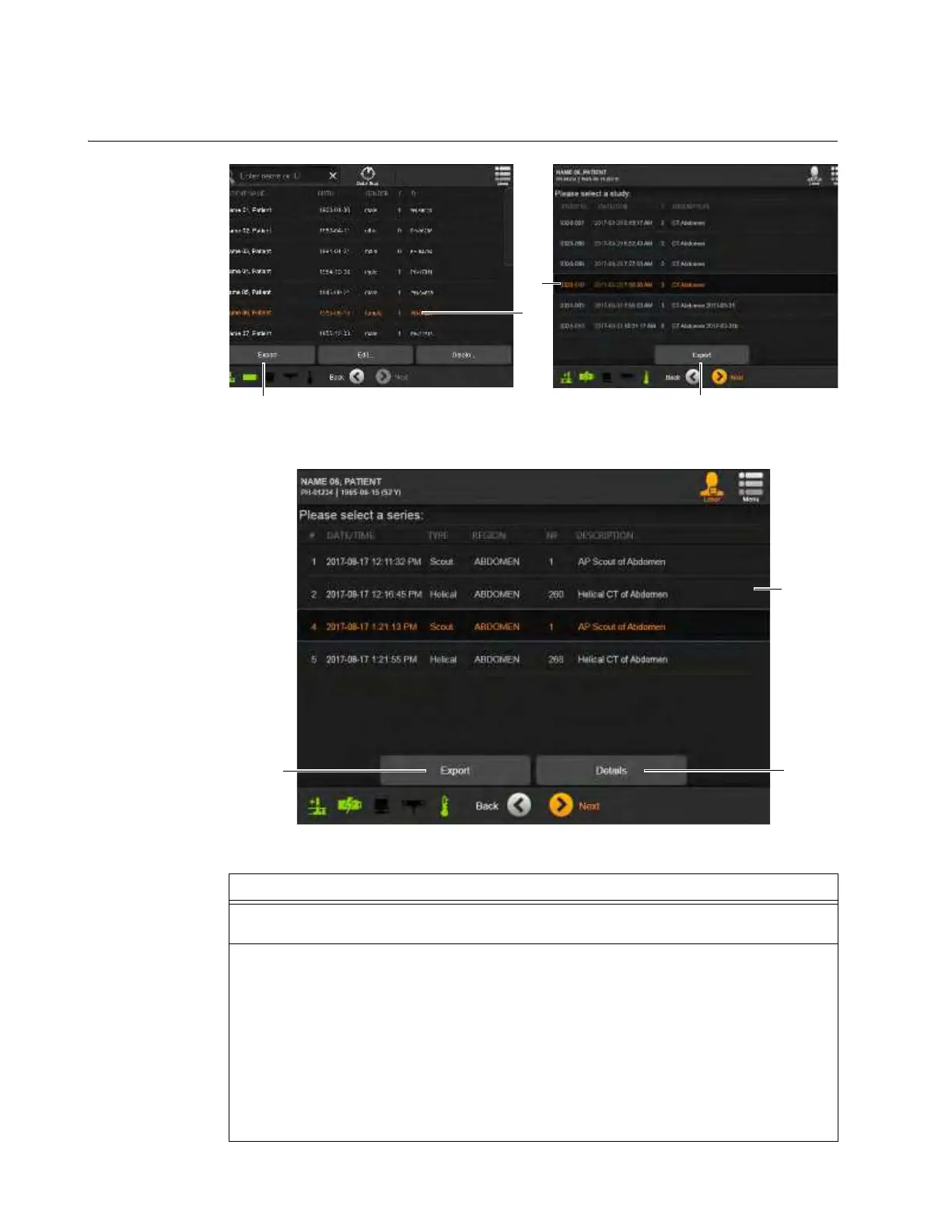
Figure 100
Figure 101
Steps
1. From the Welcome screen, select DICOM Viewer. See section 6.6.1 Welcome Screen and
Functions.
2. Select a patient record
a.
To help ensure correct patient record selection, the screen provides:
• Patient Name
• Birth date
• Gender
• Count of studies contained in the record
• Patient ID
NOTE: If the patient name is not on the list, there are no existing scans for that patient on
this system.



 To Next Page