58 MI-42-0001 Rev. 19
TRANSPORT MODE: Transportation
3.3.11 Lowering the System
How to Lower the
System
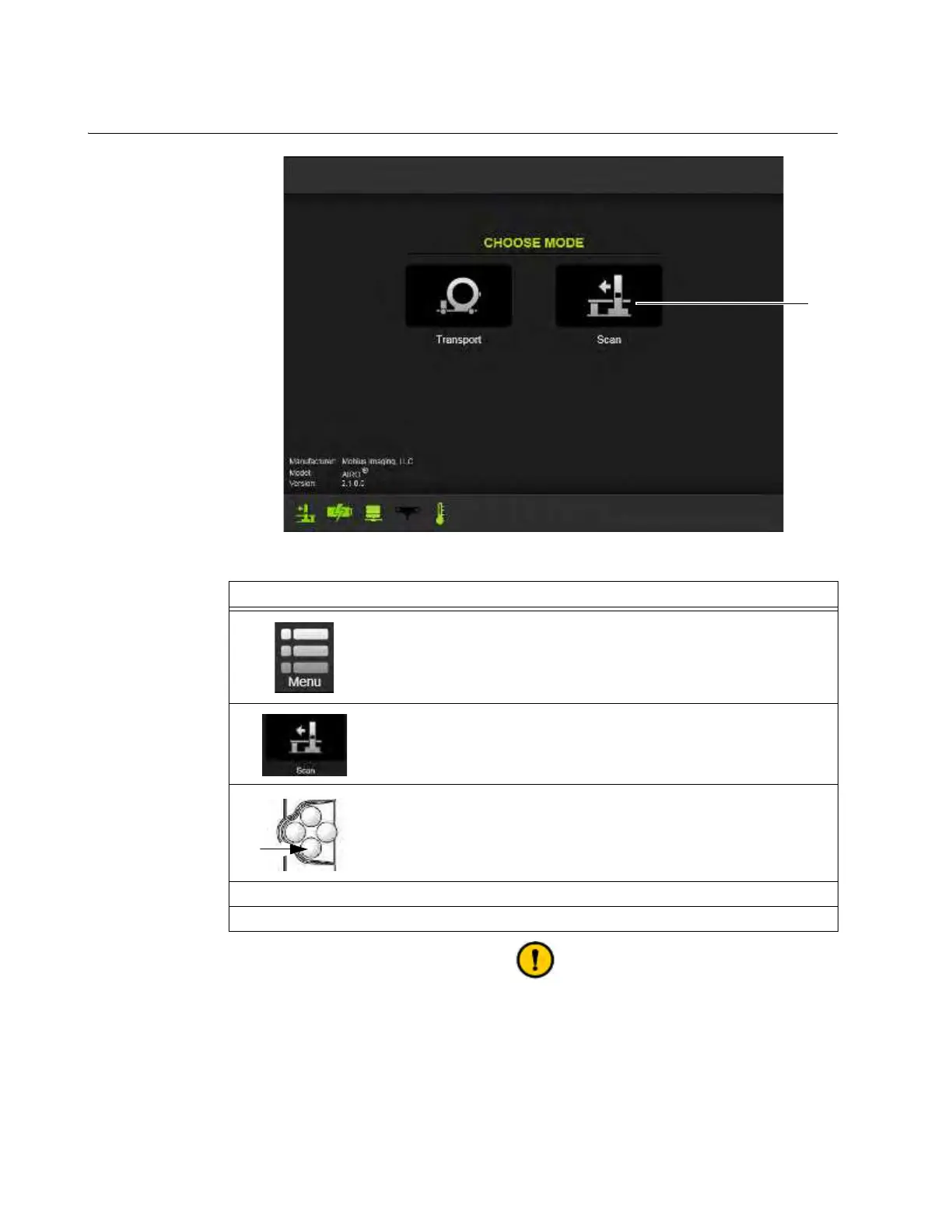
Figure 31
Be sure there are no objects under the base when it is being lowered, such as power
cords.
Steps
1.
Either touch Menu on the Transport screen to bring up the main Menu
options on the Pendant (see Figure 23), or access the Choose Mode screen
(see Figure 31).
2. Select Scan on the Menu dialog or the Choose Mode screen.
3. Press Down until the base is on the floor.
4. Plug in the power cord.
5. If applicable, plug in the network cable.



 To Next Page