MI-42-0001 Rev. 19 115
SCANNING: Typical Scan Sequence: New Scan
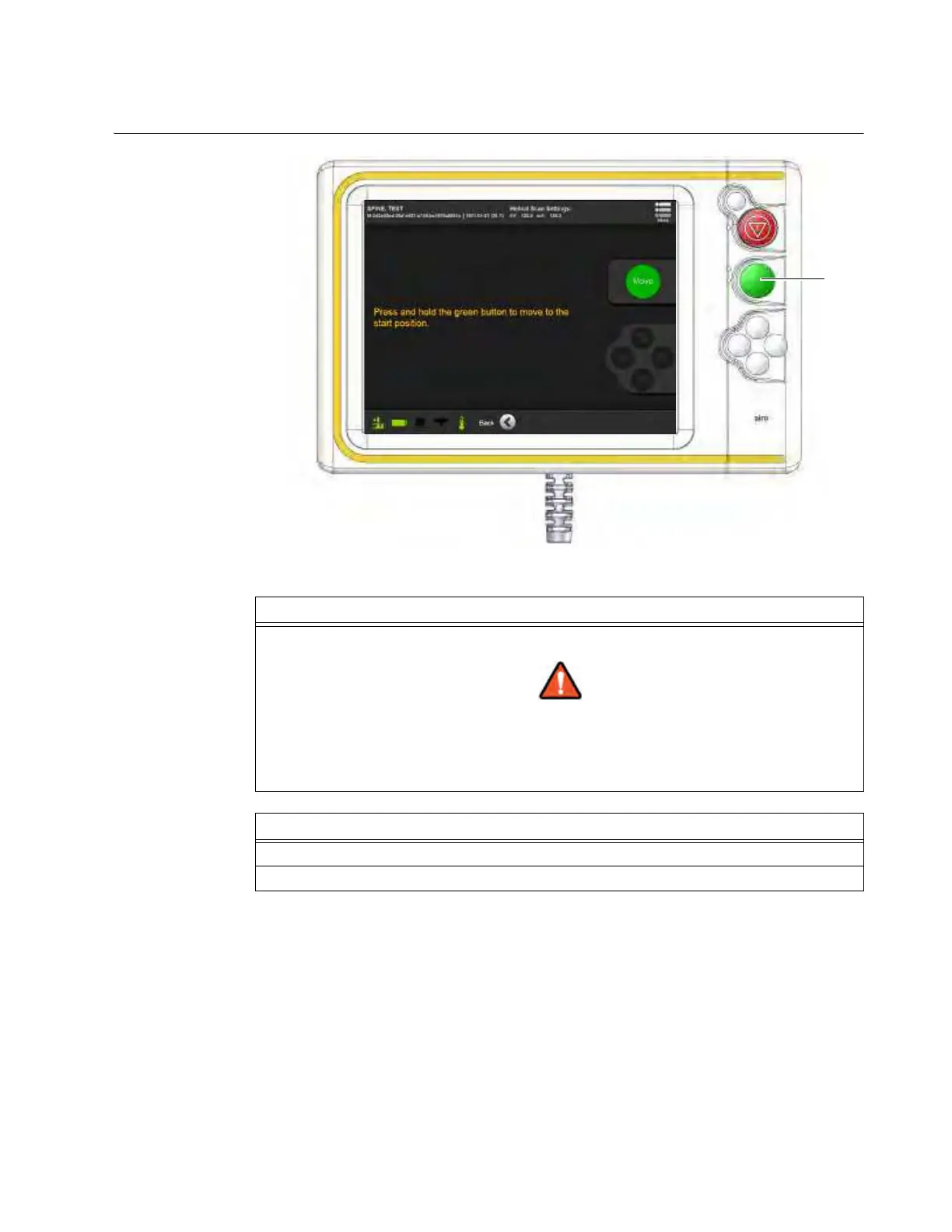
6.8.17 Move Ring to Start Position
How to Move Ring
to Start Position
Figure 87
Step
Press and hold Scan
a to move the Ring to the start position.
Keep continuous visual contact with the system and the patient when system
components are in motion.
NOTE: This is required only for main 3D scans following Scout Scans. For more information
about Scout Scans, see sections 6.8.10 through 6.8.16.
Options
To reset scan regions, touch Back.
To proceed, touch Next.



 To Next Page