MI-42-0001 Rev. 19 175
QUALITY TESTING: Testing Image Quality
8.3 Testing Image Quality
8.3.1 Testing Image Quality with the Phantom
Daily Image Quality
Test
8.3.2 Scan a Phantom for Quality Testing
Pre-Scan Checks
Start Up and Enter
Scan Mode
How to Setup
Quality Check
Scans
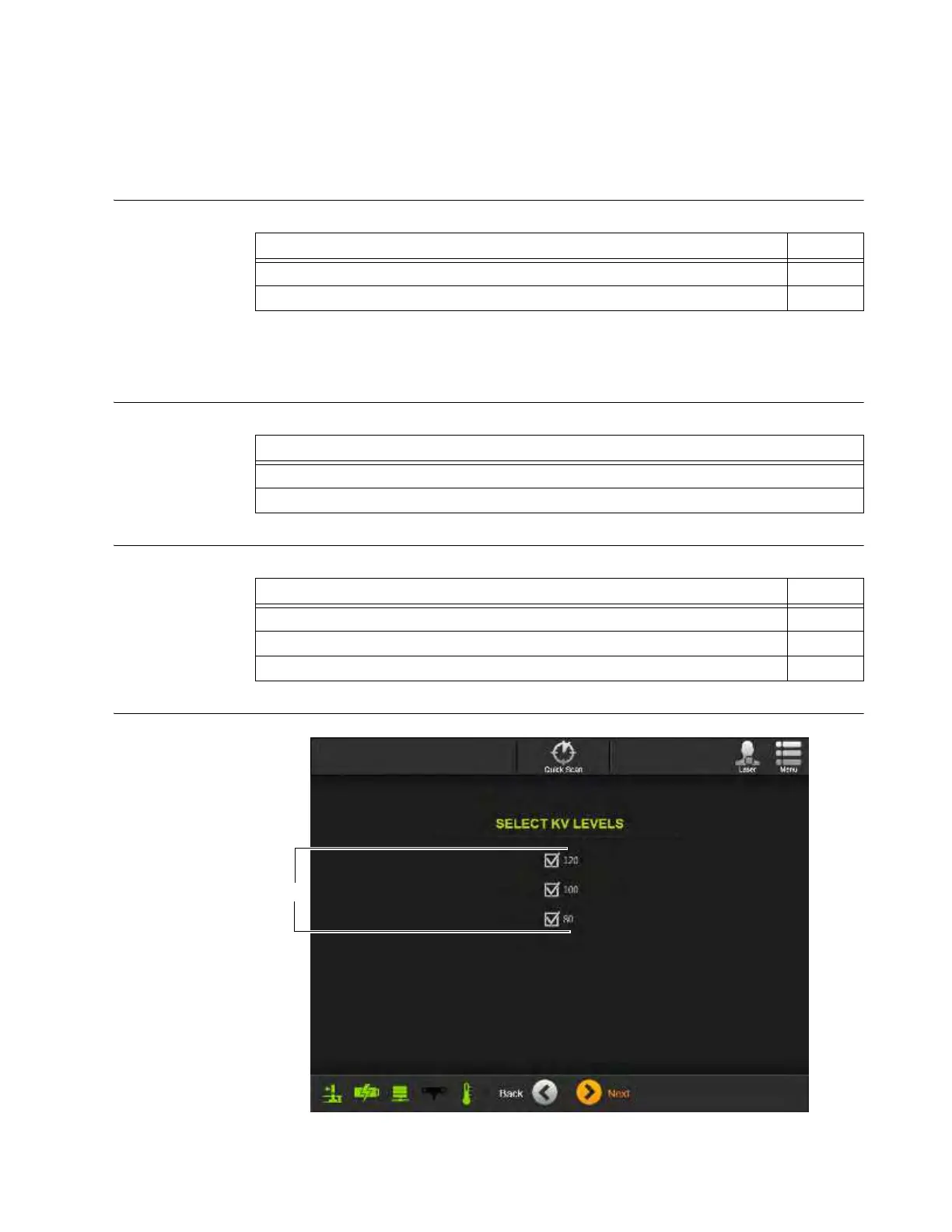
Figure 139
Steps See
1. Scan phantom 8.3.2
2. Evaluate image quality 8.4
Steps
1. AIRO warm-up procedure has been performed.
2. Valid Gain Calibration scan has been performed.
Steps See
1. If necessary, transport and set up for scan. 3
2. Log in with a user-level or higher password. 3.3.2
3. Choose
Scan
mode. 6.3.2



 To Next Page