MI-42-0001 Rev. 19 121
SCANNING: Typical Scan Sequence: New Scan
6.8.22 Image Controls
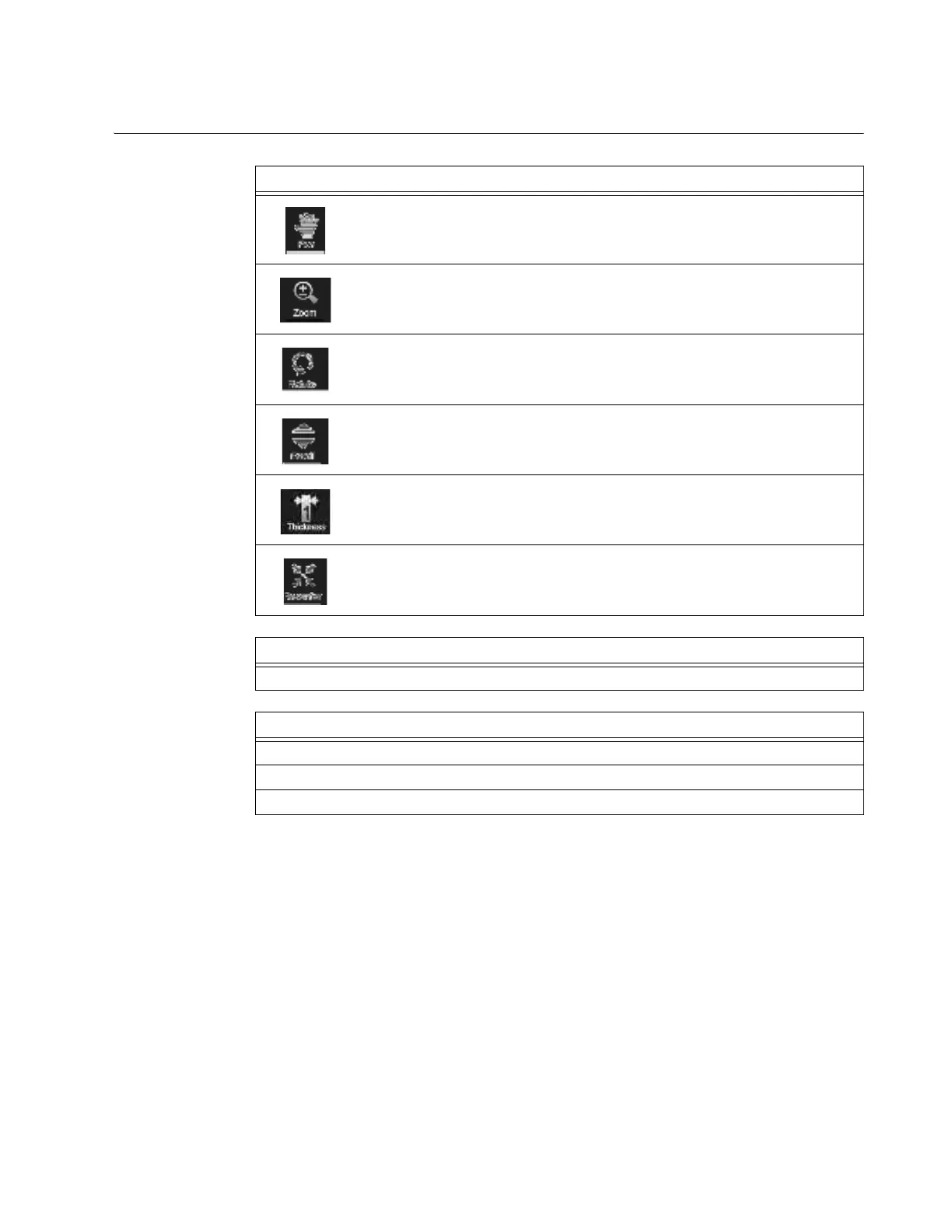
How to Use the
Image Controls
Functions
To pa
n
To zoom in or out
To rotate
To scroll up or down
To set slice thickness of view
See section 6.8.23 Setting Slice Thickness
To recenter
Step
Touch a button to activate a function.
Options
To manipulate the image, touch the main image.
To change functions, touch a different button.
To proceed, touch Next. See section 6.8.24 Sending Scan to DICOM or USB.



 To Next Page