106 MI-42-0001 Rev. 19
SCANNING: Typical Scan Sequence: New Scan
6.8.12 Setting 2D Scout Scan End Position
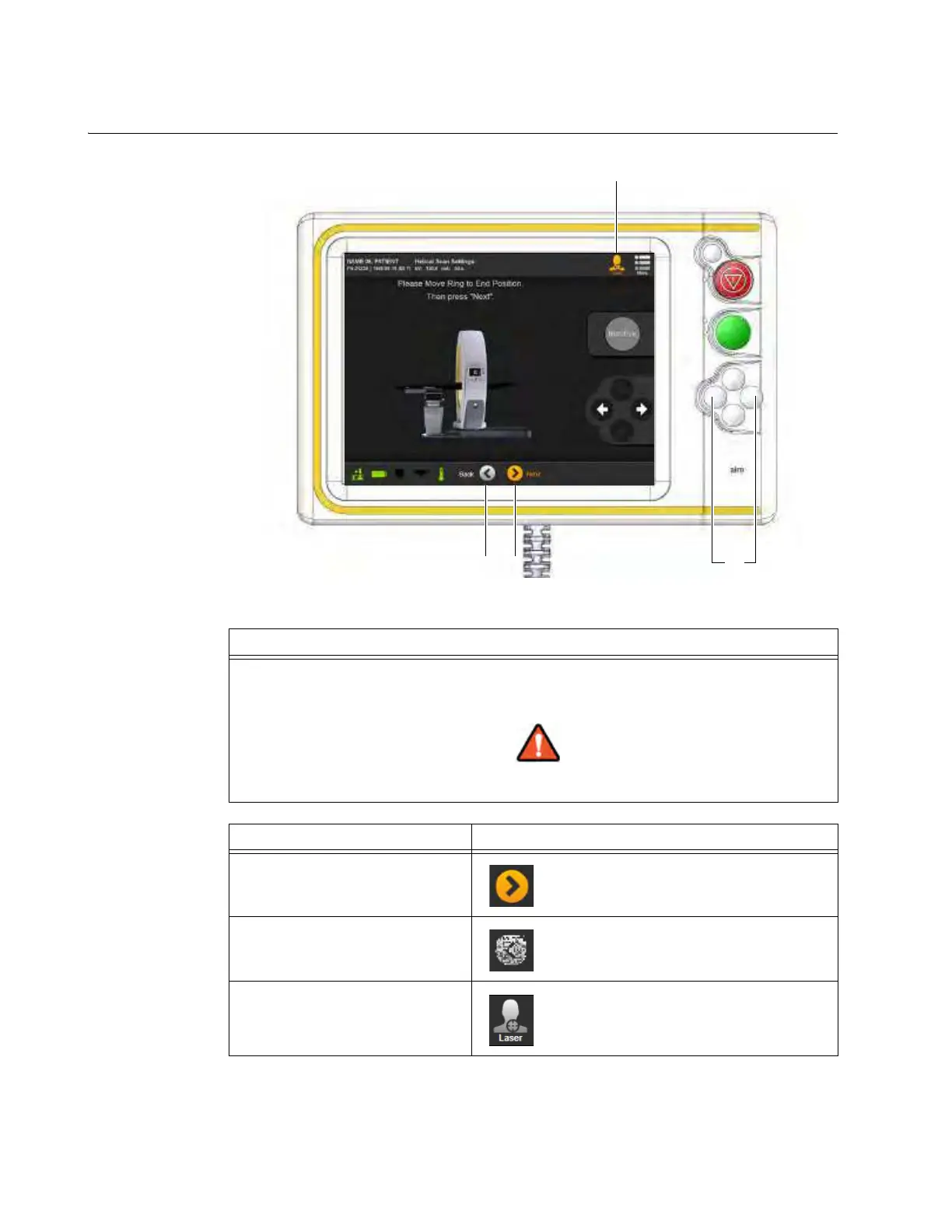
How to Set the 2D
End Position
Figure 77
Step
Using the left and right arrows
a move Ring to end position.
NOTE: Minimum Scout Scan length is 7.9cm (3.11 in.).
Keep continuous visual contact with the system and the patient when system
components are in motion.
Options Action
To select the end position Touch Next d.
To redefine the previous settings Touch Back s.
To turn on the lasers to aid
positioning
Touch Laser.
Icon indicates that lasers are
On
f.
NOTE: Touch again to turn Laser off.



 To Next Page