MI-42-0001 Rev. 19 105
SCANNING: Typical Scan Sequence: New Scan
Turning Positioning
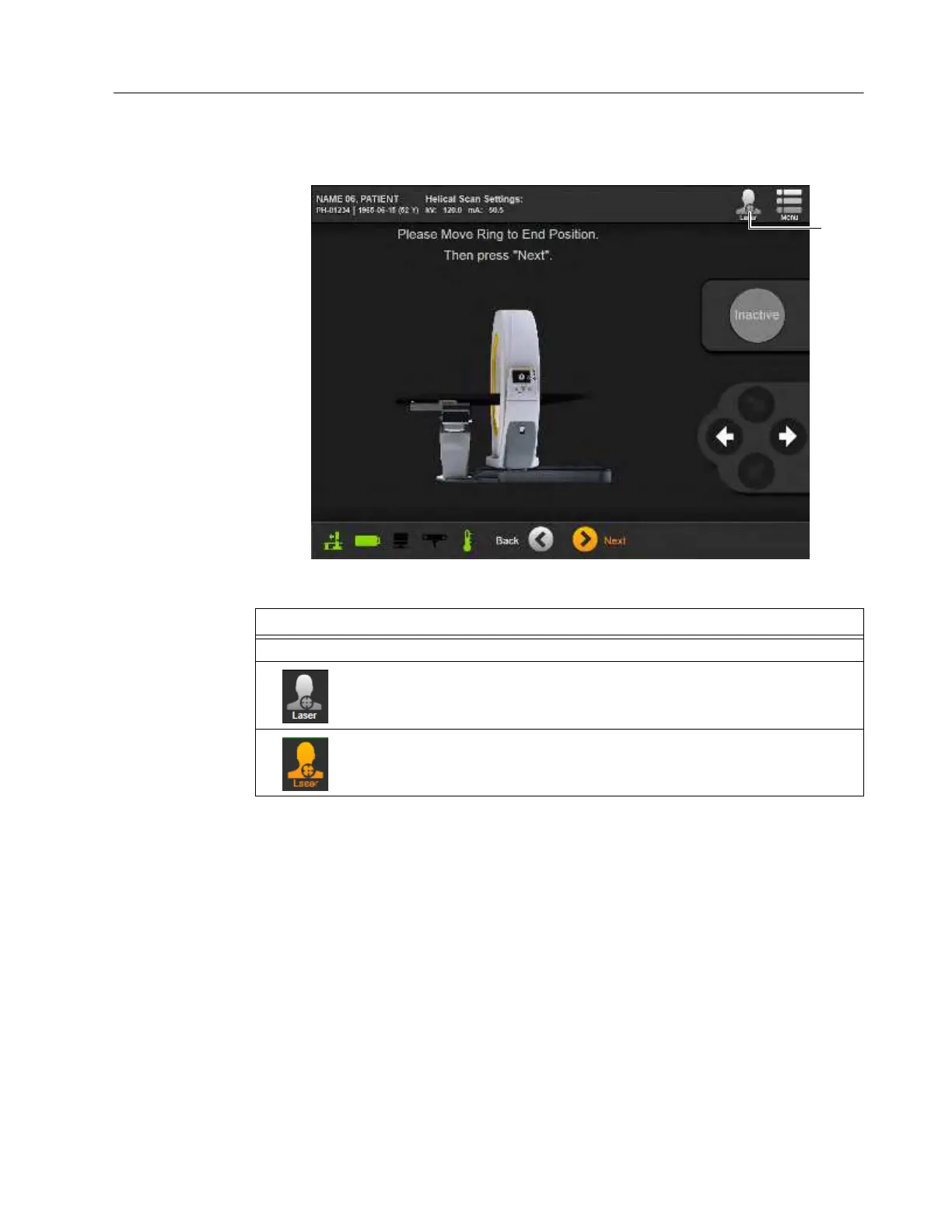
Lasers On and Off
The lasers simplify both positioning the patient and choosing a scan’s start and end points. Although
lasers can be switched on throughout scan setup, minimizing patient exposure is recommended.
Turn lasers
On
to set the start and end points. Then, turn them
Off
immediately afterwards. See
section 2.7.9 Laser Safety.
Figure 76
Step
To turn positioning lasers
On
or
Off
, touch
Laser
a on the Pendant display.
Indicates that lasers are
Off
.
Indicates that lasers are
On
.



 To Next Page