MI-42-0001 Rev. 19 43
TRANSPORT MODE: Transportation
3.3 Transportation
3.3.1 Turn On Power
How to Turn On the
System
NOTES:When powering on the system:
• Always fully charge the system before you use it. It takes approximately 10 - 12 hours to fully
charge the system.
• The best way to ensure a full charge is to leave AIRO plugged in whenever it is stationary.
• To preserve the batteries, the system automatically shuts off in one hour if left unplugged and
unused.
Figure 19
NOTES:For AIRO systems that include Columns:
• Do not raise column height when utilizing Transport mode. The column can collide with the
Gimbal if it is not in the correct position.
• Transferring the table to the shuttle sets the correct height of the column for transport.
3.3.2 Logging In
How to Log In The system requires users to log in:
• On system start up.
• After System Lock from system-idle time out.
• Following an optional security lock out from main Menu.
Steps
1. Unplug power and network cable(s).
The green charging indicator light
s goes off.
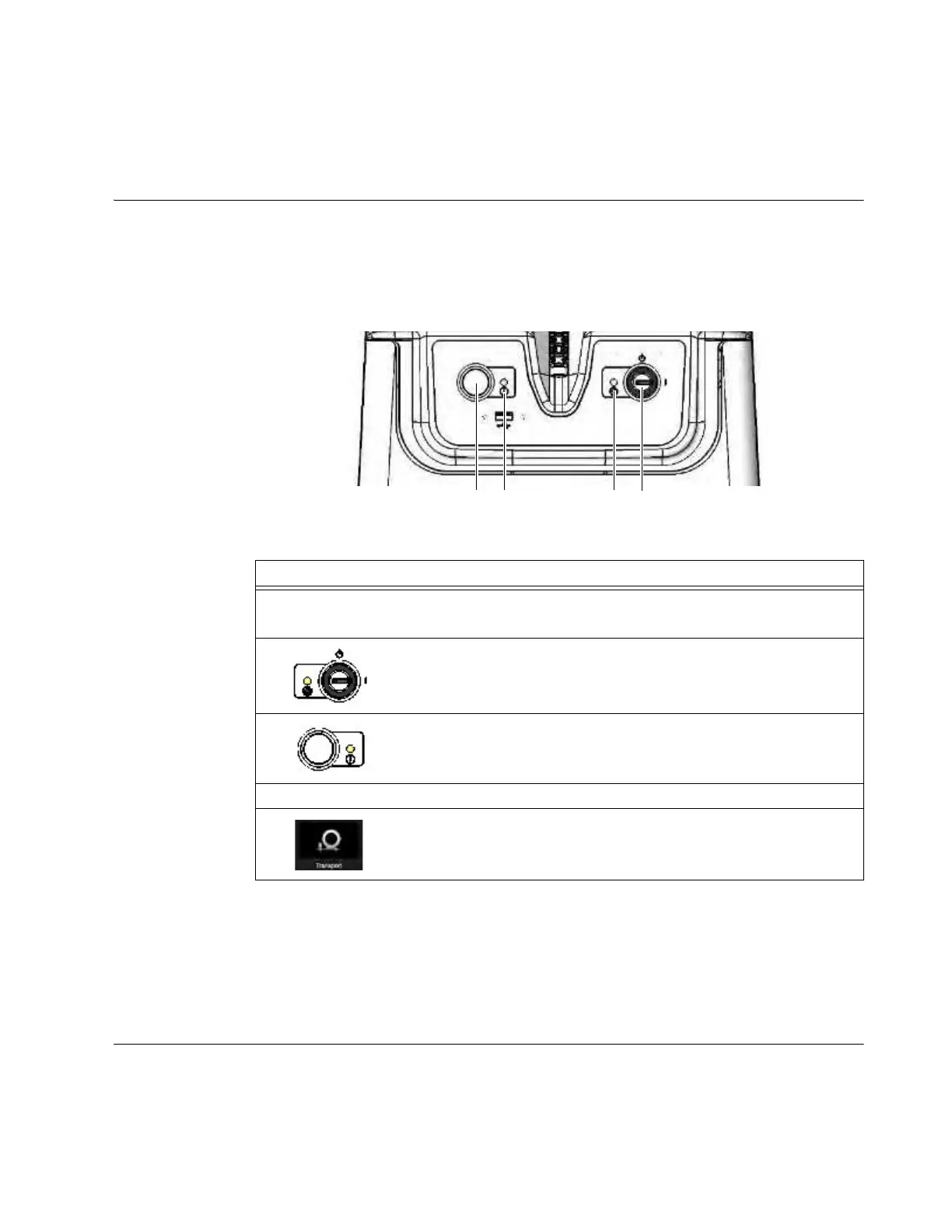
2. Insert key and turn to On
a position.
3. Press Start f.
• The yellow power indicator light d comes on.
• The Pendant displays the User log-in screen.
4. Log in on the Pendant with a user-level or higher password. See section 3.3.2 Logging In.
5.
From the Choose Mode screen on the Pendant, select Transport. See
Figure 37 on page 70.



 To Next Page